Slide 1 of 10 from 9 Steps Arrows Bars PowerPoint Diagram
9 Steps Agenda PowerPoint Waterfall
9 Steps Arrow Diagram for Presentations
- Diagram
- Arrow Sequence
- Process Slide
- 16:9
- 100% Editable
The 9 Steps Arrow Diagram slide from the 9 Steps Arrows Bars PowerPoint Diagram template offers a clear process visualization ideal for project management and product development presentations. This slide layout uses editable shapes and a gradient arrow design to guide audiences through sequential steps, making it suitable for business presentations and training overviews. Its structured format supports effective communication of complex workflows within professional slide decks.
What’s on This Slide
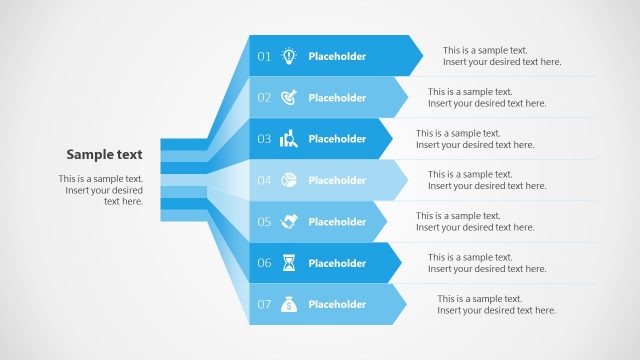
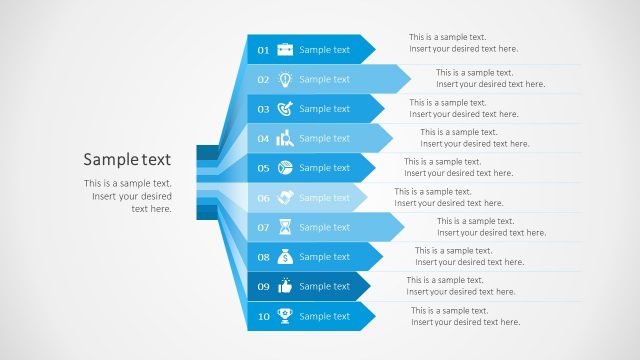
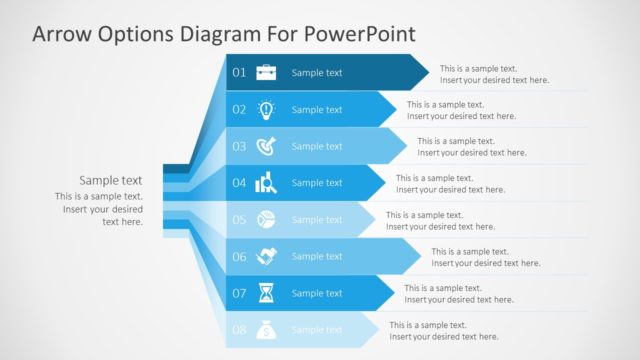
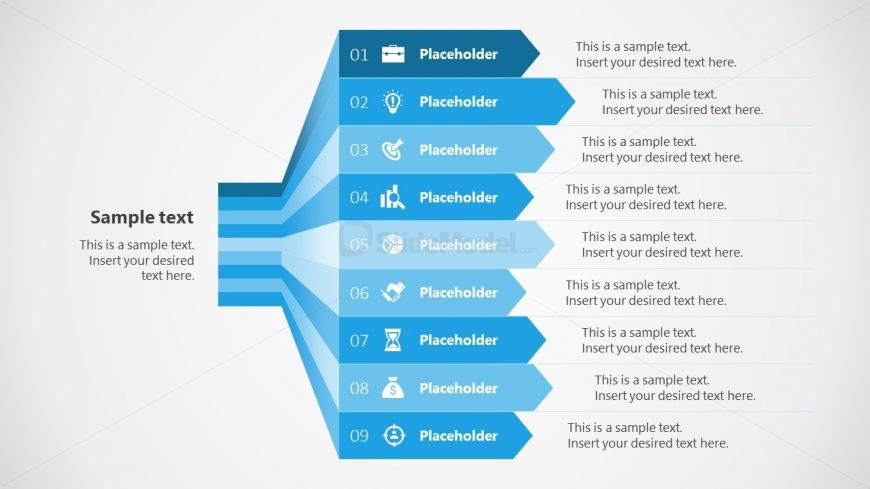
The layout features a central arrow shape pointing downward, with nine horizontal segments extending from it. Each segment is labeled with a number from one to nine, positioned on the left side. The segments are colored in varying shades of blue, creating a gradient effect. To the left of the arrow, there is a text placeholder for a title and a body text placeholder below it. The title is aligned at the top left, while the body text is positioned directly beneath. The overall composition is structured to guide the viewer's eye from the title to the numbered segments.
How to Use It
This layout serves as a sequential process diagram, ideal for outlining steps in a project or strategy. It fits well at the beginning of a presentation to introduce key topics or phases. Common scenarios include project management overviews, product development stages, or training modules. By using this structure, presenters can clearly communicate a series of actions or milestones that need to be addressed in the discussion.
Text Placeholders & Capacity
Keep your copy within these limits so it fits without resizing. Body slots can hold roughly 10-12 words each.
| Placeholder | Count | Max characters (approx.) |
|---|---|---|
| Slide title | 1 | 30 |
| Body paragraph | 9 | 50 |
Slide Keywords
Download unlimited PowerPoint templates, charts and graphics for your presentations with our annual plan.
DOWNLOADReturn to 9 Steps Arrows Bars PowerPoint Diagram.