Slide 1 of 8 from 7 Steps Arrows Bars PowerPoint Diagram
7 Steps Arrow Bars PowerPoint Diagram
7 Steps Arrow Diagram for Presentations
- Diagram
- Arrow Sequence
- Process Slide
- 16:9
- 100% Editable
What’s on This Slide
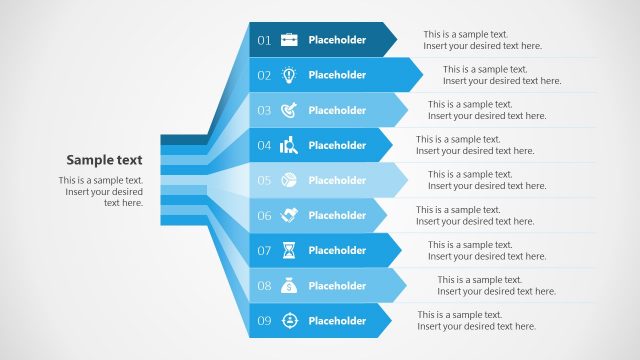
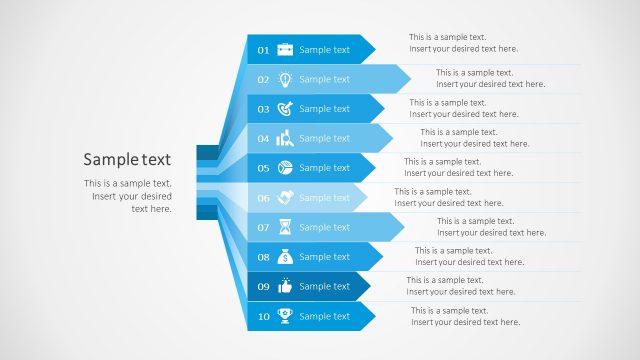
The layout features a left-aligned title and subtitle at the top. Below, seven horizontal arrow shapes are arranged vertically, each pointing towards the right. Each arrow contains an icon and a placeholder for text, with the first arrow labeled '01' and the last '07'. The arrows are colored in varying shades of blue, creating a gradient effect. The background is light gray, enhancing the visibility of the elements. The overall composition is structured, with clear visual hierarchy and spacing between the arrows.
How to Use It
This layout serves as a sequential process diagram, ideal for illustrating steps in a project or strategy. It fits well at the beginning of a presentation to outline key phases or actions. Suitable scenarios include project planning, product development, or any process requiring clear step-by-step communication. It can also be used for training sessions to guide participants through a structured agenda.
Text Placeholders & Capacity
Keep your copy within these limits so it fits without resizing. Node body slots can accommodate roughly 10-12 words each.
| Placeholder | Count | Max characters (approx.) |
|---|---|---|
| Slide title | 1 | 30 |
| Subtitle | 1 | 50 |
| Item heading | 7 | 10 |
| Item body | 7 | 50 |
Slide Keywords
Download unlimited PowerPoint templates, charts and graphics for your presentations with our annual plan.
DOWNLOADReturn to 7 Steps Arrows Bars PowerPoint Diagram.