Slide 3 of 9 from 8 Steps Arrows Bars PowerPoint Diagram
Multi Purpose Business PPT
Arrow Options Diagram for PowerPoint
- Diagram
- Arrow Sequence
- Process Slide
- 16:9
- 100% Editable
The Arrow Options Diagram from the 8 Steps Arrows Bars PowerPoint Diagram template offers a clear process visualization ideal for project management and strategic planning presentations. This slide layout uses editable shapes and vector icons to highlight sequential workflow steps, making it suitable for business presentations and pitch decks that require precise communication of complex processes.
What’s on This Slide
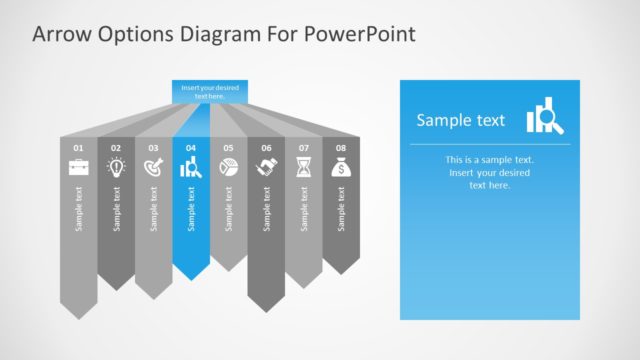
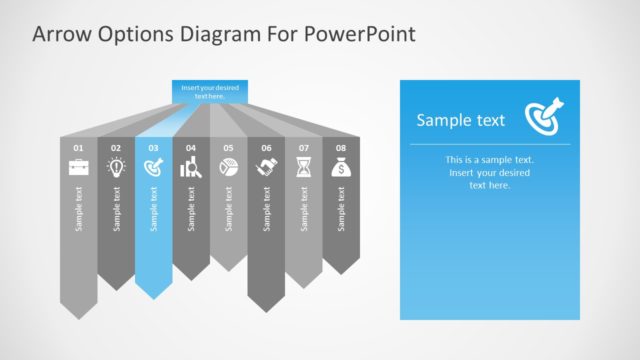
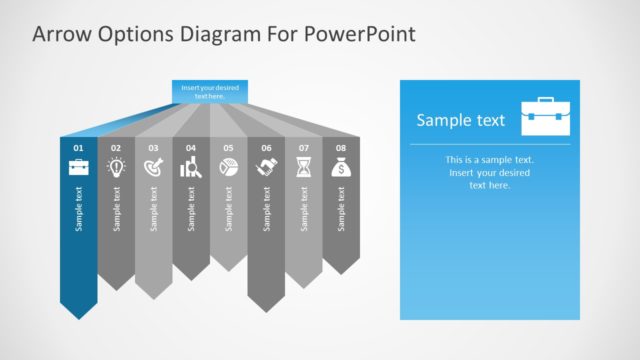
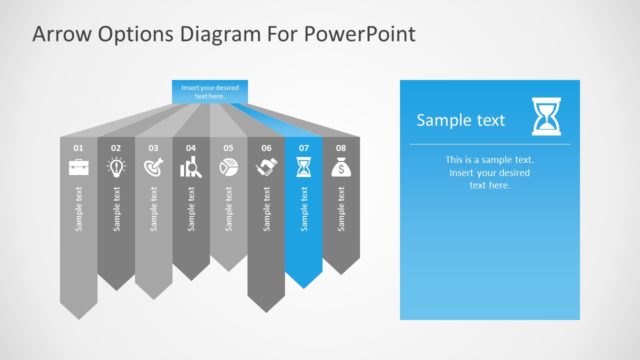
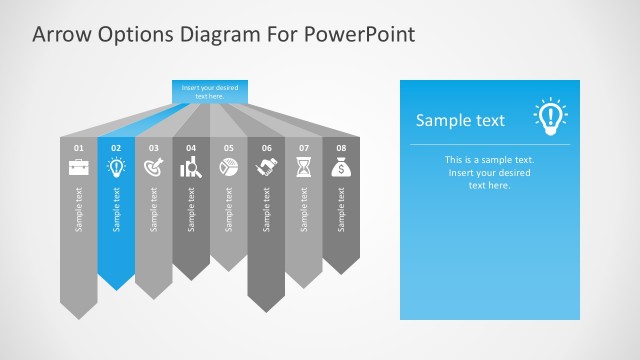
The layout features a central arrow pointing downward with eight segments extending from it. Each segment is a gray ribbon labeled with numbers from 01 to 08, with the second segment highlighted in blue. Icons are placed within the segments, representing various concepts. To the right, a blue rectangular box contains placeholder text for a title and body text. The overall composition is balanced, with a light background that enhances visibility. Text placeholders are aligned centrally within the segments and the box.
How to Use It
This layout serves as a step-by-step process diagram, ideal for outlining sequential actions or stages. It fits well in a presentation discussing workflows, project phases, or strategic initiatives. The highlighted segment can emphasize a key step or concept. In business contexts, it is useful for project management, training sessions, or strategic planning discussions, allowing for clear communication of processes.
Text Placeholders & Capacity
Keep your copy within these limits so it fits without resizing. Node body slots can hold approximately 10 words each.
| Placeholder | Count | Max characters (approx.) |
|---|---|---|
| Item heading | 8 | 20 |
| Item body | 8 | 50 |
| Slide title | 1 | 40 |
| Body paragraph | 1 | 100 |
Slide Keywords
Download unlimited PowerPoint templates, charts and graphics for your presentations with our annual plan.
DOWNLOADReturn to 8 Steps Arrows Bars PowerPoint Diagram.