Slide 2 of 9 from 8 Steps Arrows Bars PowerPoint Diagram
8 Steps Arrows PowerPoint
Arrow Options Diagram for PowerPoint
- Diagram
- Arrow Sequence
- Process Slide
- 16:9
- 100% Editable
The Arrow Options Diagram from the 8 Steps Arrows Bars PowerPoint Diagram template offers a clear visualization of sequential processes, ideal for project management and strategic planning presentations. This slide features editable shapes and vector icons arranged in a downward arrow sequence, making it a practical choice for business presentation slide decks that require illustrating workflows or step-by-step actions.
What’s on This Slide
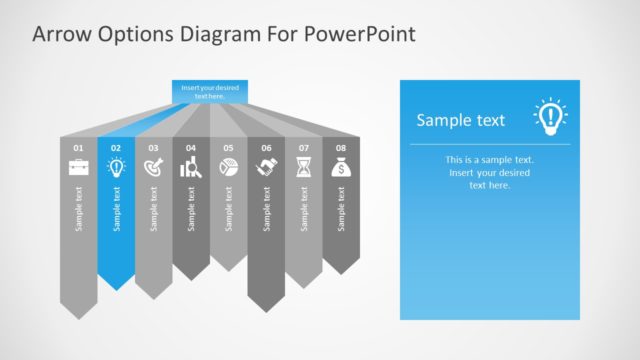
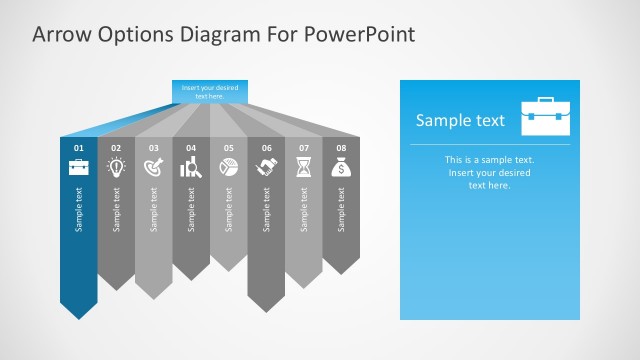
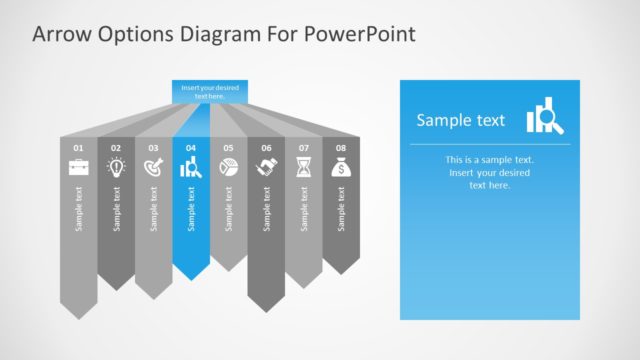
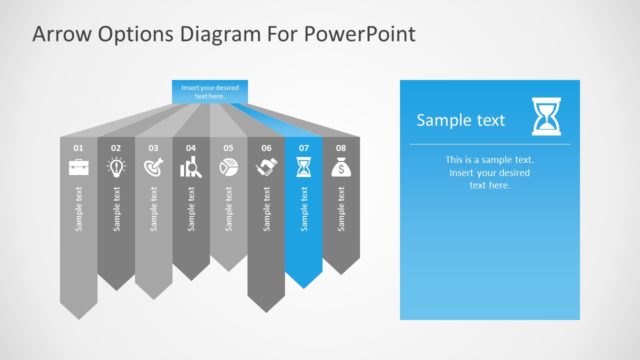
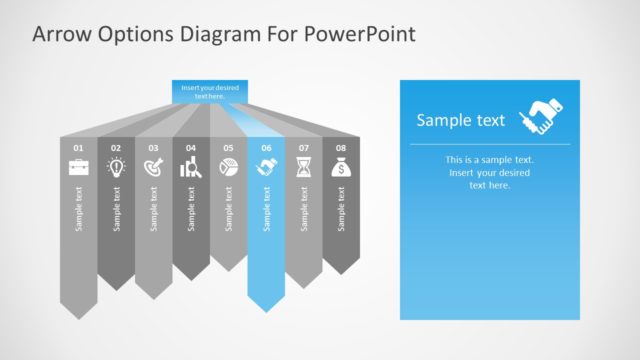
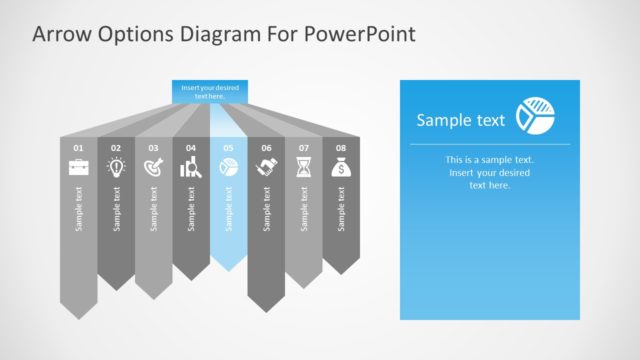
The layout features a central arrow shape extending from the top, leading to eight downward-pointing arrow segments. Each segment is labeled with a number from 01 to 08 and contains a sample text placeholder aligned centrally. Icons representing various concepts are placed above the text in each segment. To the right, there is a rectangular container with a blue background, containing additional sample text and a title placeholder. The overall color scheme is gray and blue, with a light background enhancing visibility.
How to Use It
This layout serves as a sequential process diagram, illustrating steps or stages in a workflow. It is suitable for presentations that outline a series of actions or decisions, such as project management or strategic planning. This slide fits well after a problem-framing slide and can effectively communicate a roadmap or action plan in business contexts, helping audiences visualize the progression through various phases.
Text Placeholders & Capacity
Keep your copy within these limits so it fits without resizing. Node body slots can hold about 30 characters each.
| Placeholder | Count | Max characters (approx.) |
|---|---|---|
| Item heading | 8 | 20 |
| Item body | 8 | 30 |
| Body paragraph | 1 | 100 |
| Slide title | 1 | 50 |
Slide Keywords
Download unlimited PowerPoint templates, charts and graphics for your presentations with our annual plan.
DOWNLOADReturn to 8 Steps Arrows Bars PowerPoint Diagram.