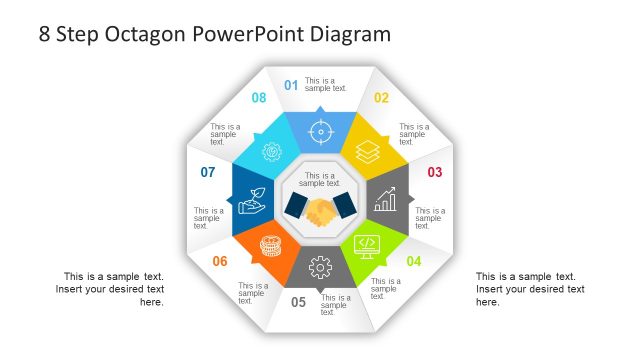
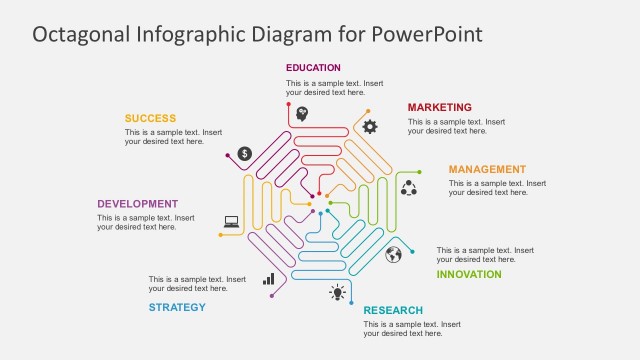
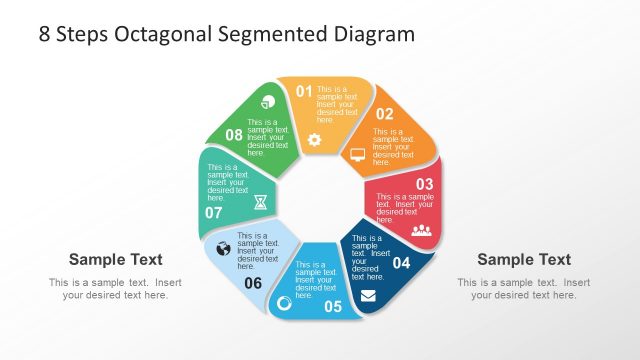
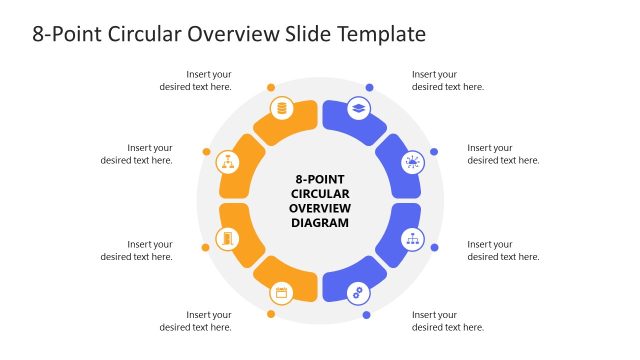
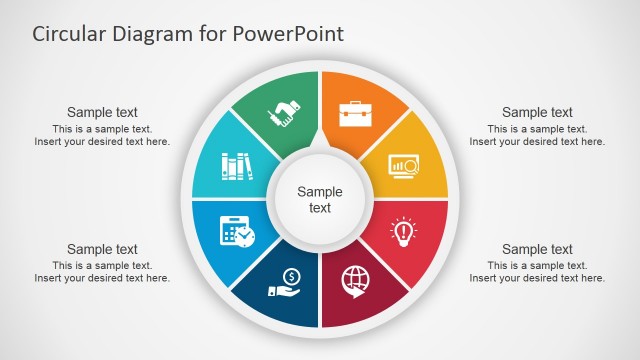
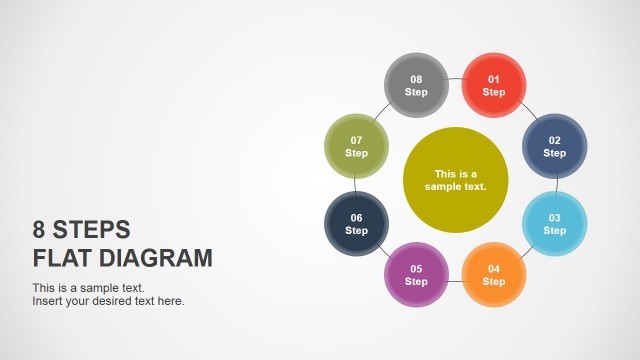
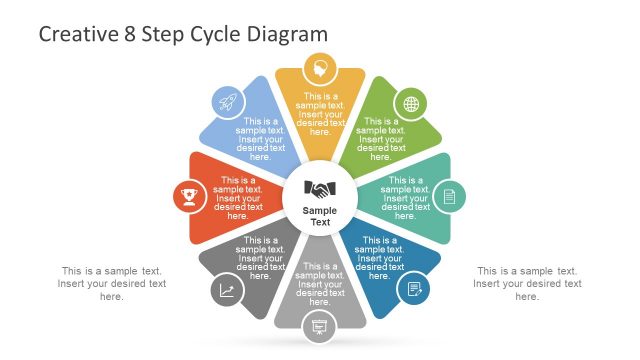
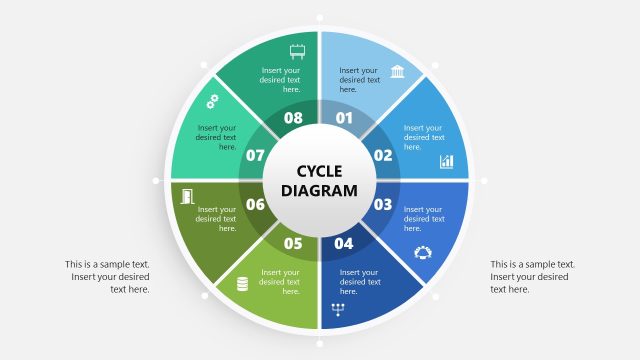
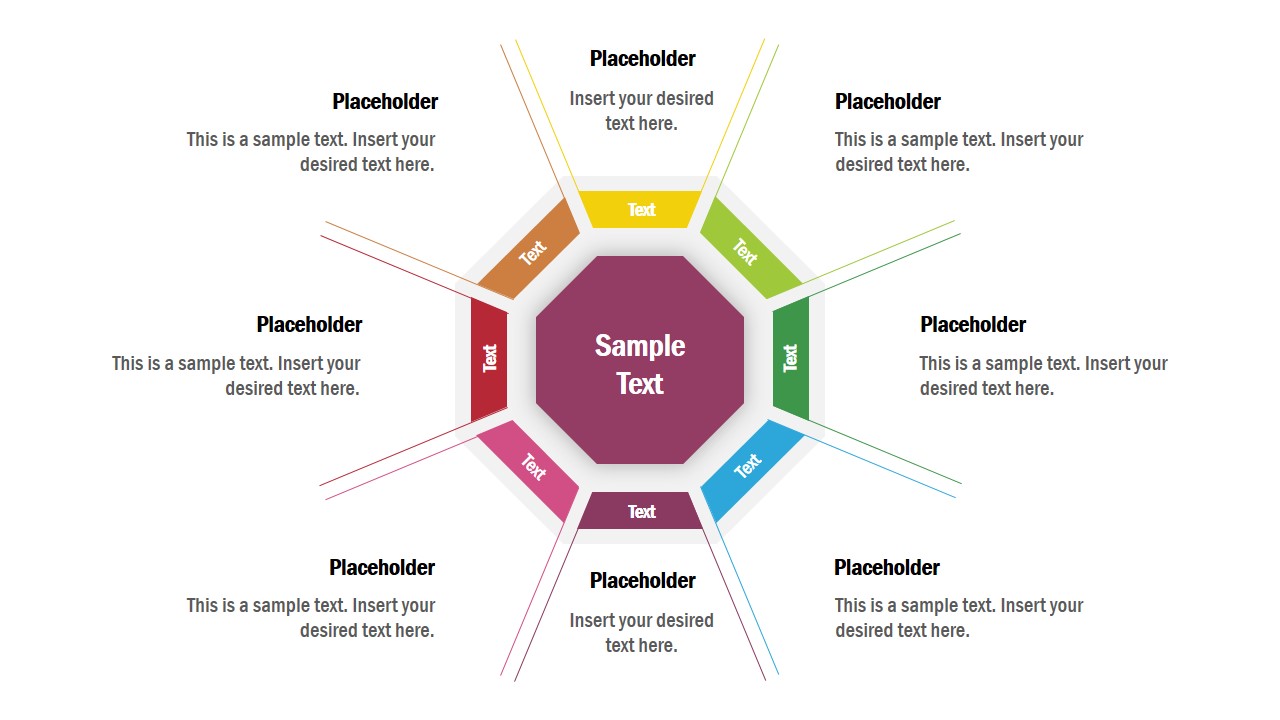
The 8 Step Octagonal Concept PowerPoint Template single slide with a full view of process cycle diagram. It is a multi-purpose PowerPoint diagram that could assist professionals during business and learning presentations. This is an 8 steps diagram template that could be used for a continuous process cycle. Or, present 8 individual categories with core element in center. For example, the 8 features of product or model categories. Similarly, this diagram template could help present strategic development and planning in PowerPoint. Because simple diagrams are helpful to grasp the basic idea of any given topic.
This octagonal diagram in PowerPoint provides an eye-catching graphic that shows extended 8 segments. The users can enter useful textual information and make changes in design according to original presentation. For example, change the background color or 8 segments of octagon shape. Moreover, add shapes and infographic icons for visual representation that will create a modern visual effect. Further, replace the text placeholder in middle with clipart icon to enhance diagram visuals.
The 8 Step Octagonal Concept PowerPoint Template can save time and effort at presenter’s part. They can simply customize and adjust the PowerPoint elements and present an attractive professional presentation. Such as quality or risk management cycle, research process, and factors affecting an entity. Therefore it could present 8 steps iteration process or sub-elements.
What’s inside this template
Example presentation scenarios
- A consultant can use the octagonal process cycle to explain eight stages of a client transformation plan while keeping the central objective visible.
- A product manager can present eight product capabilities around the center label and use the radial callouts to describe each capability for executives.
- A trainer can introduce an 8-step learning method by placing the course outcome in the center and explaining each step through the outside text blocks.
- A strategy team can map eight drivers of a business issue using the colored outer segments and connector lines to show how each factor relates to the core topic.
Features
- 100% editable presentation template
- Compatible with Microsoft PowerPoint and Google Slides
- 16:9 aspect ratio slides
- Scalable vector shapes, icons and illustrations
- AI-Ready for Microsoft Copilot and Claude
- Instant access and download
Frequently asked questions
Q: How should a presenter explain the 8-step diagram without overwhelming the audience?
A: Start with the central octagon and define the core idea in one sentence. Then move around the eight colored segments in a consistent direction, giving each callout one short point. Keep the outer text parallel in structure so the audience hears a clear pattern rather than eight unrelated notes.
Q: Who is this template best suited for in a business presentation?
A: This template fits presenters who need to organize related points around one central concept, such as consultants explaining a framework, managers describing operating principles, or trainers teaching a method. It works best when the eight items are peer-level categories or steps rather than detailed task lists.
Q: Why use an octagon instead of a standard bullet list?
A: The octagon creates a visual metaphor for a complete system around a center. The colored outer segments show that all eight items have equal weight, while the radial connectors tie each explanation back to the main idea. This makes relationships easier to scan than a vertical list.

8 Step Octagonal Concept PowerPoint Template
1-slide presentation template for an 8-step octagonal process cycle diagram with radial callouts
The 8 Step Octagonal Concept PowerPoint Template is a 1-slide diagram for presenting an 8-part process, model, or category framework. It includes an octagonal process cycle, a central octagon label, and eight radial callout text areas for business presenters using Microsoft PowerPoint or Google Slides.
- Category
- Diagrams
- Rating

 Loading...
- Aspect ratio
- 16:9
- Item ID
- 20217-01
- Colors
 Microsoft PowerPoint
 Microsoft Copilot
 Claude for PowerPoint
Other formats supported
Subscribe today and get immediate
access to download our PowerPoint templates.