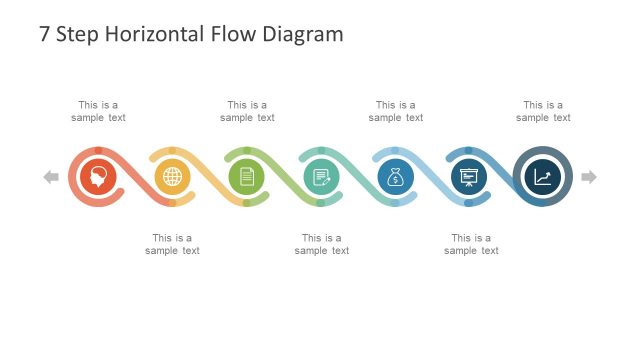
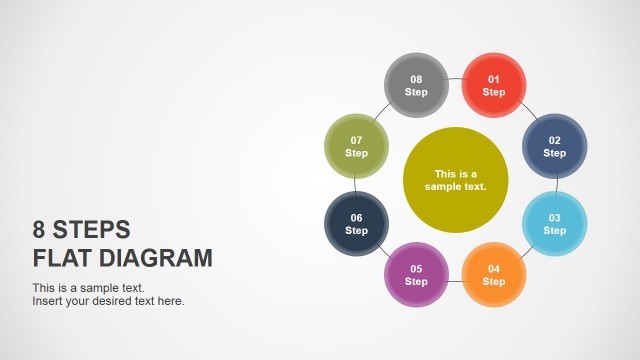
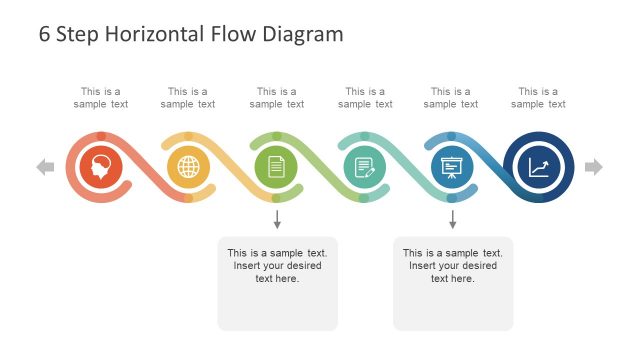
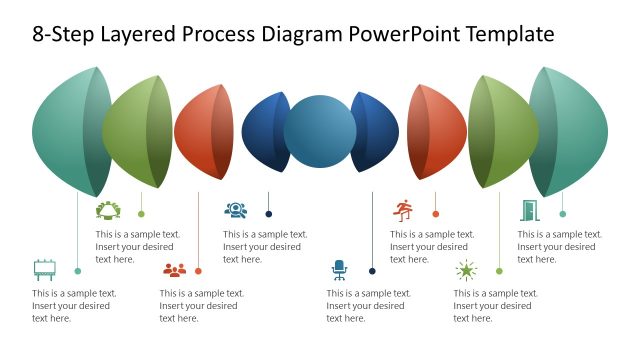
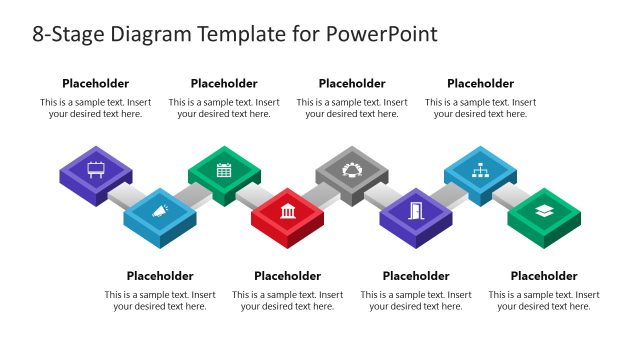
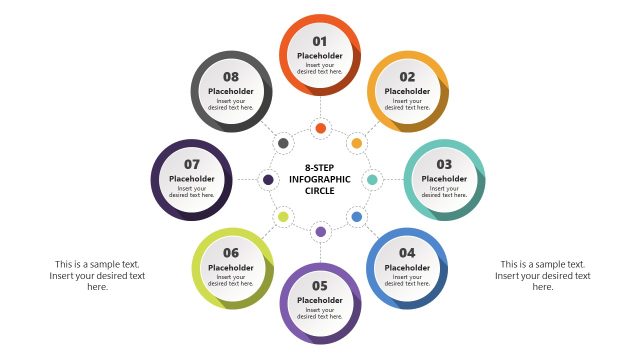
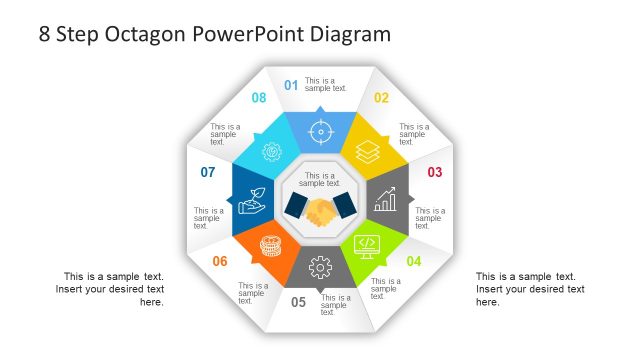
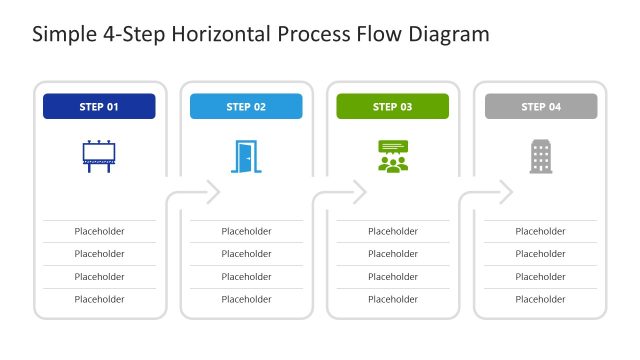
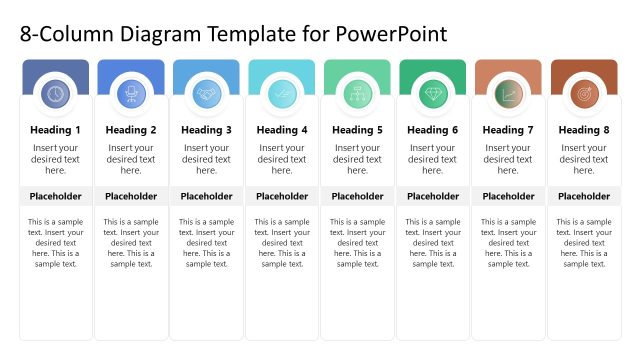
The 8 Step Horizontal Process Diagram Design for PowerPoint is an outstanding infographic template. This PowerPoint template contain 10 incredible slides of unique connecting shapes which create horizontal process flow diagram. Here, the bone dumbbell shapes show the transition from one phase to another. Hence, the connecting dumbbells in a zig-zag design can present the workflow ideas. These visual graphics to display a work process, business model or phases in project planning are helpful in engaging audience. It is a simple slide forming an eight-phase horizontal timeline for business and management process flow. Therefore, it is ideal to use in presentation of project management methodologies, outlining the strategic plan or scheduling tasks. Moreover, the use of placeholders to represent each segment of 8 step diagram are practical for adding notes.
The 8 Step Horizontal Process Diagram Design for PowerPoint contains impressive infographics and vector illustrations. These circular graphic illustrations represent each step of horizontal process diagram. The template infographics include, user, report, doughnut chart, sales report, business deal, hour glass, dollar symbol and dartboard. Additionally, each of the 8 steps are numbered in the diagram. Further, rescaling these highly interactive visuals, will not affect the image quality. This editable horizontal process diagram template has layer of PowerPoint shapes which produce the gradient effect. However, the colors are changeable in shape fill option of format menu. Similarly, the features like size, position, backgrounds and text placeholders are also editable elements with minimum effort.
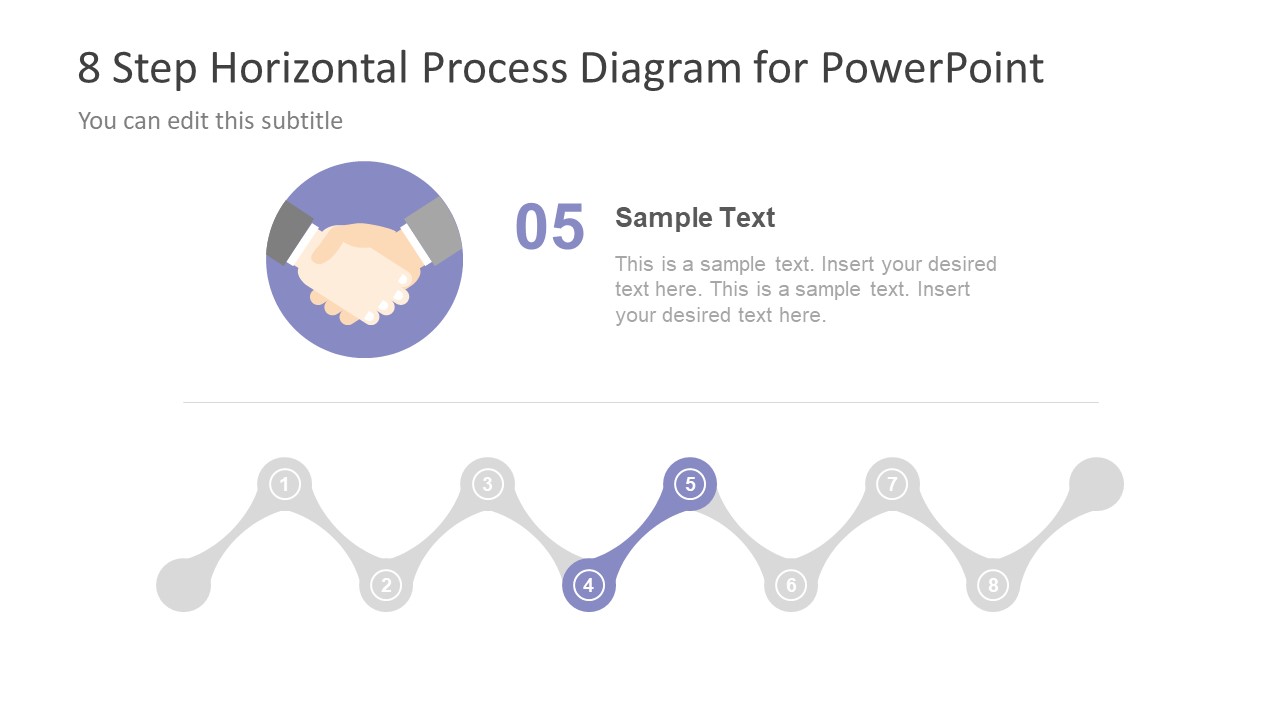
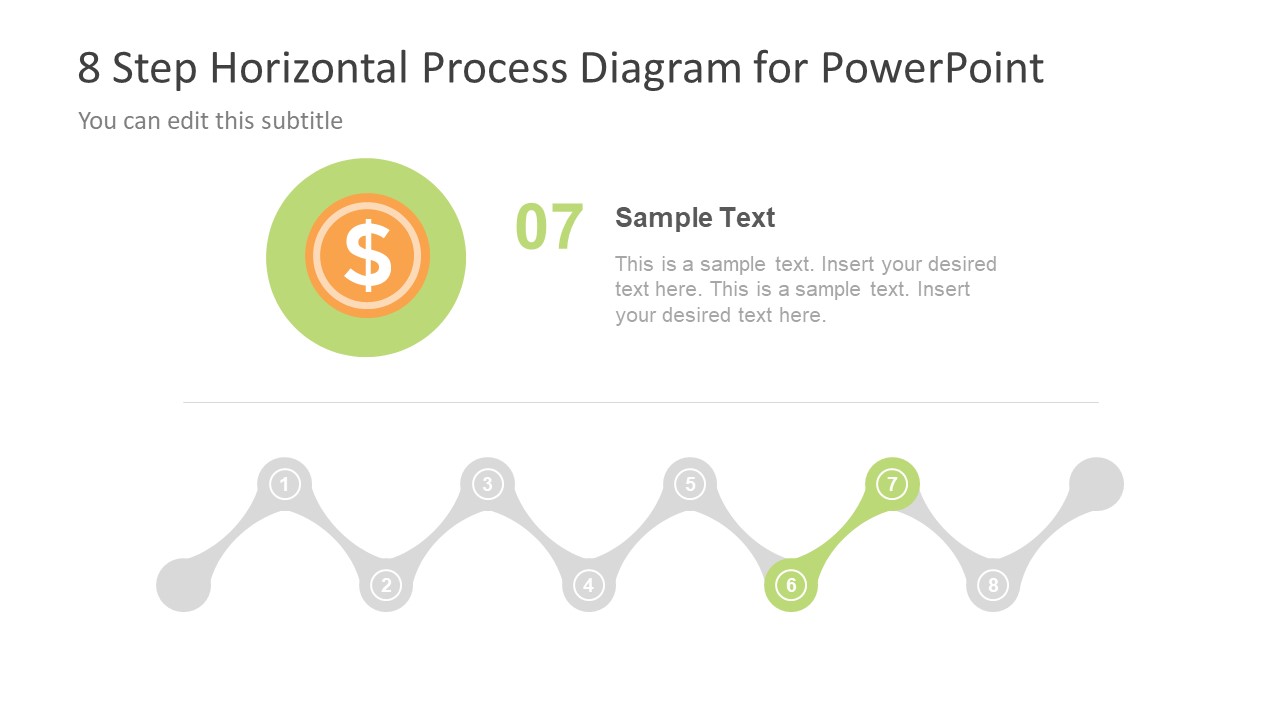
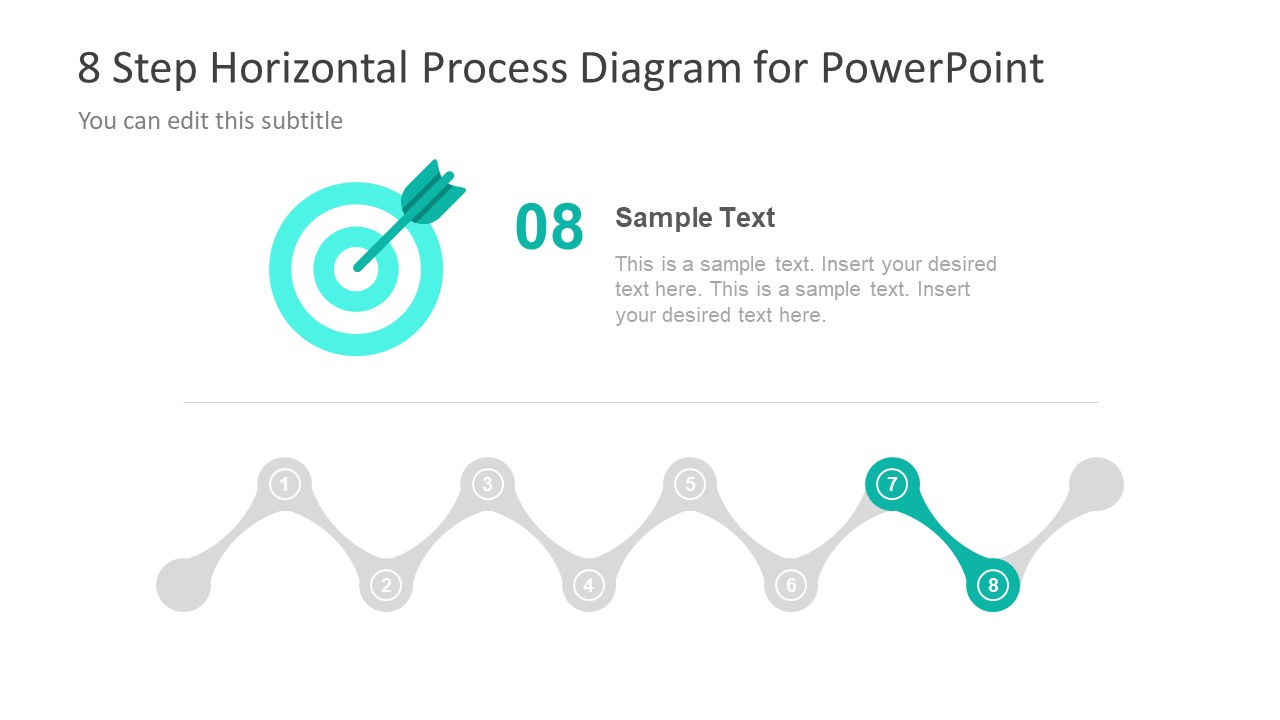
The horizontal diagram design of 8 step PowerPoint has two overview templates of zigzag process. One is a neat design of numbers, whereas, the other has visual infographic as circular icons. Furthermore, the next 8 slides highlight one segment of the diagram per slide. These slide templates provide users with the title and description placeholders to add useful information. Alternatively, check our collection of 8 steps PowerPoint templates.
What’s inside this template
Example presentation scenarios
- A project manager can present a new implementation plan by opening with the eight-step zigzag overview and then using the spotlight slides to assign owners, timing, and expected outcomes.
- An operations leader can explain a process improvement initiative to department heads using the muted process line on each step slide to show where the audience is in the sequence.
- A consultant can summarize a client engagement method with the icon-based overview, then use the document, chart, handshake, money, and target step slides to explain each phase.
- A strategy team can map a planning cycle by replacing the sample text in the numbered nodes and using the full horizontal workflow to keep dependencies visible.
Features
- 100% editable presentation template
- Compatible with Microsoft PowerPoint and Google Slides
- 16:9 aspect ratio slides
- Scalable vector shapes, icons and illustrations
- AI-Ready for Microsoft Copilot and Claude
- Instant access and download
Frequently asked questions
Q: How should a presenter explain the eight steps without overloading the audience?
A: Start with Slide 1 or Slide 2 to establish the full process path, then move through the spotlight slides one stage at a time. Keep each step description short: purpose, owner, input, and output. The gray background process line helps listeners track progress while the colored segment directs attention to the current stage.
Q: Who is this process diagram best suited for?
A: This template fits project managers, operations teams, consultants, and strategy presenters who need to describe a linear process with eight distinct stages. It works best for workflows where each phase has a clear handoff, such as planning methods, implementation models, client onboarding, review cycles, or process improvement programs.
Q: Why does the zigzag connector design work for process communication?
A: The connected dumbbell-style path makes the process feel continuous while still separating each numbered stage. Alternating high and low nodes prevent the slide from becoming a flat list, and the spotlight slides use color against gray to create a clear visual cue for the active step in the sequence.





8 Step Horizontal Process Diagram Design for PowerPoint
10-slide process diagram presentation template with horizontal workflow steps and circular business icons
This is a 10-slide 8-step horizontal process diagram template for Microsoft PowerPoint and Google Slides. It includes a zigzag overview, an icon-based process overview, and eight step spotlight slides for user, document, chart, handshake, hourglass, money, and target milestones. It is designed for project managers, strategists, and operations teams.
- Category
- Diagrams
- Rating

 Loading...
- Aspect ratio
- 16:9
- Item ID
- 7680-01
- Colors
 Microsoft PowerPoint
 Microsoft Copilot
 Claude for PowerPoint
Other formats supported
Subscribe today and get immediate
access to download our PowerPoint templates.