Slide 3 of 9 from 8-Stage Diagram Template for PowerPoint
Editable 8-Stage Diagram Template Slide
8-Stage Process Flow Diagram for Presentations
- Diagram
- Process Flow
- Process Slide
- 16:9
- 100% Editable
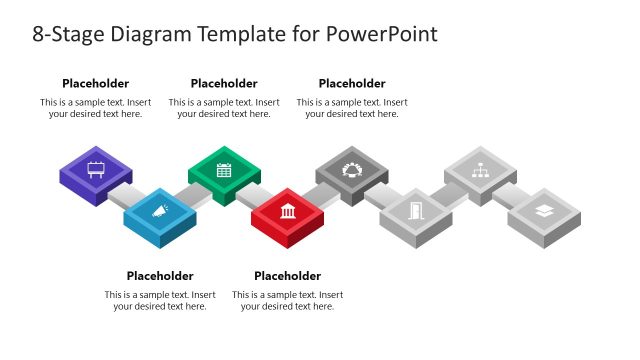
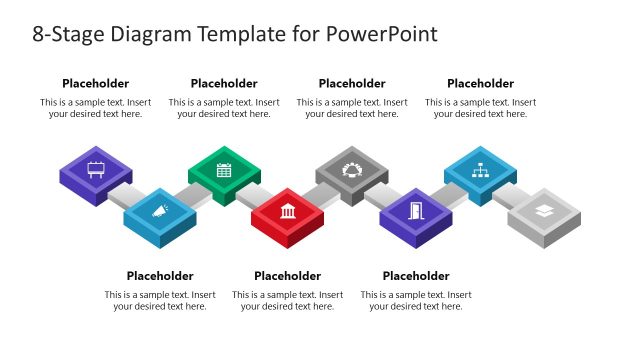
The 8-Stage Process Flow slide from the 8-Stage Diagram Template for PowerPoint visually maps a linear sequence of eight steps, ideal for project management and agile process presentations. This slide layout uses editable shapes and vector icons to clearly represent each stage, making it a practical choice for business presentation slide decks that require a structured depiction of workflows.
What’s on This Slide
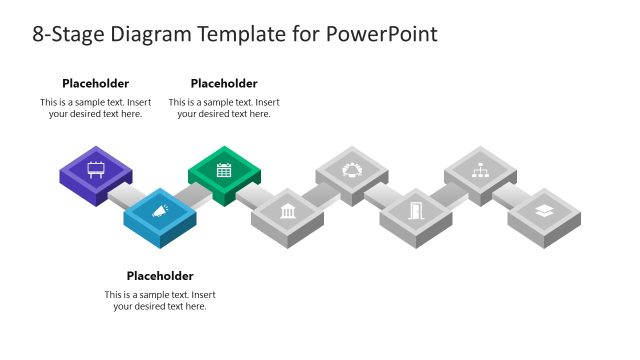
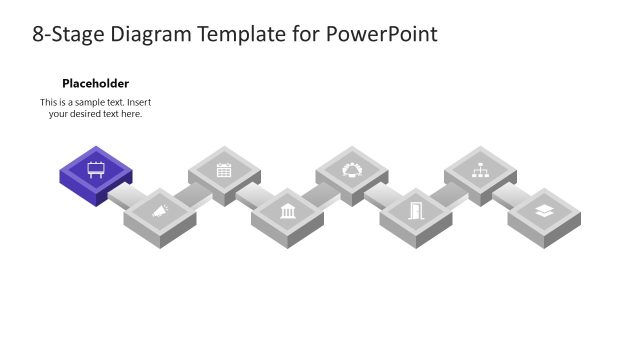
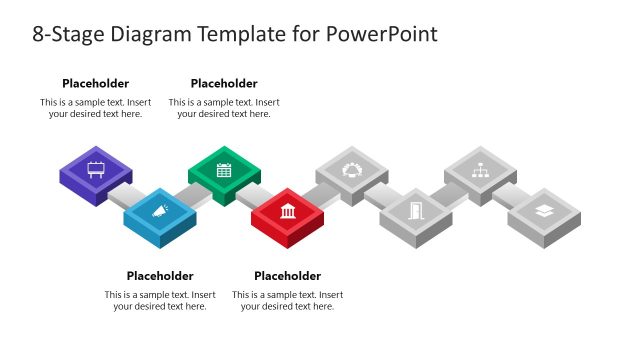
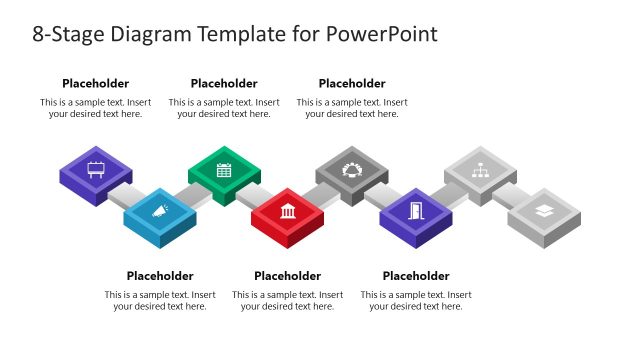
The layout features a horizontal flow of eight rectangular nodes connected by arrows. The first node is colored dark purple, followed by a blue node, and then six gray nodes. Each node contains a text placeholder, with the first node positioned at the top left and the last node at the far right. The nodes vary in color to indicate different stages, with visual icons representing activities. The background is white, providing contrast to the colored nodes. The overall composition is linear, guiding the viewer's eye from left to right.
How to Use It
This layout serves as a process flow diagram, illustrating a sequence of eight stages in a project or business process. It is suitable for presentations that require a clear depiction of steps involved in a methodology or workflow. This structure fits well after an introductory slide and before detailed explanations of each stage. It can be used in contexts such as project management, agile processes, or any multi-step activities that require visual representation of progress.
Text Placeholders & Capacity
Keep your copy within these limits so it fits without resizing. Node labels can hold up to 40 characters each, while body text can fit 100 characters.
| Placeholder | Count | Max characters (approx.) |
|---|---|---|
| Item heading | 8 | 40 |
| Item body | 8 | 100 |
| Slide title | 1 | 60 |
Slide Keywords
Download unlimited PowerPoint templates, charts and graphics for your presentations with our annual plan.
DOWNLOADReturn to 8-Stage Diagram Template for PowerPoint.