Slide 6 of 9 from 8-Stage Diagram Template for PowerPoint
Eight Step Process Diagram Template
8-Stage Process Diagram for Presentations
- Diagram
- Arrow Sequence
- Process Slide
- 16:9
- 100% Editable
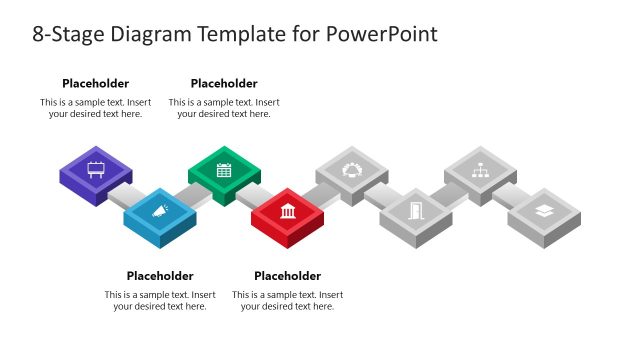
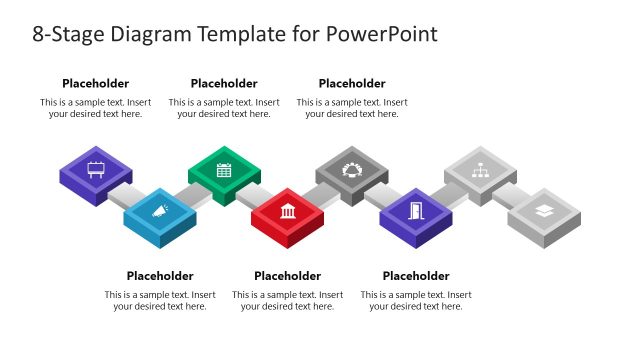
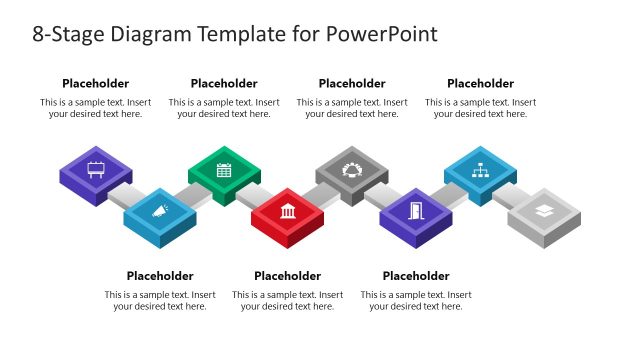
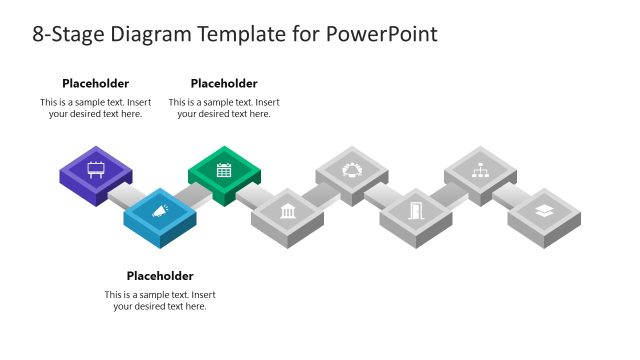
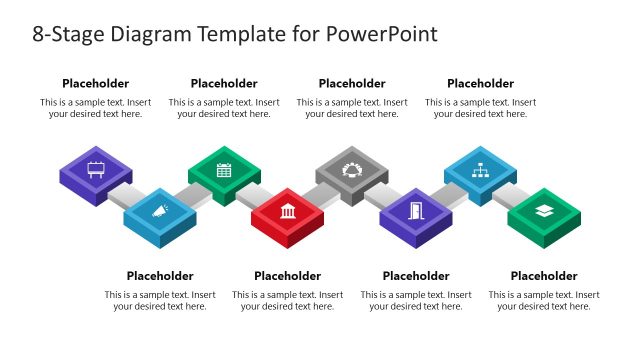
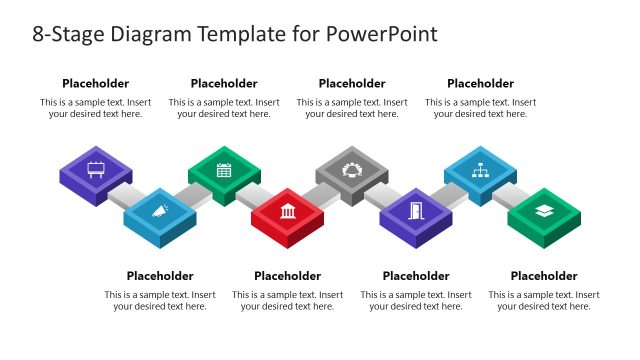
The 8-Stage Process Diagram from the 8-Stage Diagram Template for PowerPoint offers a clear visualization of sequential workflows, making it suitable for business presentations and project management slide decks. This editable slide features vector icons and colored diamond-shaped nodes arranged horizontally to depict multi-step processes effectively within PowerPoint templates and Google Slides templates.
What’s on This Slide
The layout features a horizontal arrangement of eight diamond-shaped nodes connected by arrows. The nodes are colored in shades of purple, green, red, and gray, with icons inside some nodes. Text placeholders are positioned inside each node, aligned centrally. Above the nodes, there is a title area with a placeholder for the main title. The overall composition is linear, emphasizing the sequential flow of stages. The background is light, enhancing the visibility of the colored nodes and icons.
How to Use It
This layout serves as a process flow diagram, ideal for illustrating multi-step procedures or project phases. It fits well in presentations discussing project management, agile processes, or business workflows. The sequential nature of the diagram allows for clear communication of each stage's role within a broader context. Use it to guide audiences through complex processes or to summarize key activities in a project.
Text Placeholders & Capacity
Keep your copy within these limits so it fits without resizing. Node slots can hold concise text, roughly 8-10 words each.
| Placeholder | Count | Max characters (approx.) |
|---|---|---|
| Slide title | 1 | 40 |
| Item body | 8 | 50 |
Slide Keywords
Download unlimited PowerPoint templates, charts and graphics for your presentations with our annual plan.
DOWNLOADReturn to 8-Stage Diagram Template for PowerPoint.