Slide 5 of 9 from 8-Stage Diagram Template for PowerPoint
8-Stage Diagram PPT Slide Template
8-Stage Process Diagram for Presentations
- Diagram
- Process Flow
- Process Slide
- 16:9
- 100% Editable
The 8-Stage Process Diagram from the 8-Stage Diagram Template for PowerPoint offers a clear, editable slide layout ideal for illustrating sequential workflows in business presentations. This slide template features vector icons and shapes arranged in a horizontal flow, supporting project management and agile process overviews with professional slide templates designed for clarity and engagement.
What’s on This Slide
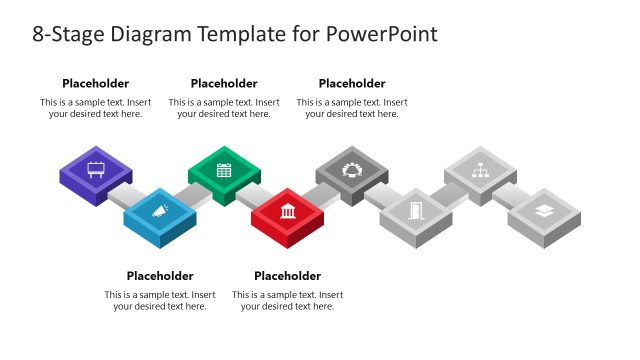
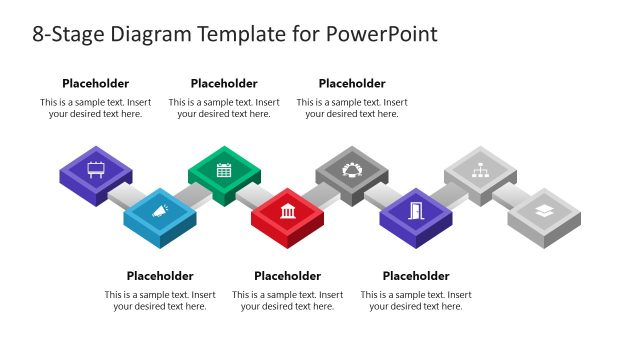
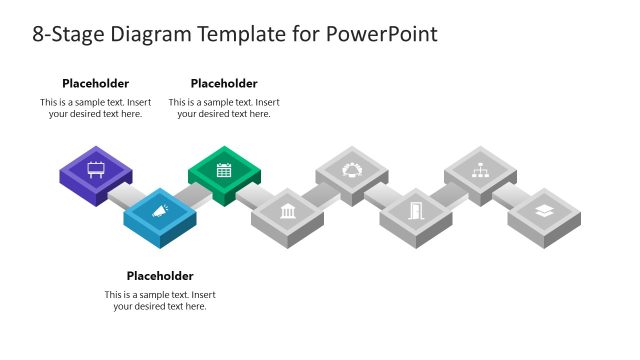
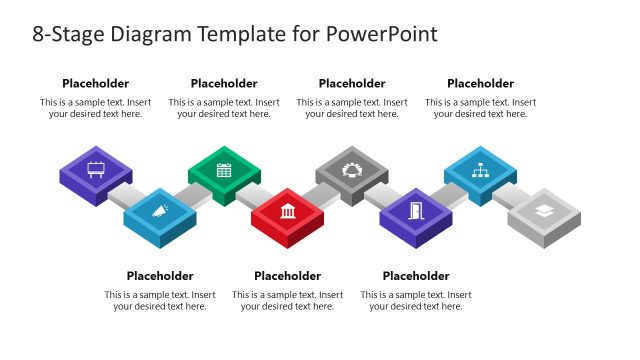
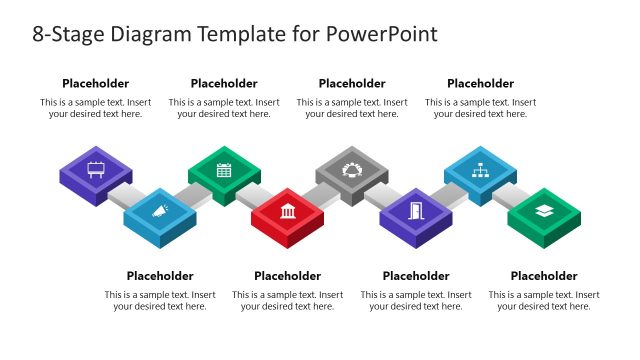
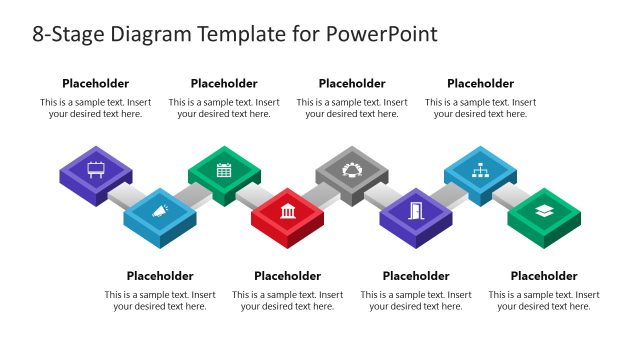
The layout features a horizontal flow of eight diamond-shaped nodes connected by arrows. The nodes are colored in shades of purple, green, red, and gray, with each node containing a text placeholder centered within. The top section includes a title area with a placeholder for the slide title. The visual hierarchy emphasizes the nodes, which vary slightly in color and size. The background is white, providing contrast to the colorful nodes. Each node is equally spaced, creating a balanced composition across the slide.
How to Use It
This layout serves as a sequential process diagram, ideal for illustrating multi-step workflows or project phases. It fits well in a presentation sequence after introducing a problem or context, leading into detailed stages of a solution. Suitable scenarios include project management presentations, agile process overviews, or business process explanations. The clear visual flow aids in guiding the audience through complex information step-by-step.
Text Placeholders & Capacity
Keep your copy within these limits so it fits without resizing. Node body slots can hold about 10 words each.
| Placeholder | Count | Max characters (approx.) |
|---|---|---|
| Slide title | 1 | 40 |
| Item body | 8 | 50 |
Slide Keywords
Download unlimited PowerPoint templates, charts and graphics for your presentations with our annual plan.
DOWNLOADReturn to 8-Stage Diagram Template for PowerPoint.