Slide 4 of 9 from 8-Stage Diagram Template for PowerPoint
Customizable 8-Stage Diagram PPT Template
8-Stage Process Diagram for Presentations
- Diagram
- Process Flow
- Process Slide
- 16:9
- 100% Editable
What’s on This Slide
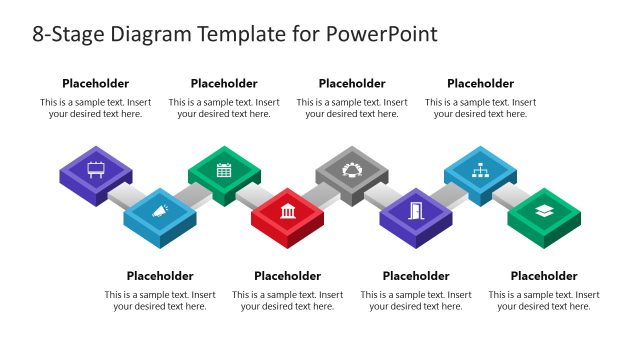
The layout features a horizontal flow of eight stages represented by hexagonal shapes. The first two shapes are colored purple and green, while the remaining shapes are gray. Each shape contains a text placeholder aligned centrally, with the first two shapes positioned above the flow. The shapes are connected by arrows indicating progression. The overall composition is balanced, with a clear visual hierarchy emphasizing the colored shapes. Background is white, enhancing the visibility of the shapes and text placeholders.
How to Use It
This layout serves as a step-by-step process diagram, ideal for illustrating multi-stage workflows or project phases. It fits well in presentations discussing project management, agile processes, or business activities. This structure can effectively communicate the sequence of actions or decisions in a project, making it suitable for training sessions or strategic planning discussions. It is best used when detailing processes that require clarity and logical flow.
Text Placeholders & Capacity
Keep your copy within these limits so it fits without resizing. Node body slots can hold approximately 40 characters each.
| Placeholder | Count | Max characters (approx.) |
|---|---|---|
| Item body | 8 | 40 |
| Slide title | 1 | 60 |
Slide Keywords
Download unlimited PowerPoint templates, charts and graphics for your presentations with our annual plan.
DOWNLOADReturn to 8-Stage Diagram Template for PowerPoint.