Slide 2 of 4 from 5 Step Circular Growth Diagram for PowerPoint
6233-05-5step-circular-growth-diagrams-2
5 Step Circular Growth Diagram for Presentations
- Diagram
- Circular Cycle
- Process Slide
- 16:9
- 100% Editable
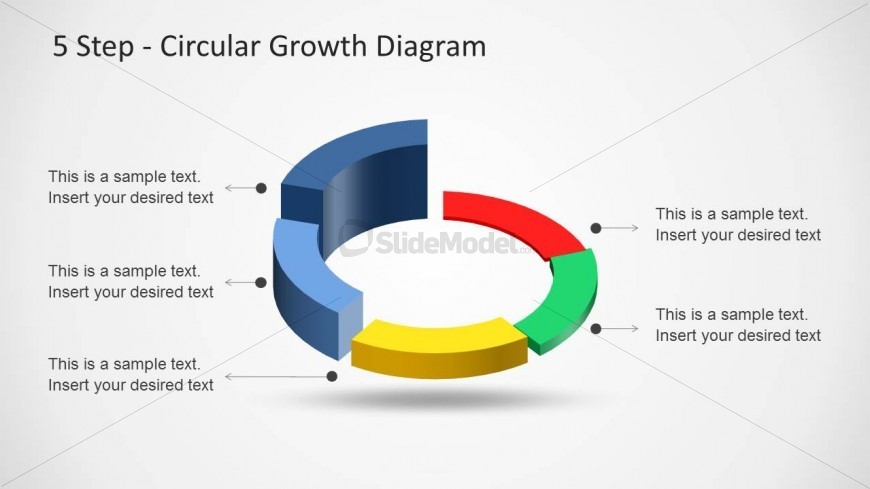
The 5 Step Circular Growth Diagram slide from the 5 Step Circular Growth Diagram for PowerPoint template offers a clear visual tool for illustrating sequential phases in business presentations. This slide layout uses a segmented circular diagram with editable shapes and vector icons to represent growth stages, making it ideal for explaining processes or project steps within a corporate presentation or pitch deck template.
What’s on This Slide
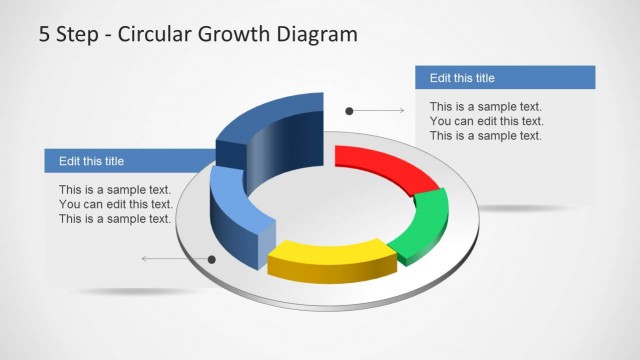
The layout features a central circular diagram divided into five segments, each with a distinct color: blue, red, green, yellow, and gray. Text placeholders are positioned to the left and right of the segments, aligned horizontally. Each segment has a corresponding arrow pointing towards the text placeholders, indicating a flow of information. The central area is empty, allowing for additional content or annotations. The background is light gray, enhancing the visibility of the diagram. The overall composition emphasizes the circular structure and the relationship between the segments and their descriptions.
How to Use It
This layout serves as a visual representation of a five-step process or growth model, ideal for business presentations. It fits well after introductory slides, providing a clear overview of sequential phases. Use it to explain methodologies, project stages, or strategic plans. This diagram can effectively illustrate cyclical processes, making it suitable for discussions on continuous improvement or iterative development. It is particularly useful in contexts where clarity of steps is crucial for audience understanding.
Text Placeholders & Capacity
Keep your copy within these limits so it fits without resizing. Node body slots can hold about 5-6 words each.
| Placeholder | Count | Max characters (approx.) |
|---|---|---|
| Item body | 5 | 30 |
| Slide title | 1 | 50 |