Slide 1 of 7 from 6-Step Hexagon PowerPoint Diagram
6-Step Hexagon Presentation Diagram
6-Step Hexagon Diagram for Presentations
- Diagram
- Matrix Quadrant
- Process Slide
- 16:9
- 100% Editable
What’s on This Slide
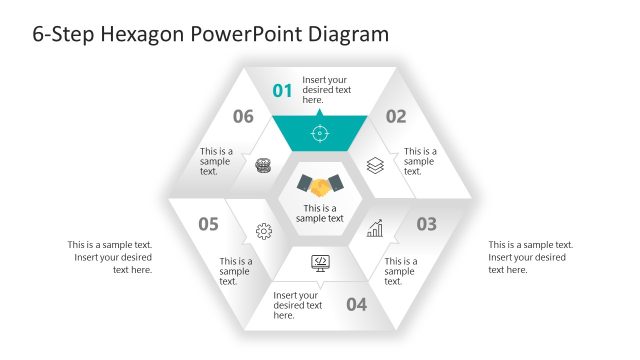
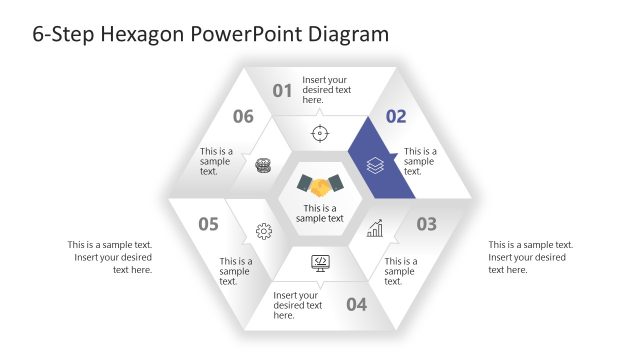
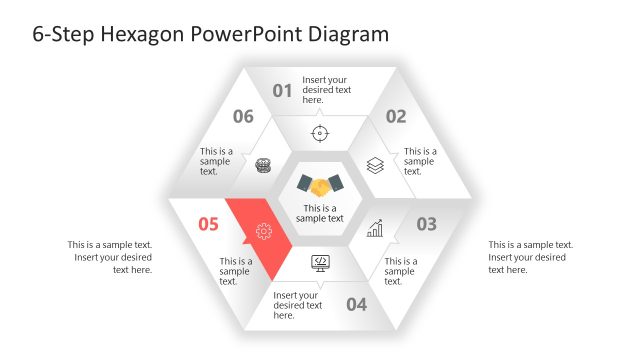
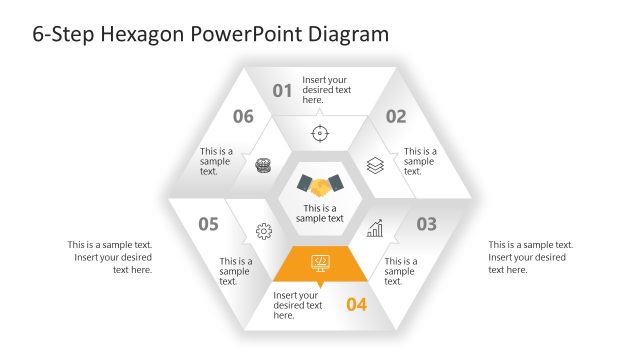
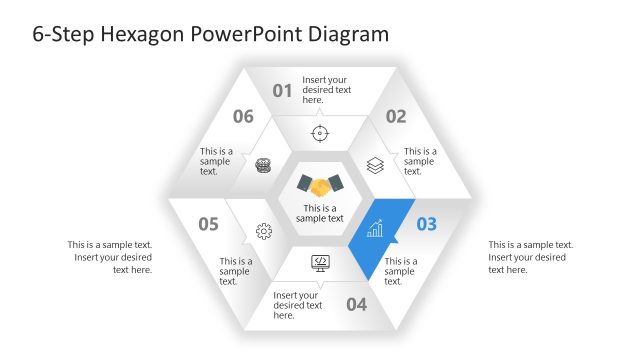
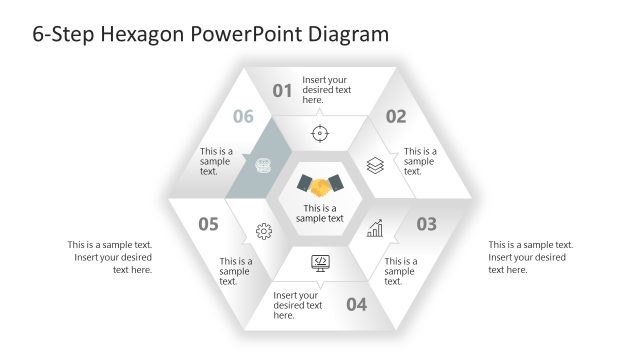
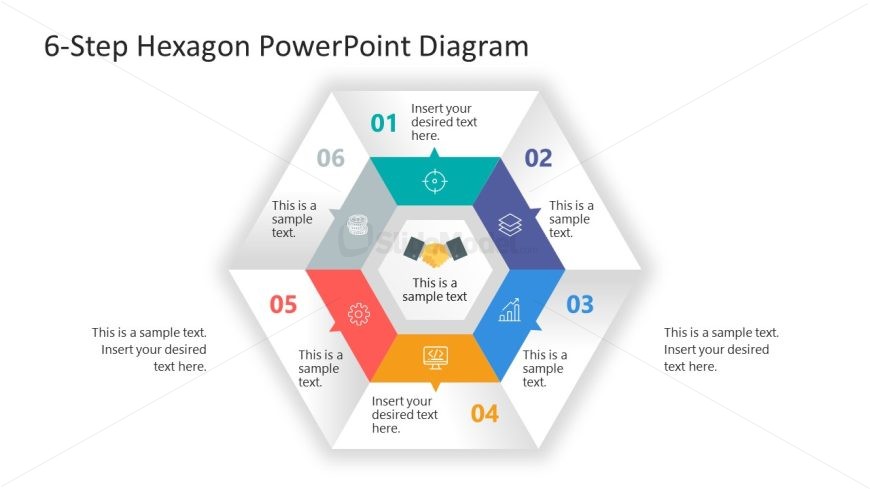
The layout features a central hexagon divided into six segments, each labeled with a number from 01 to 06. Each segment contains a text placeholder for descriptions, with the first and fourth segments positioned on the left and right, respectively. The central area includes a graphic of two hands shaking, symbolizing collaboration. Background colors alternate among the segments, creating a distinct visual hierarchy. Text placeholders are aligned centrally within each segment, while the overall structure is framed by a light background, enhancing clarity and focus.
How to Use It
This layout serves as a process flow diagram, illustrating six sequential steps or phases in a project. It is suitable for presentations in business management, project management, or process improvement contexts. The hexagonal design allows for a clear representation of interconnected stages. This slide fits well at the beginning of a presentation, introducing key phases before delving into detailed discussions. It can be used to summarize processes or highlight important milestones in a project timeline.
Text Placeholders & Capacity
Keep your copy within these limits so it fits without resizing. Node body slots are tight, roughly 10 words each.
| Placeholder | Count | Max characters (approx.) |
|---|---|---|
| Item heading | 6 | 30 |
| Item body | 6 | 50 |
| Chart title | 1 | 50 |
Slide Keywords
Download unlimited PowerPoint templates, charts and graphics for your presentations with our annual plan.
DOWNLOADReturn to 6-Step Hexagon PowerPoint Diagram.