Slide 3 of 7 from 6-Step Hexagon PowerPoint Diagram
6-Step Hexagon Diagram PowerPoint Template
6-Step Hexagon PowerPoint Diagram
- Diagram
- Hexagon
- Process Slide
- 16:9
- 100% Editable
What’s on This Slide
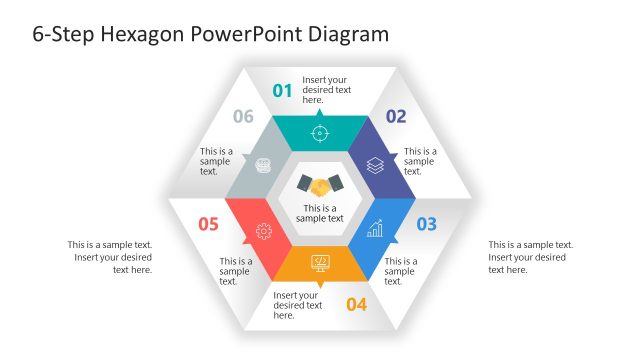
The layout features a central hexagon surrounded by six smaller hexagons arranged in a circular pattern. Each hexagon contains a number and a text placeholder, with the second hexagon highlighted in blue. The placeholders are positioned centrally within each hexagon, indicating where text can be inserted. The overall color scheme includes shades of gray and blue, providing a clear visual hierarchy. The hexagons are outlined and have a slight shadow effect, enhancing their separation from the background. The background is white, creating contrast with the hexagons.
How to Use It
This layout serves as a process diagram, effectively illustrating a six-step methodology or phases in a project. It is suitable for presentations that require a visual representation of sequential steps or stages, commonly used in business management contexts. This slide fits well after a problem-framing slide, leading into a detailed discussion of each step. It can be employed in project management, strategic planning, or process improvement scenarios, facilitating clear communication of complex ideas.
Text Placeholders & Capacity
Keep your copy within these limits so it fits without resizing. Each node can hold concise text, approximately 5-10 words.
| Placeholder | Count | Max characters (approx.) |
|---|---|---|
| Item heading | 6 | 30 |
| Item body | 6 | 50 |
Slide Keywords
Download unlimited PowerPoint templates, charts and graphics for your presentations with our annual plan.
DOWNLOADReturn to 6-Step Hexagon PowerPoint Diagram.