Slide 2 of 7 from 6-Step Hexagon PowerPoint Diagram
6-Step Hexagon PowerPoint Template
6-Step Hexagon PowerPoint Diagram
- Diagram
- Hexagon Sequence
- Process Slide
- 16:9
- 100% Editable
What’s on This Slide
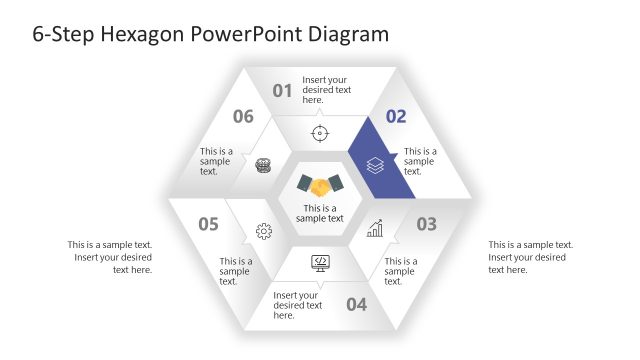
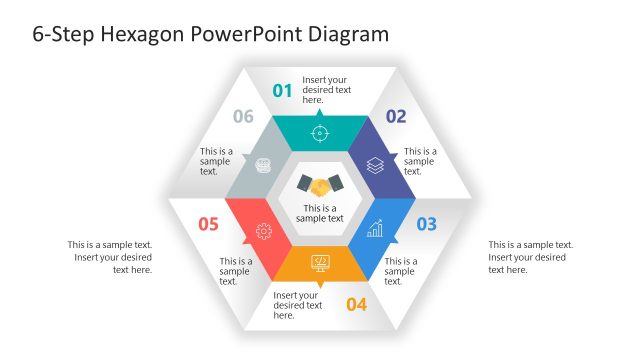
The layout features a central hexagon surrounded by six smaller hexagons, each representing a step. The central hexagon is colored differently, emphasizing its importance. Each hexagon contains a text placeholder for titles and a sample text placeholder below. The numbers 01 to 06 are positioned in the top corners of each hexagon, indicating sequence. Icons are present in some hexagons, enhancing visual interest. The background is light, allowing the hexagons to stand out. The overall composition is symmetrical, with a clear visual hierarchy.
How to Use It
This layout serves as a process flow diagram, illustrating a six-step methodology. It is suitable for presentations in project management, business processes, or any context requiring a structured approach. The hexagonal design allows for easy identification of each step while maintaining a cohesive visual style. It fits well after an introductory slide, transitioning into detailed explanations of each phase. This format is particularly useful for training sessions or strategic planning discussions.
Text Placeholders & Capacity
Keep your copy within these limits so it fits without resizing. Node body slots can accommodate roughly 10 words each.
| Placeholder | Count | Max characters (approx.) |
|---|---|---|
| Item heading | 6 | 30 |
| Item body | 6 | 50 |
| Slide title | 1 | 50 |
Slide Keywords
Download unlimited PowerPoint templates, charts and graphics for your presentations with our annual plan.
DOWNLOADReturn to 6-Step Hexagon PowerPoint Diagram.