Slide 5 of 7 from 6-Step Hexagon PowerPoint Diagram
6-Step Hexagon Diagram Slide Template
6-Step Hexagon Diagram for Presentations
- Diagram
- Matrix Quadrant
- Process Slide
- 16:9
- 100% Editable
What’s on This Slide
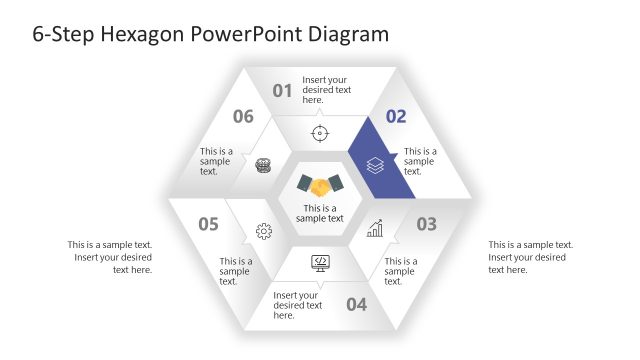
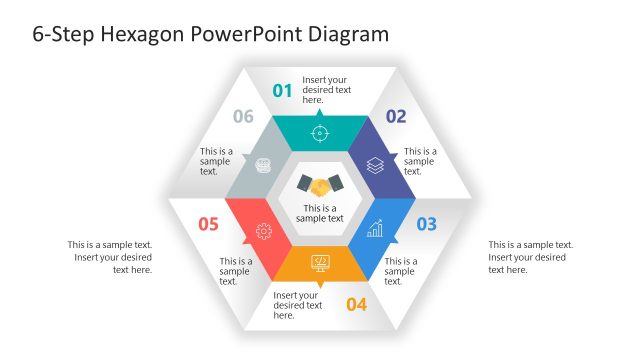
The layout features a central hexagon surrounded by six smaller hexagons, each representing a step. The hexagons are arranged in a circular pattern, with the fourth hexagon highlighted in orange. Each hexagon contains a text placeholder for a title and a body text area, with the title positioned at the top and the body text centered below. The overall color scheme is light with gray tones and an orange accent. Icons are present in some hexagons, enhancing visual appeal. The slide has a clean, organized structure.
How to Use It
This layout serves as a process diagram, effectively illustrating a six-step methodology. It is suitable for presentations in business management, project management, or process improvement contexts. The layout can be used to outline phases of a project, stages in a business process, or steps in a strategic plan. It fits well in a sequence where a problem is identified, followed by proposed solutions or actions, making it ideal for mid-presentation content.
Text Placeholders & Capacity
Keep your copy within these limits so it fits without resizing. Node body slots can hold about 10 words each.
| Placeholder | Count | Max characters (approx.) |
|---|---|---|
| Item heading | 6 | 30 |
| Item body | 6 | 50 |
| Item heading | 1 | 30 |
Slide Keywords
Download unlimited PowerPoint templates, charts and graphics for your presentations with our annual plan.
DOWNLOADReturn to 6-Step Hexagon PowerPoint Diagram.