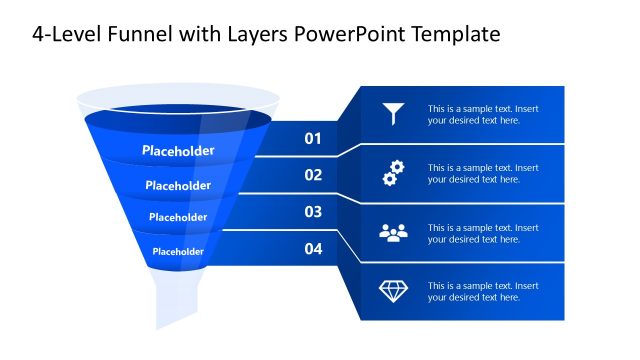
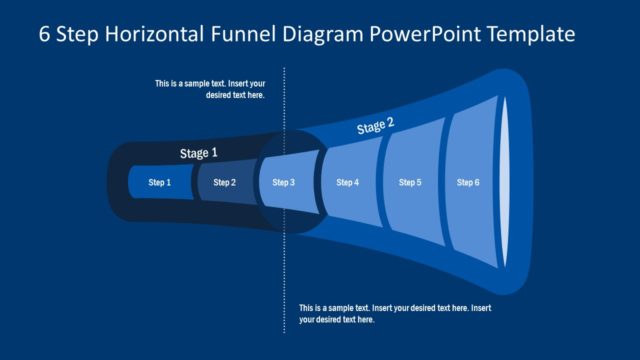
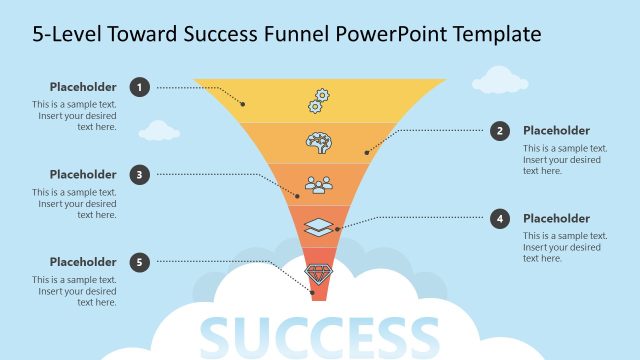
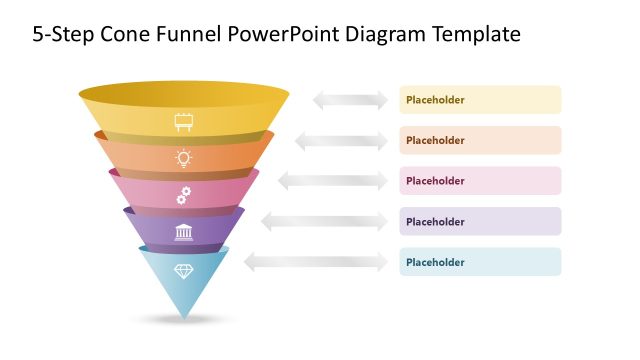
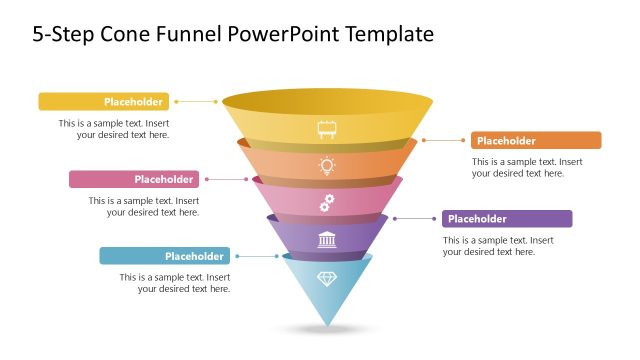
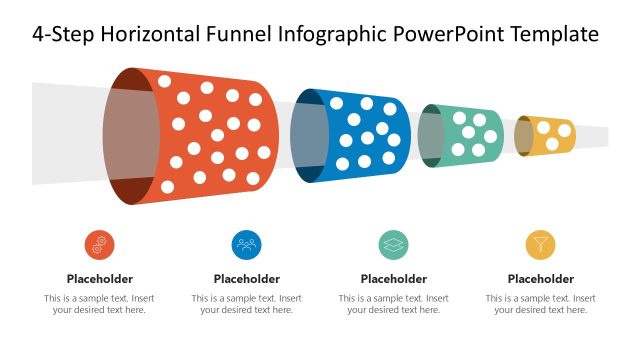
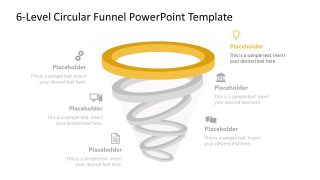
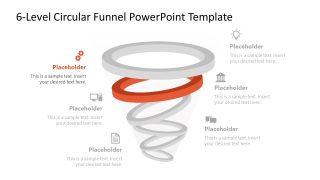
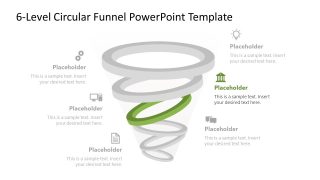
Present the multi-step marketing funnel process in your team meetings with our editable 6-Level Circular Funnel PowerPoint Template. The funnel diagram is a unique way to showcase how the customer moves from a marketing touchpoint to making the purchase. Sales leaders use funnel stages to showcase the lead-generation process in detail. They can highlight each stage with proper focus in the spotlight slides. After the cover slide, there are six slides, each with the same diagram to showcase one point at a time in a progressive format. This PPT diagram is perfect for discussing the customer acquisition model in strategy sessions. A talent acquisition director uses the six stages of the funnel diagram in their recruitment team presentations. It allows for presenting the screening stages for selecting the specific candidate from a high volume of applicants.
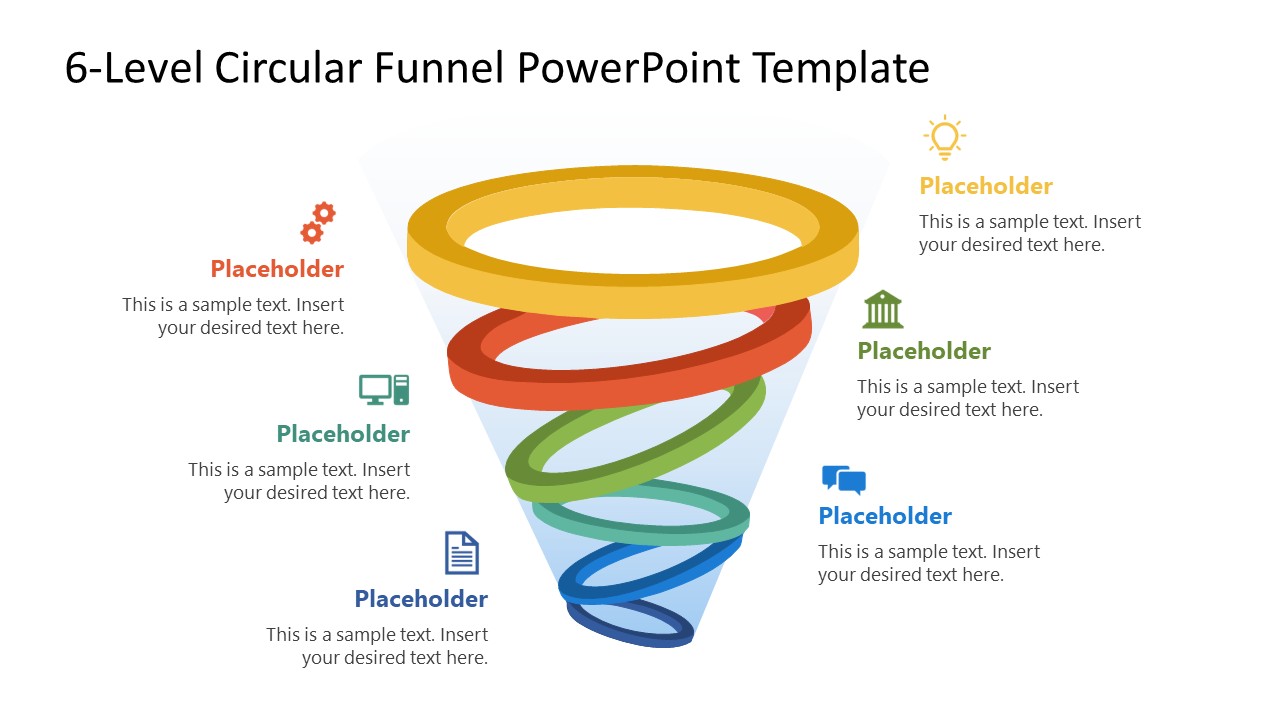
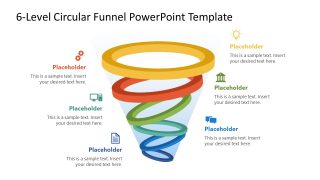
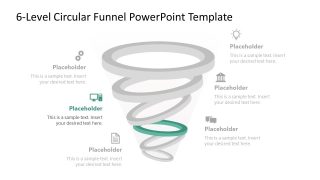
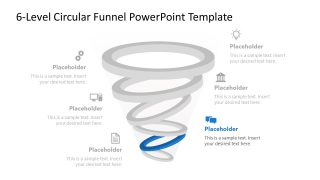
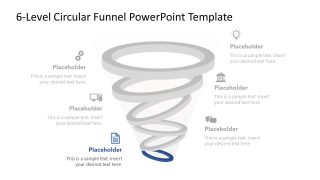
The 6-Level Circular Funnel PowerPoint Template features a funnel diagram with six descending spiral layers. The diagram has a 3D look, with six color bands that broaden at the top and narrow towards the base. Each spiral layer is paired with an infographic icon on the alternating sides. This helps users visually demonstrate the concept in their team presentations. The use of distinct colors makes the presentation more attractive to the audience and clearer in its points. Furthermore, we allow users to modify elements and customize the layout to outline their ideas effectively.
Download the 6-level circular funnel PPT template for your executive presentations to highlight the customer journey in a structured, visual format. If you want to try other designs, visit our collection of funnel diagram templates to find the one that best fits your needs.
What’s inside this template
Example presentation scenarios
- A marketing manager can use the circular funnel overview to explain how prospects move from first touch to purchase decision during a campaign planning session.
- A sales leader can use the six spotlight stage slides to review pipeline steps with a team and assign actions to each funnel level.
- A revenue operations presenter can use the icon callouts and placeholder text to compare stage ownership, handoffs, or conversion issues across the funnel.
- A talent acquisition director can adapt the funnel rings to show applicant screening stages, from initial sourcing to final candidate selection.
Features
- 100% editable presentation template
- Compatible with Microsoft PowerPoint and Google Slides
- 16:9 aspect ratio slides
- Scalable vector shapes, icons and illustrations
- AI-Ready for Microsoft Copilot and Claude
- Instant access and download
Frequently asked questions
Q: How should a presenter explain the funnel without making each level feel repetitive?
A: Start with the full funnel overview to define the six-stage logic, then use each spotlight slide to answer one focused question: what enters this stage, what action happens, and what qualifies movement to the next level. Keep the placeholder text short so the colored ring and icon remain the main visual anchor.
Q: Who is this circular funnel template best suited for?
A: This template fits presenters who need to explain stage movement rather than show detailed numbers. Marketing managers, sales leaders, revenue operations teams, and recruiters can use it when the audience must understand a process path, decision filter, or narrowing pool before discussing owners, actions, or next steps.
Q: Why use a circular spiral funnel instead of a standard vertical funnel?
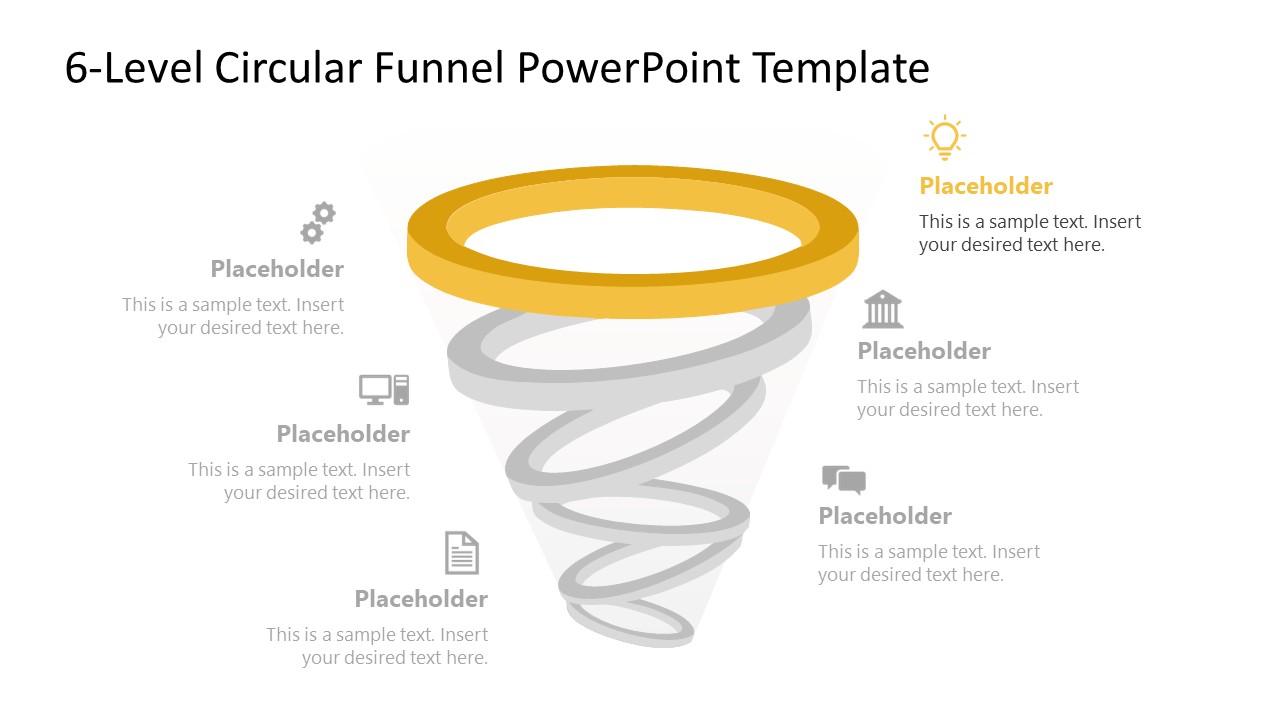
A: The circular spiral gives each stage a distinct ring while still showing narrowing progression toward the bottom. Because the highlight slides gray out inactive rings, the presenter can keep the whole system visible while directing attention to one level. That supports explanation of connected stages without losing the audience in the full diagram.


6-Level Circular Funnel PowerPoint Template
7-slide presentation template for circular funnel stages, sales pipeline, and marketing process planning
The 6-Level Circular Funnel PowerPoint Template is a 7-slide presentation template for mapping staged sales, marketing, or recruitment flows. It includes a complete circular funnel overview and six spotlight slides that isolate individual funnel rings with icon callouts. Built for Microsoft PowerPoint and Google Slides in 16:9.
- Category
- Marketing
- Rating

 Loading...
- Aspect ratio
- 16:9
- Item ID
- 23650-01
- Colors
 Microsoft PowerPoint
  Microsoft Copilot
  Claude for PowerPoint
 Other formats supported
Subscribe today and get immediate
access to download our PowerPoint templates.