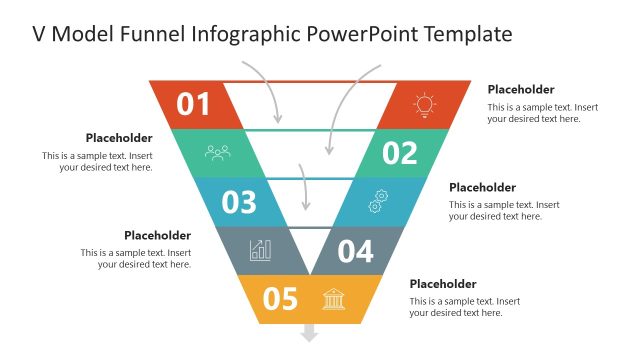
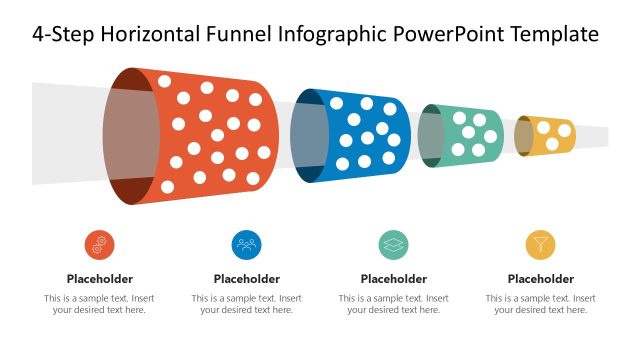
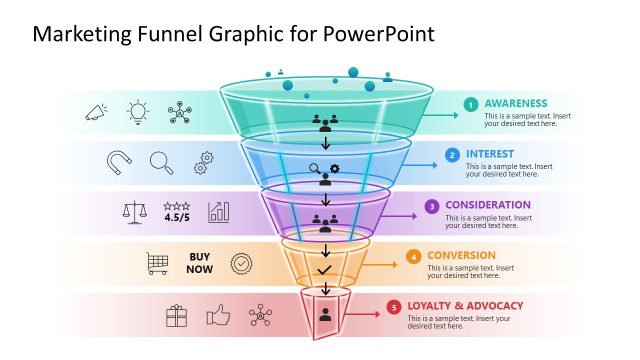
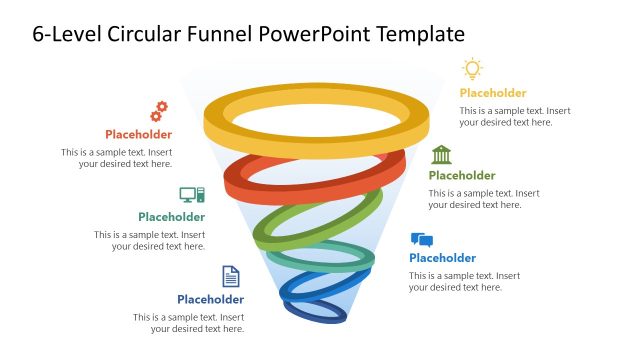
Visualize linear or sequential processes in the executive meetings with our editable 5-Level Toward Success Funnel Infographic PowerPoint Template. The funnel diagram is useful for presenting the sequence of steps in processes such as the customer buying journey and sales pipeline management. This template is designed to compare stages where large numbers of users or customers drop out, highlighting a problem in the workflow. This template has many use cases; marketers can use it to highlight the stages of the customer journey. They can edit the layout to showcase AIDA or other customer acquisition models. Furthermore, users can showcase the track record of prospects, leads, and final customers. HR professionals can repurpose it to demonstrate the reduction in the number of applicants at different stages, such as from submission to screening, interviewing, and final enrollment.
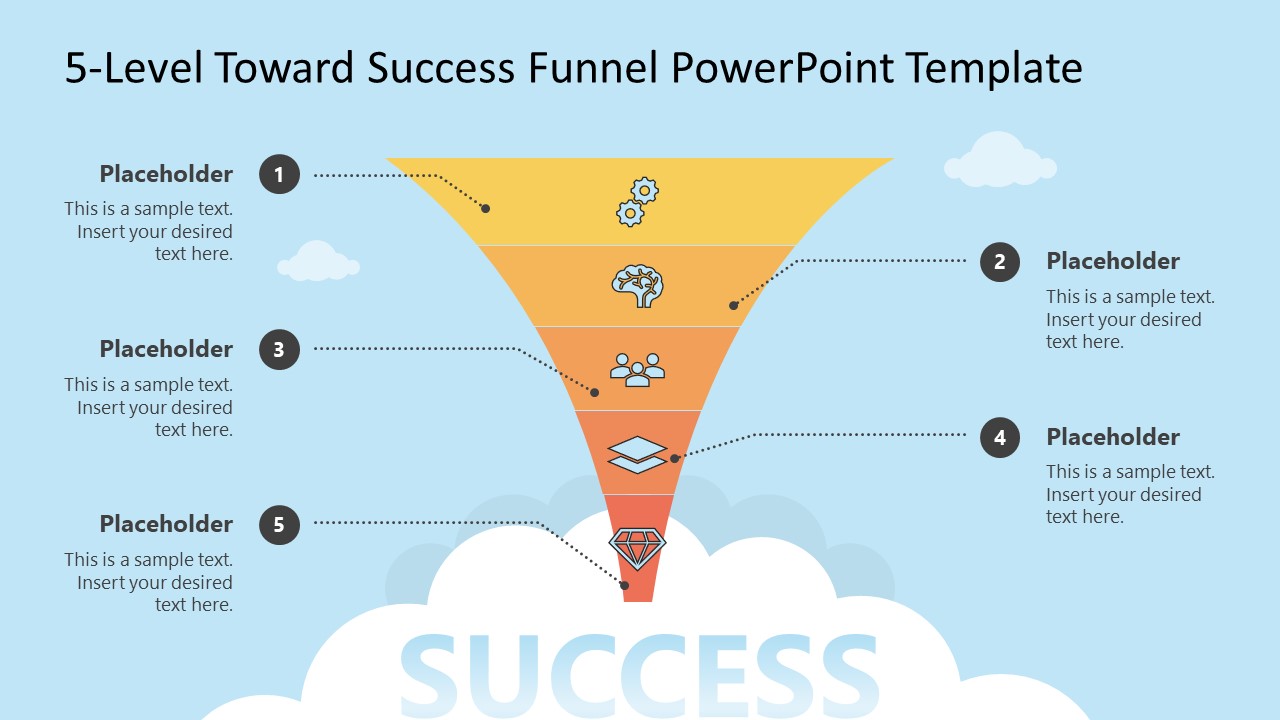
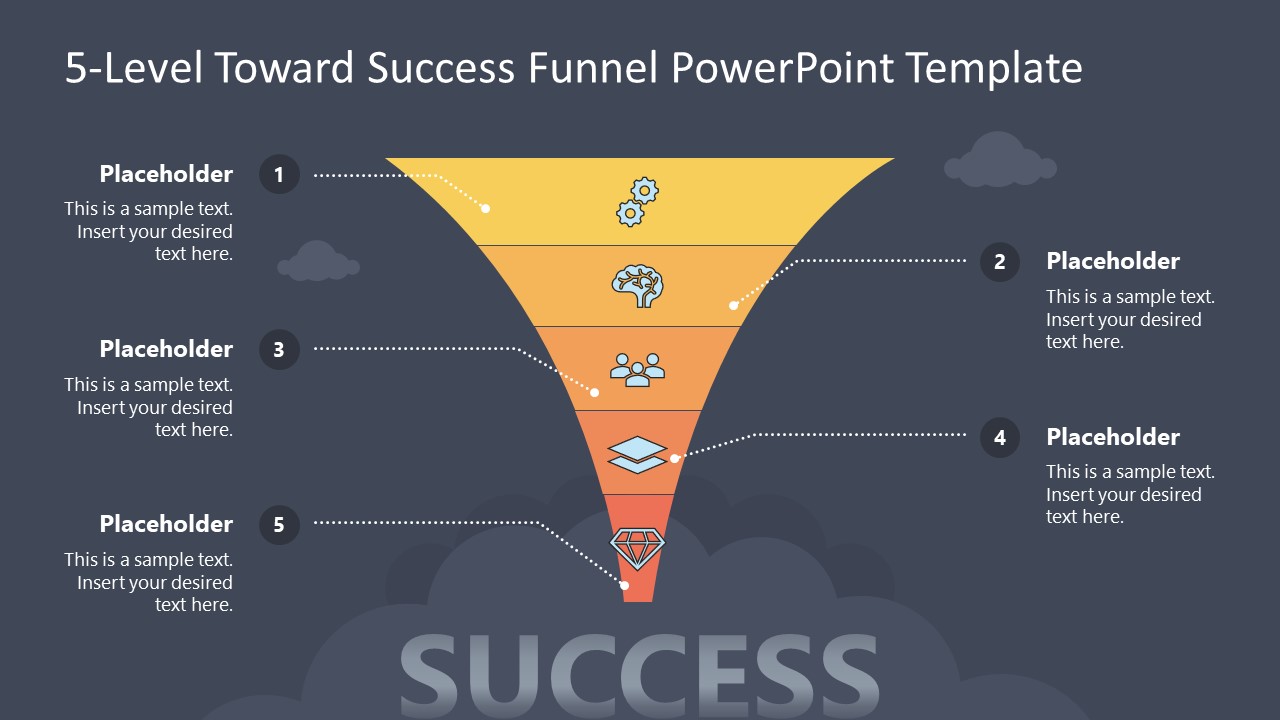
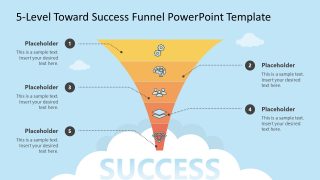
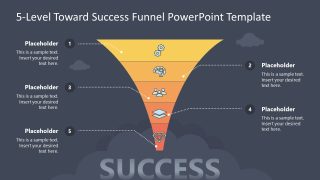
The 5-Level Toward Success Funnel Infographic PowerPoint Template features a modern layout with a funnel diagram in the sky, surrounded by clouds. The diagram has five segments with infographics, and the sections at the top are broader, while those at the bottom are narrower. With each corresponding segment, there is a placeholder text section to provide more details about the stages in the funnel process. The first and second slides have the same diagram; the only difference lies in their background colors, while is white and dark, respectively. You can easily modify the layout or graphical arrangement of the template, change the colors, and adjust the fonts to perfectly match your theme or preferences.
Alternatively, you can check our other versions of funnel diagram templates to go for a different design. Download the 5-level toward success funnel infographic template layout to showcase the steps to acquiring clients for your company in your team presentations.
What’s inside this template
Example presentation scenarios
- A marketing manager can present an acquisition model by assigning each funnel segment to awareness, interest, evaluation, conversion, and retention, then using the side callouts to explain key actions.
- A sales leader can explain pipeline qualification by placing prospect, lead, opportunity, proposal, and customer stages into the funnel and using the narrowed shape to discuss drop-off.
- An HR recruiter can show applicant screening by mapping submissions, shortlist, interviews, offers, and hires across the five funnel levels with supporting notes beside each level.
- A consultant can summarize a process improvement recommendation by using the dark slide as an executive visual and placing risks or decision criteria in the numbered callouts.
Features
- 100% editable presentation template
- Compatible with Microsoft PowerPoint and Google Slides
- 16:9 aspect ratio slides
- Scalable vector shapes, icons and illustrations
- AI-Ready for Microsoft Copilot and Claude
- Instant access and download
Frequently asked questions
Q: How should I present the five funnel levels so the audience understands the drop-off?
A: Start at the widest top segment and define what enters the funnel before naming each stage. Use the numbered callouts to state the decision, barrier, or action at that level. Keep the text short, then explain the loss or qualification verbally so the visual remains a clean map rather than a dense report.
Q: Who is this funnel template best suited for?
A: This template fits presenters who need to explain a five-step narrowing process, such as marketers discussing customer acquisition, sales teams reviewing lead qualification, or HR teams showing applicant screening. It is strongest when the message is about progression toward a final outcome, not when the discussion requires detailed metrics or many parallel workflows.
Q: Why does the toward success funnel metaphor work for this message?
A: The wide-to-narrow funnel shape gives the audience an immediate cue that volume decreases as qualification increases. The icons help separate the five stages, while the cloud and success label anchor the final destination. This makes the slide useful for explaining selection, conversion, or prioritization without needing a complex process chart.
5-Level Toward Success Funnel Infographic PowerPoint Template
2-slide 16:9 presentation template with a 5-level funnel diagram and numbered stage callouts
The 5-Level Toward Success Funnel Infographic PowerPoint Template is a 2-slide diagram template for showing a five-stage funnel toward success. It includes light and dark versions with a segmented funnel, numbered side callouts, stage icons, cloud graphics, and a success label. Marketing, sales, recruiting, and operations teams can map pipeline stages in Microsoft PowerPoint or Google Slides.
- Category
- Diagrams
- Rating


 Loading...
- Aspect ratio
- 16:9
- Item ID
- 23537-01
- Colors
 Microsoft PowerPoint
  Microsoft Copilot
  Claude for PowerPoint
 Other formats supported
Subscribe today and get immediate
access to download our PowerPoint templates.