Slide 2 of 2 from 6-Item Comparison Infographic PowerPoint Template
6-Item Comparison Infographic Slide Template
6-Item Comparison Slide Diagram for Presentations
- Diagram
- Comparison Split
- Comparison Slide
- 16:9
- 100% Editable
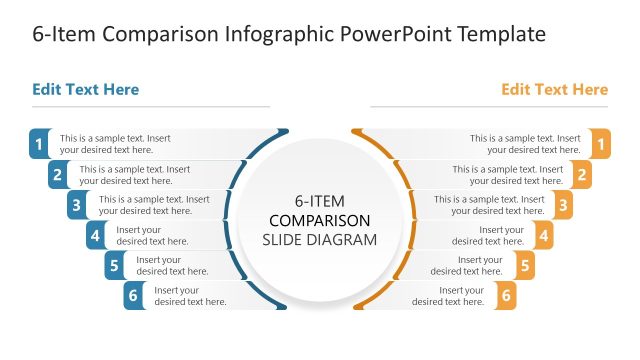
The 6-Item Comparison Slide Diagram from the 6-Item Comparison Infographic PowerPoint Template provides a clear, side-by-side layout ideal for product comparisons and feature differentiation. This slide template uses editable shapes and contrasting colors to highlight six distinct items, making it suitable for business presentations and pitch decks that require precise performance analysis and competitive evaluation.
What’s on This Slide
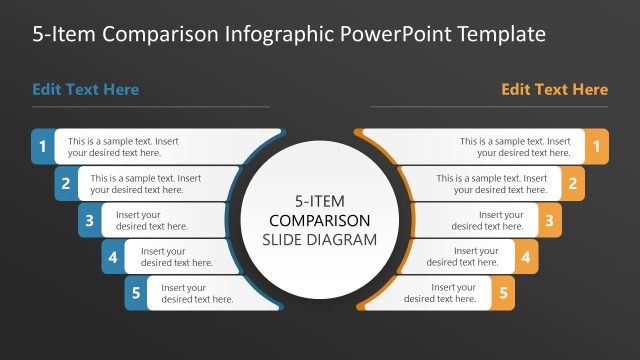
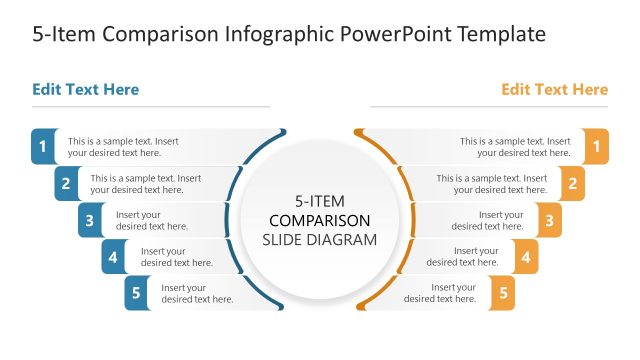
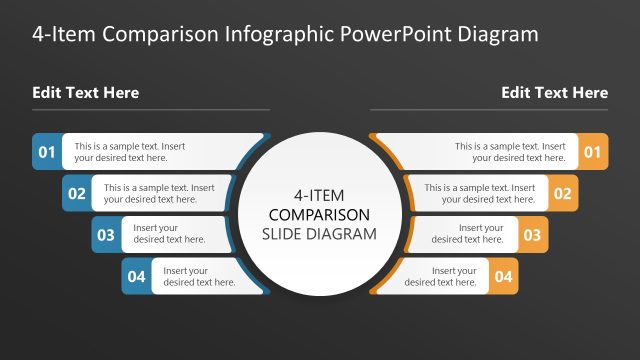
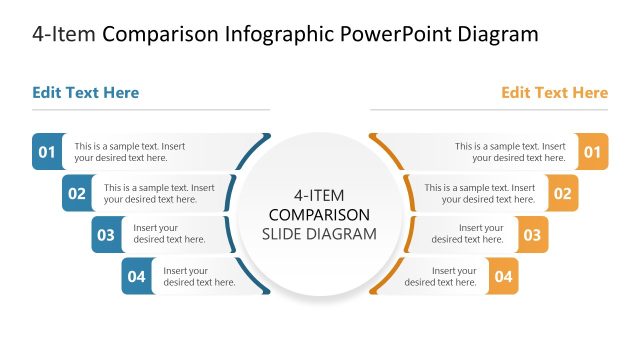
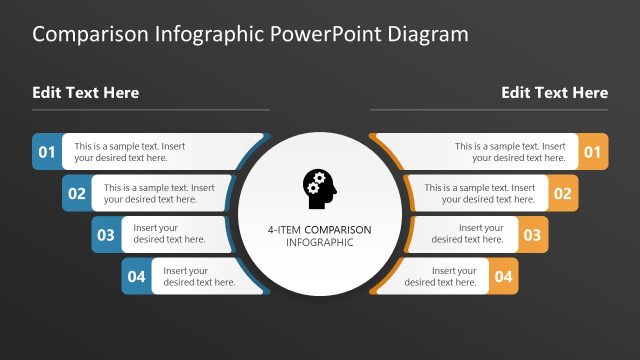
The layout features a central circular area labeled '6-ITEM COMPARISON SLIDE DIAGRAM' with six numbered callouts on each side. The callouts are arranged in two columns, three on the left and three on the right, with a slight curve towards the center. Each callout has a placeholder for text, aligned horizontally. The background is dark, with contrasting colors for the callouts, including blue and orange accents. The visual hierarchy is clear, emphasizing the central title and the numbered callouts, which are equally sized and spaced.
How to Use It
This layout serves as a side-by-side comparison tool, ideal for analyzing six distinct items or categories. It fits well in presentations that require a clear differentiation of features, products, or strategies. This structure is useful in business contexts like product comparisons, performance evaluations, or competitive analysis, allowing for straightforward visual communication of key differences and similarities.
Text Placeholders & Capacity
Keep your copy within these limits so it fits without resizing. Node body slots can accommodate roughly 20 words each.
| Placeholder | Count | Max characters (approx.) |
|---|---|---|
| Item heading | 6 | 40 |
| Item body | 6 | 100 |
| Slide title | 1 | 50 |
Slide Keywords
Download unlimited PowerPoint templates, charts and graphics for your presentations with our annual plan.
DOWNLOADReturn to 6-Item Comparison Infographic PowerPoint Template.