Slide 2 of 2 from 4-Item Comparison Infographic PowerPoint Template
Customizable 4-Item Comparison Infographic Template Slide
4-Item Comparison Infographic Diagram
- Diagram
- Comparison Split
- Comparison Slide
- 16:9
- 100% Editable
The 4-Item Comparison Diagram from the 4-Item Comparison Infographic PowerPoint Template offers a clear layout for side-by-side analysis of product features or service differentiation. This slide design integrates editable shapes and vector icons to enhance clarity in business presentations or pitch deck templates, supporting effective communication of comparative data within a corporate presentation or marketing context.
What’s on This Slide
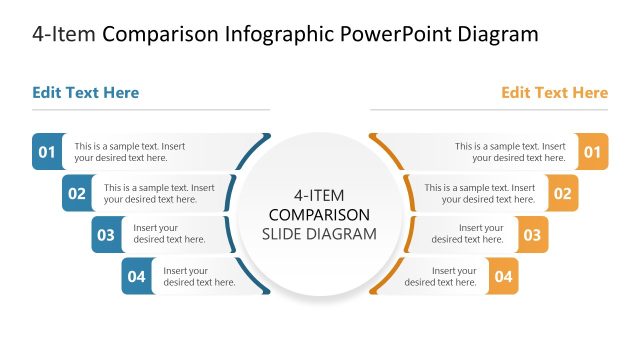
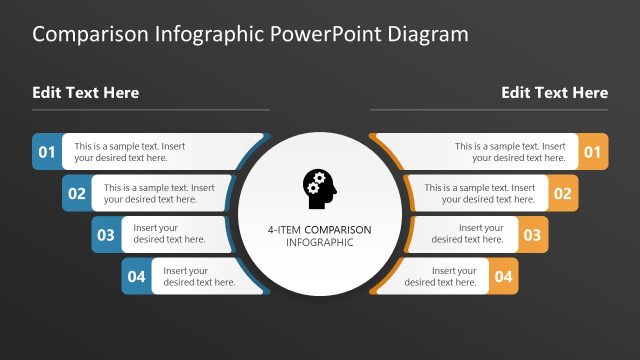
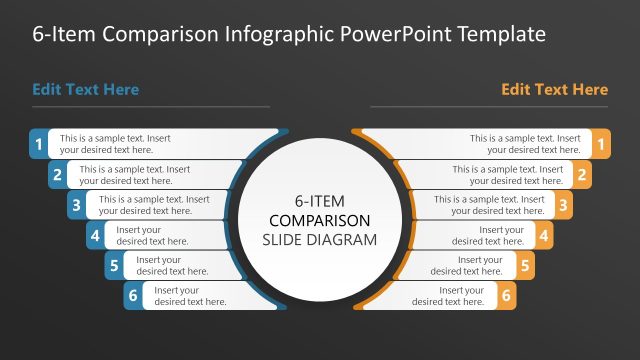
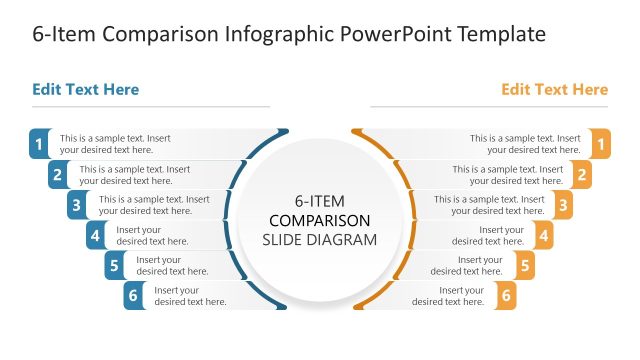
The layout features a central circular node labeled '4-ITEM COMPARISON SLIDE DIAGRAM,' surrounded by four rectangular segments. Each segment is positioned on the left and right sides, with two segments on each side. The segments contain text placeholders for titles and descriptions, aligned vertically. The placeholders are visually distinct, with a consistent color scheme across segments. The central node is larger than the surrounding segments, emphasizing its importance. The overall composition is symmetrical, with a dark background enhancing the visibility of the elements.
How to Use It
This layout serves as a 4-item comparison diagram, effectively presenting multiple items side by side. It is suitable for illustrating product features, performance metrics, or any comparative analysis. This structure fits well in a presentation sequence following a problem statement or introduction, leading into detailed comparisons. It is ideal for business scenarios that require clear visual differentiation between options or features, making it useful for marketing, product presentations, or strategic discussions.
Text Placeholders & Capacity
Keep your copy within these limits so it fits without resizing. Node body slots can hold roughly 15-20 words each.
| Placeholder | Count | Max characters (approx.) |
|---|---|---|
| Item heading | 4 | 30 |
| Item body | 4 | 100 |
| Slide title | 1 | 50 |
Slide Keywords
Download unlimited PowerPoint templates, charts and graphics for your presentations with our annual plan.
DOWNLOADReturn to 4-Item Comparison Infographic PowerPoint Template.