Slide 2 of 2 from Free 4-Item Comparison Infographic Slide Template for PowerPoint
Customizable Free 4-Item Comparison Infographic Template Slide
4-Item Comparison Infographic Slide
- Diagram
- Comparison Split
- Comparison Slide
- 16:9
- 100% Editable
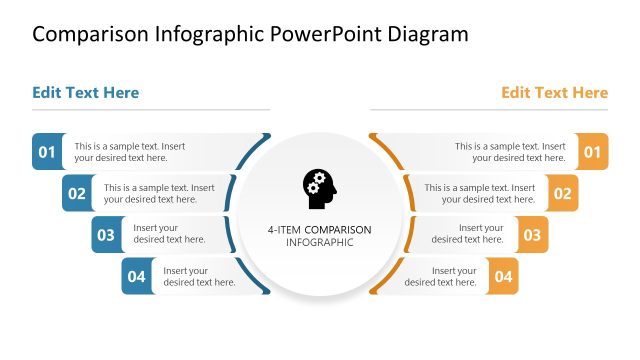
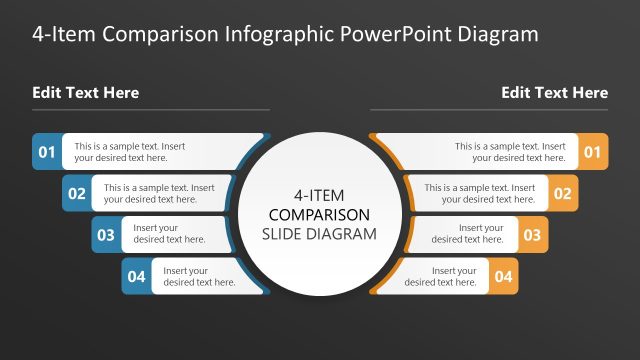
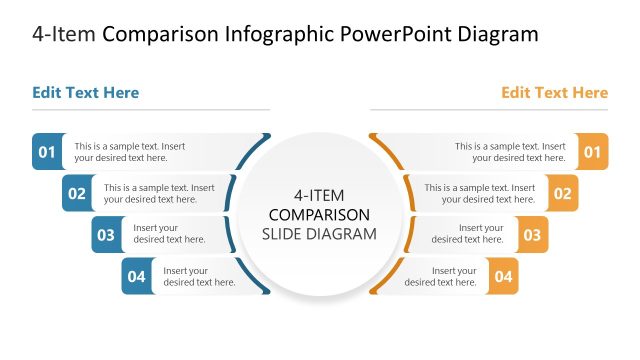
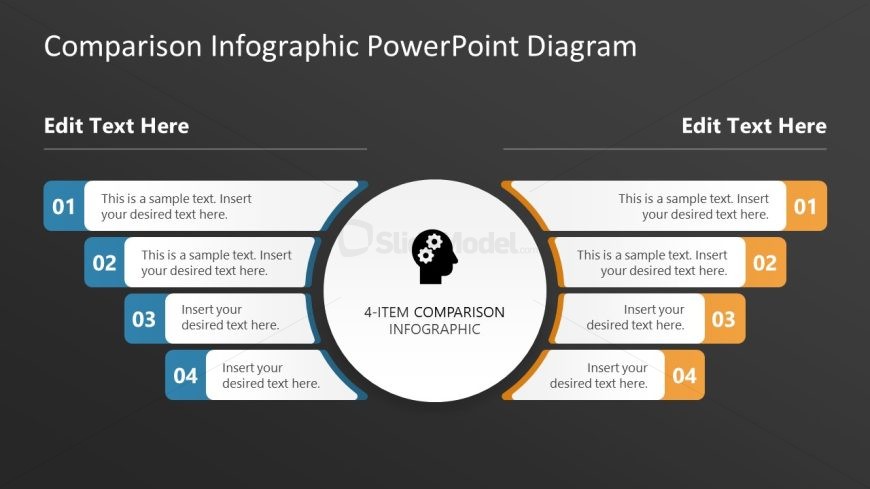
The 4-Item Comparison Infographic slide from the Free 4-Item Comparison Infographic Slide Template for PowerPoint provides a structured layout for effective product comparison and feature analysis. With a central node and clearly defined sections, this slide template enhances readability and visual clarity, making it ideal for corporate presentations and pitch decks.
What’s on This Slide
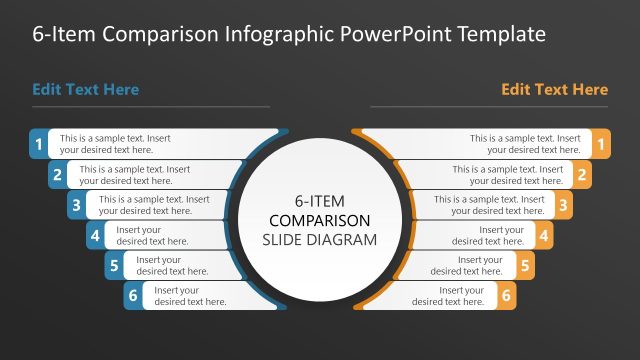
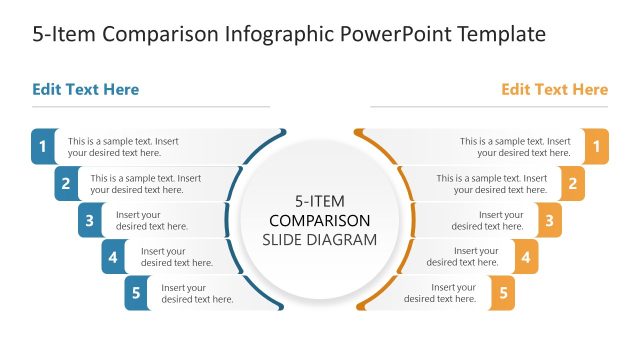
The layout features a central circular node labeled '4-ITEM COMPARISON INFOGRAPHIC' surrounded by four rectangular sections on either side. Each section contains a number and a text placeholder for content. The sections are arranged in two columns, with two sections on the left and two on the right. The background is dark, providing contrast to the light-colored shapes. The visual hierarchy emphasizes the central node, while the numbered sections are aligned for clarity. Text placeholders are centrally aligned within each section.
How to Use It
This layout serves as a structured comparison tool, ideal for presenting four distinct items side by side. It fits well in a presentation sequence following an introduction or problem statement, leading into detailed comparisons. Suitable scenarios include product comparisons, feature analyses, or service evaluations. The clear layout allows for easy readability and understanding of differences or similarities among items.
Text Placeholders & Capacity
Keep your copy within these limits so it fits without resizing. Node body slots can hold about 15-20 words each.
| Placeholder | Count | Max characters (approx.) |
|---|---|---|
| Item heading | 4 | 50 |
| Item body | 4 | 100 |
| Slide title | 1 | 50 |
Slide Keywords
Download unlimited PowerPoint templates, charts and graphics for your presentations with our annual plan.
DOWNLOADReturn to Free 4-Item Comparison Infographic Slide Template for PowerPoint.