Slide 1 of 1 from 5-Step Thin Process Flow PowerPoint Template
5-Step Thin Process Flow PPT Slide Template
5-Step Process Flow Diagram for Presentations
- Diagram
- Process Flow
- Process Slide
- 16:9
- 100% Editable
The 5-Step Process Flow Diagram from the 5-Step Thin Process Flow PowerPoint Template offers a clear layout for illustrating sequential workflows in business presentations. This slide template features editable shapes and vector icons arranged horizontally to depict each step, making it suitable for project management and operational process explanations. Its balanced design and text placeholders support concise descriptions, enhancing communication in corporate slide decks and pitch deck templates.
What’s on This Slide
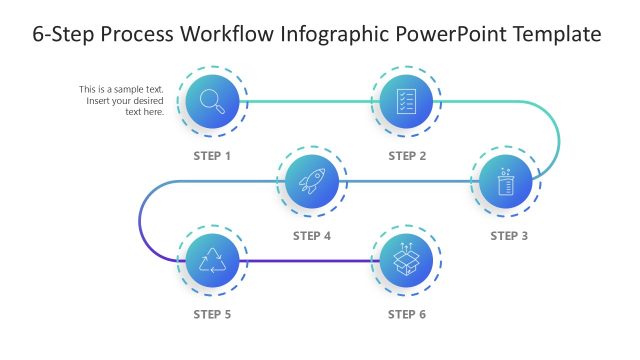
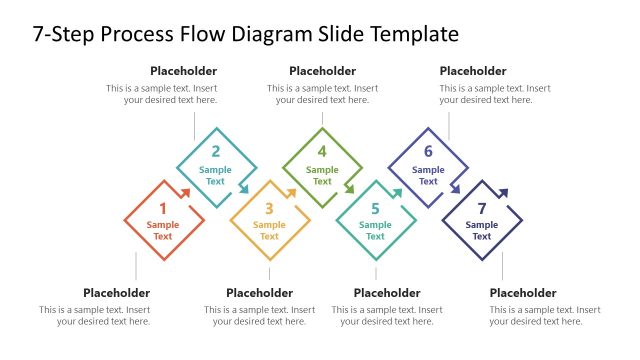
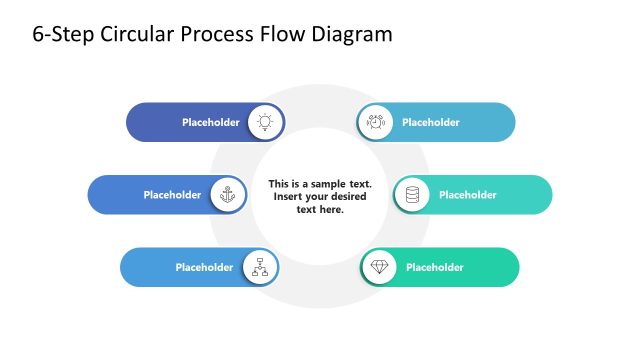
The layout features five circular icon nodes arranged horizontally across the center. Each node contains an icon representing a step in the process, with a curved connector line linking them. Below each node are text placeholders aligned centrally, indicating where titles and descriptions can be inserted. The background is light, enhancing visibility. The overall composition is balanced, with equal spacing between nodes and consistent visual hierarchy. The icons are uniform in size, and the placeholders are designed to accommodate brief text entries.
How to Use It
This layout serves as a sequential process flow diagram, ideal for illustrating workflows or project steps. It fits well in presentations that require a clear depiction of a five-step process, such as operational workflows or project management. It can be effectively used in business contexts to outline procedures, delivery processes, or project phases, ensuring clarity and engagement for the audience.
Text Placeholders & Capacity
Keep your copy within these limits so it fits without resizing. Each node can hold a title and brief description, roughly 5-7 words each.
| Placeholder | Count | Max characters (approx.) |
|---|---|---|
| Item heading | 5 | 30 |
| Item body | 5 | 50 |
Slide Keywords
Download unlimited PowerPoint templates, charts and graphics for your presentations with our annual plan.
DOWNLOADReturn to 5-Step Thin Process Flow PowerPoint Template.