Slide 1 of 1 from Free 7-Step Process Flow Diagram PowerPoint Template
7 Step Process Diagram for PowerPoint
7-Step Process Flow Diagram Template
- Diagram
- Process Flow
- Process Slide
- 16:9
- 100% Editable
What’s on This Slide
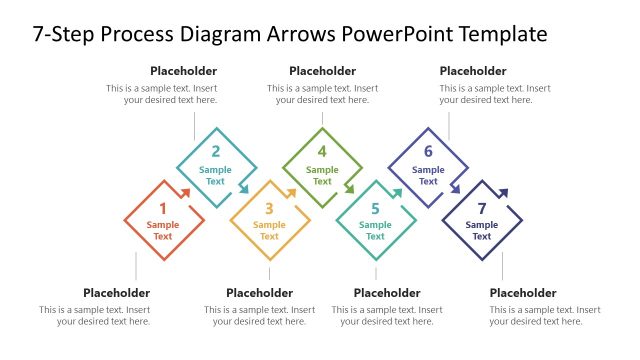
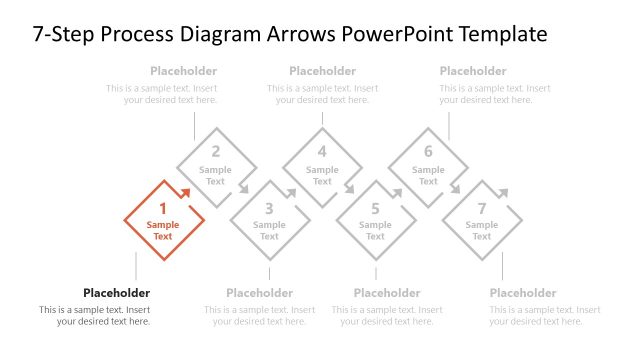
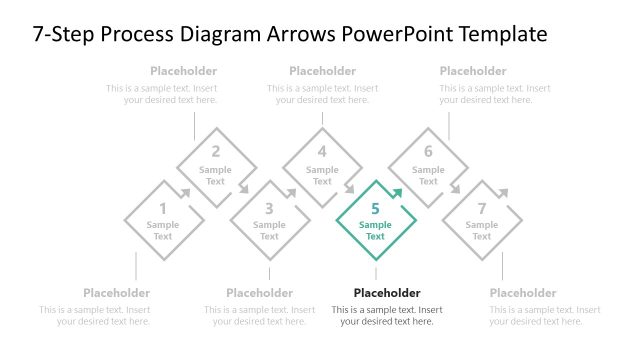
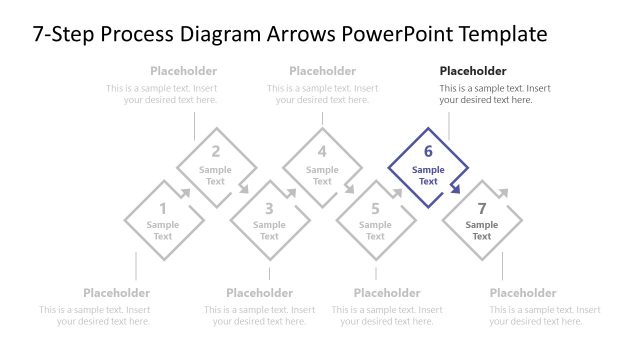
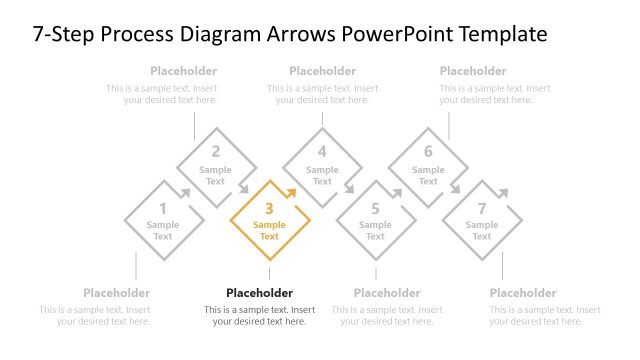
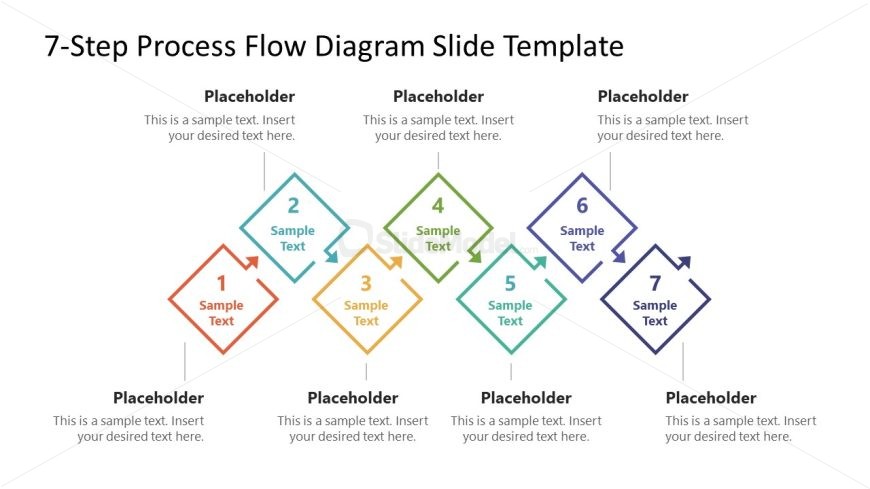
The layout features a horizontal flow diagram with seven diamond-shaped nodes arranged in two rows. The top row contains nodes 2, 4, and 6, while the bottom row includes nodes 1, 3, 5, and 7. Each node has a placeholder for sample text, centrally aligned within the diamond shapes. Connecting arrows indicate the flow direction from one node to the next. Additional placeholders are positioned at the top and bottom of the slide, allowing for supplementary information. The overall color scheme is multicolored, with each node in a different hue.
How to Use It
This layout serves as a process flow diagram, ideal for illustrating sequential steps in a project or workflow. It fits well in presentations that require a clear depiction of processes, such as project management or operational workflows. The structure can be used to outline methodologies, strategies, or phases in a business context. It is particularly useful for training sessions, project kick-offs, or strategic planning discussions where clarity of steps is essential.
Text Placeholders & Capacity
Keep your copy within these limits so it fits without resizing. Node labels can hold about 20 characters each, while body text slots are tighter.
| Placeholder | Count | Max characters (approx.) |
|---|---|---|
| Item heading | 7 | 20 |
| Body paragraph | 3 | 50 |
| Slide title | 1 | 40 |
Slide Keywords
Download unlimited PowerPoint templates, charts and graphics for your presentations with our annual plan.
DOWNLOADReturn to Free 7-Step Process Flow Diagram PowerPoint Template.