Slide 1 of 2 from 6-Step Process Workflow PowerPoint Template
Editable 6-Step Process Workflow PPT Template
6-Step Process Workflow Infographic Template
- Diagram
- Process Flow
- Process Slide
- 16:9
- 100% Editable
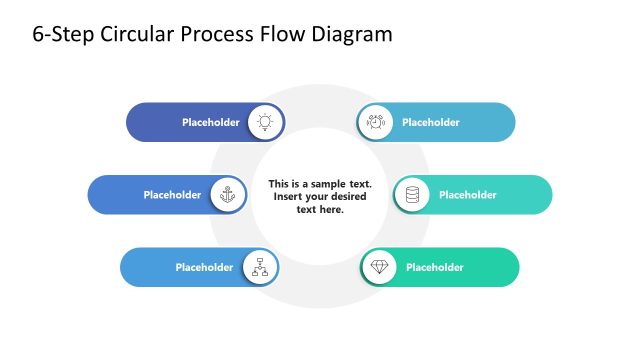
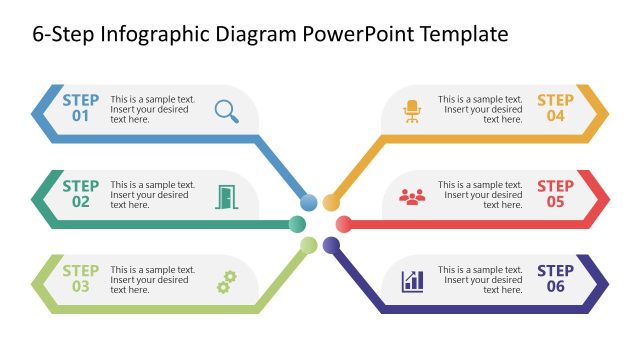
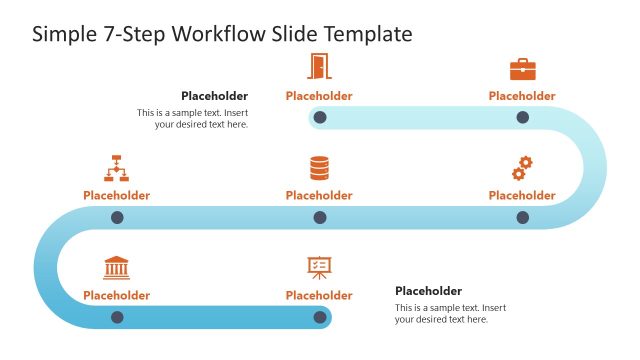
The 6-Step Process Workflow slide from the 6-Step Process Workflow PowerPoint Template offers a clear visual representation of sequential business steps, making it suitable for project management and training presentations. This slide layout uses editable shapes and vector icons to illustrate each phase, supporting effective communication in corporate presentations and business workflows.
What’s on This Slide
The layout features a horizontal flow of six circular nodes representing steps in a process. Each node is connected by a line, with alternating colors of blue and purple. The nodes are evenly spaced, with icons inside each circle symbolizing different actions or concepts. The first node is labeled 'STEP 1' at the top left, followed by 'STEP 2', 'STEP 3', 'STEP 4', 'STEP 5', and 'STEP 6' in a sequential arrangement. There are text placeholders positioned above and below the nodes, aligned centrally, allowing for additional descriptive text.
How to Use It
This layout serves as a process flow diagram, ideal for illustrating sequential steps in a business workflow. It fits well in presentations discussing project management, operational processes, or certification pathways. The visual structure allows for clear communication of each step's purpose and progression. It can be used in training sessions, project kick-offs, or strategic planning meetings to outline processes effectively.
Text Placeholders & Capacity
Keep your copy within these limits so it fits without resizing. Node labels can accommodate short phrases, roughly 2-3 words each.
| Placeholder | Count | Max characters (approx.) |
|---|---|---|
| Slide title | 1 | 50 |
| Item heading | 6 | 10 |
| Body paragraph | 2 | 100 |
Slide Keywords
Download unlimited PowerPoint templates, charts and graphics for your presentations with our annual plan.
DOWNLOADReturn to 6-Step Process Workflow PowerPoint Template.