Slide 1 of 5 from Free 4 Step Magnify PowerPoint Diagram
4 Step Magnify Puzzle PowerPoint
4 Step Magnify Diagram for PowerPoint
- Diagram
- Matrix Quadrant
- Process Slide
- 16:9
- 100% Editable
The 4 Step Magnify Diagram slide from the Free 4 Step Magnify PowerPoint Diagram template offers a clear visual process representation using editable shapes and vector icons. This slide layout is suitable for business presentations and pitch deck templates that require illustrating project stages or methodologies with professional slide templates.
What’s on This Slide
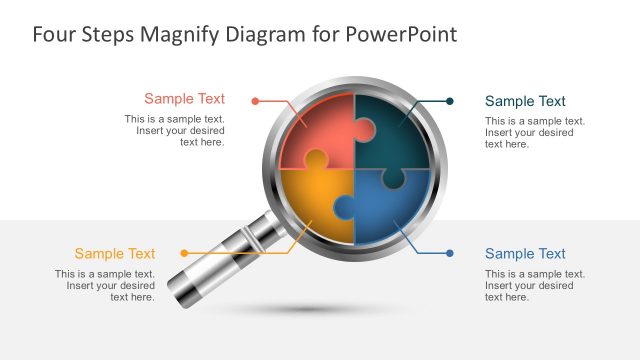
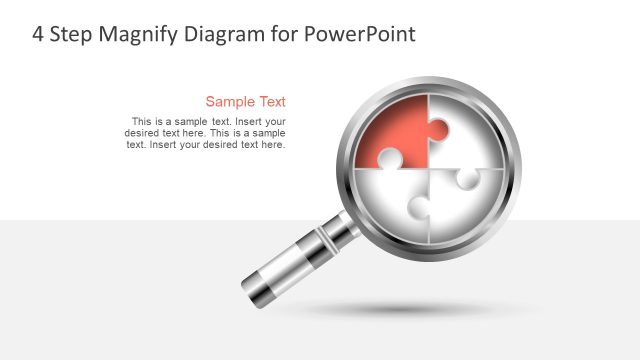
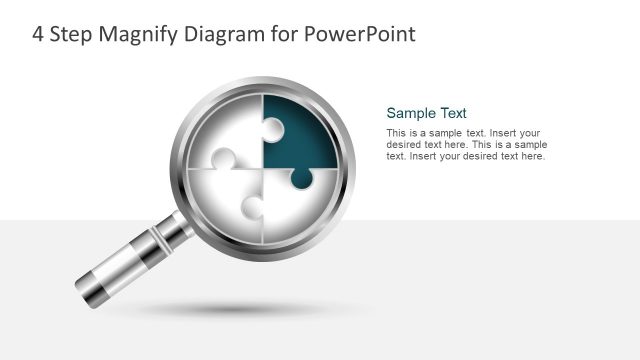
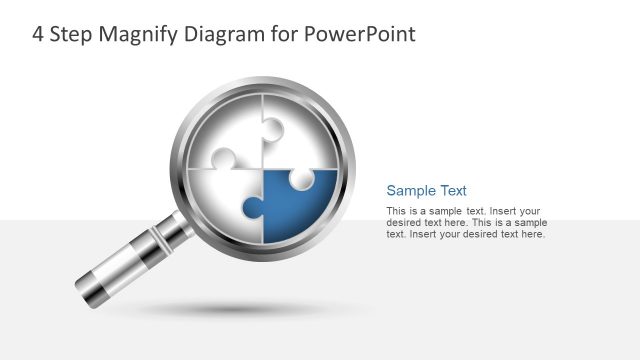
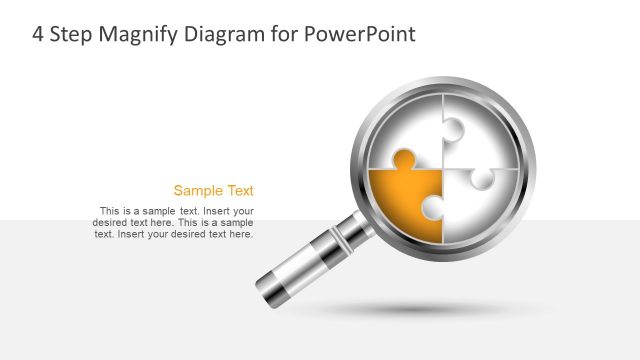
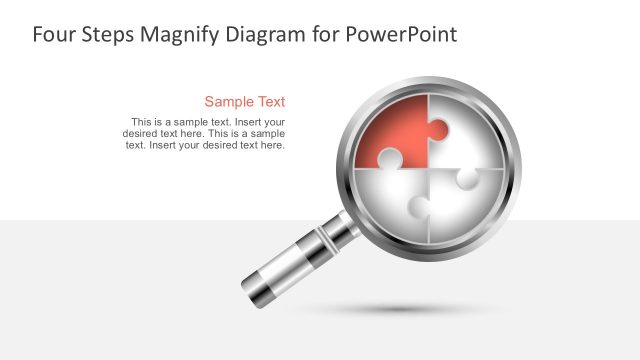
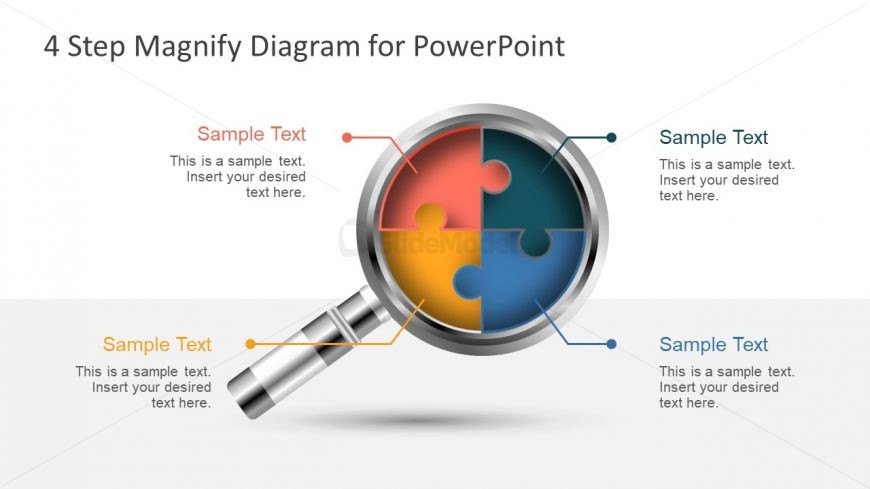
The layout features a central magnifying glass with a circular puzzle inside, divided into four segments. Each segment is colored differently: red, blue, yellow, and green. Text placeholders are positioned around the magnifying glass, with two at the top and two at the bottom, aligned to the left and right. Each placeholder is labeled 'Sample Text' and is intended for descriptive content. The overall composition is balanced, with the magnifying glass as the focal point, creating a clear visual hierarchy. The background is light, enhancing the diagram's visibility.
How to Use It
This layout serves as a visual representation of a four-step process or concept, ideal for explaining sequential ideas or stages. It fits well in presentations focused on project management, strategic planning, or educational topics. This slide can be used to illustrate frameworks, methodologies, or product features. It is particularly effective when presenting complex information in a simplified manner, helping audiences grasp key points quickly. The layout can be adapted for various business contexts, making it versatile for different presentations.
Text Placeholders & Capacity
Keep your copy within these limits so it fits without resizing. Node body slots can hold about 10 words each.
| Placeholder | Count | Max characters (approx.) |
|---|---|---|
| Slide title | 1 | 30 |
| Item heading | 4 | 20 |
| Item body | 4 | 50 |
Slide Keywords
Download unlimited PowerPoint templates, charts and graphics for your presentations with our annual plan.
DOWNLOADReturn to Free 4 Step Magnify PowerPoint Diagram.