Slide 2 of 2 from Free 5 Steps Magnifier Focus PowerPoint Diagram
Magnifier Focus 5 Steps Diagram Template
Magnifier Glass Diagram for PowerPoint
- Diagram
- Other
- Concept Explanation Slide
- 16:9
- 100% Editable
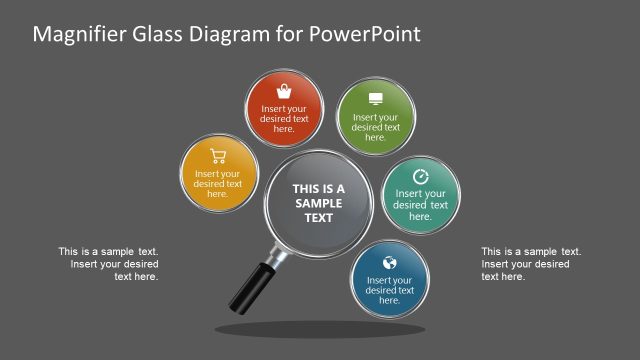
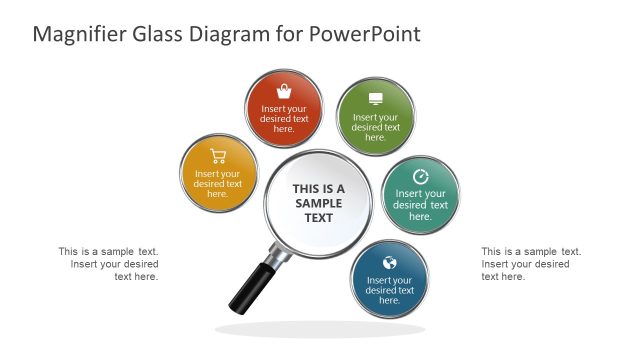
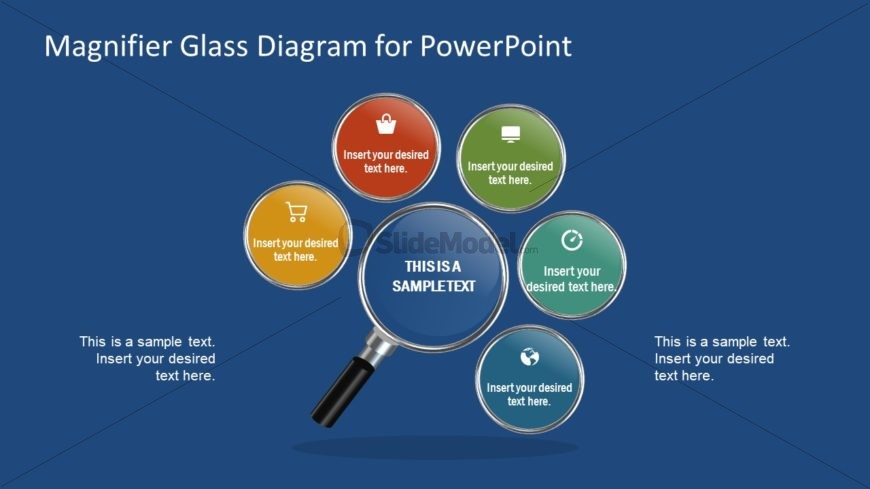
The Magnifier Glass Diagram slide from the Free 5 Steps Magnifier Focus PowerPoint Diagram template offers a clear visual tool for emphasizing key features or marketing strategies. This slide layout uses editable shapes and vector icons arranged in a circular pattern around a central magnifying glass, making it ideal for business presentations or pitch deck templates that require highlighting interconnected concepts effectively.
What’s on This Slide
The layout features a central magnifying glass shape that highlights a central text placeholder. Surrounding this are six circular nodes, evenly distributed in a circular arrangement. Each node contains a placeholder for text and an icon, with colors varying among them. The background is a solid blue, providing contrast to the elements. Text placeholders are present at the bottom left and right corners for additional information. The visual hierarchy emphasizes the central magnifying glass, directing focus to the highlighted text.
How to Use It
This layout serves as a visual representation of key points or features, making it suitable for presentations that require highlighting specific aspects of a topic. It fits well in a sequence following an introduction or problem statement, leading into detailed discussions. Business scenarios include product feature overviews, marketing strategies, or project highlights. The circular arrangement allows for easy comprehension of interconnected ideas or steps.
Text Placeholders & Capacity
Keep your copy within these limits so it fits without resizing. Node body slots can hold about 30 characters each.
| Placeholder | Count | Max characters (approx.) |
|---|---|---|
| Slide title | 1 | 30 |
| Item body | 6 | 30 |
| Body paragraph | 2 | 50 |
Slide Keywords
Download unlimited PowerPoint templates, charts and graphics for your presentations with our annual plan.
DOWNLOAD