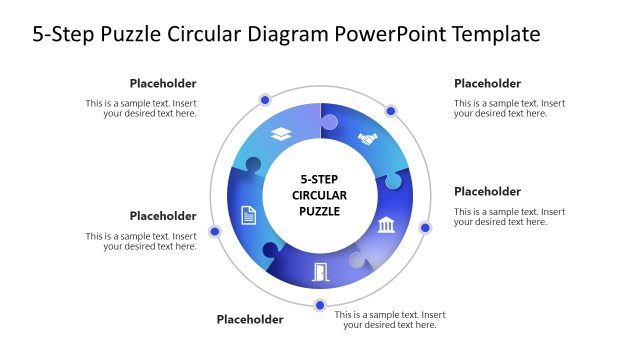
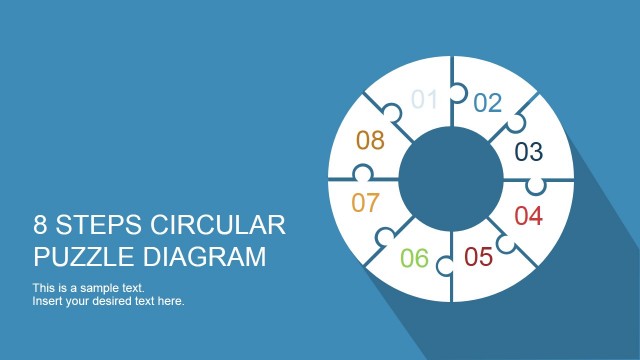
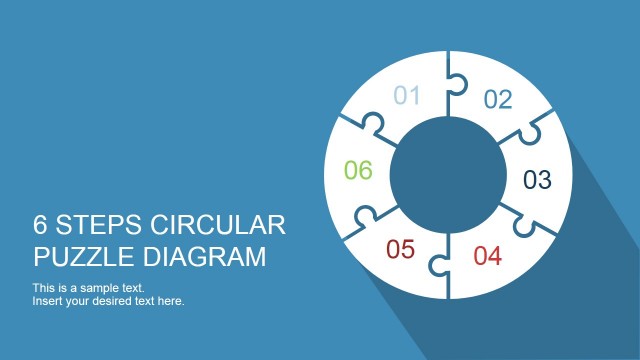
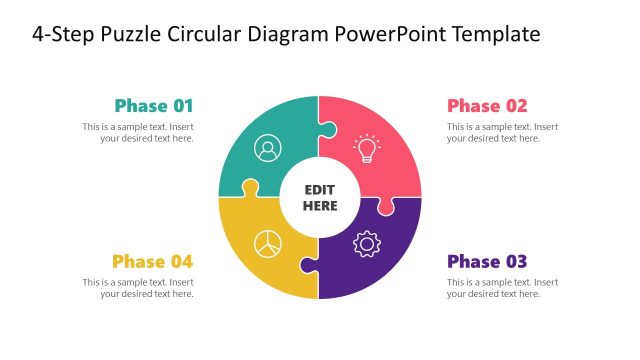
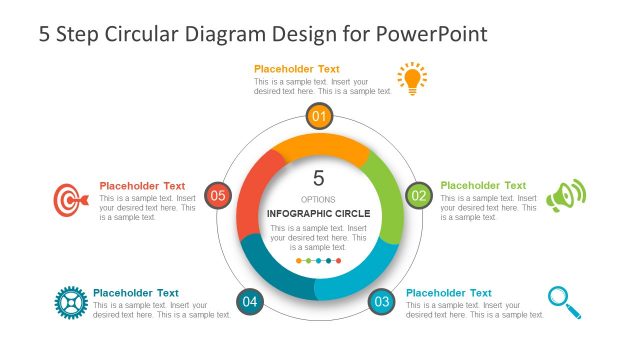
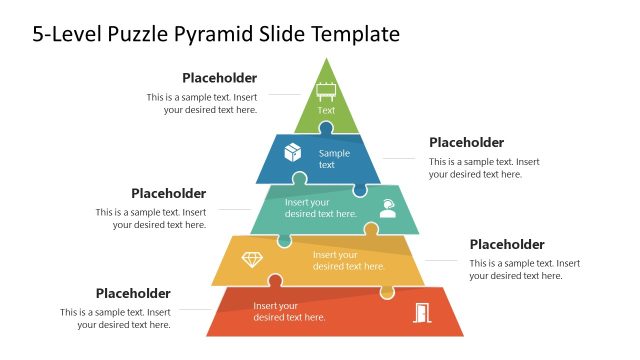
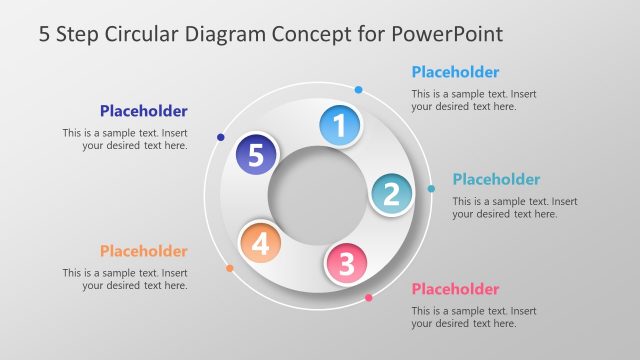
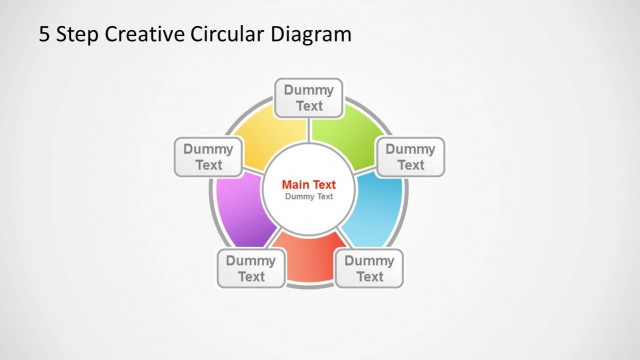
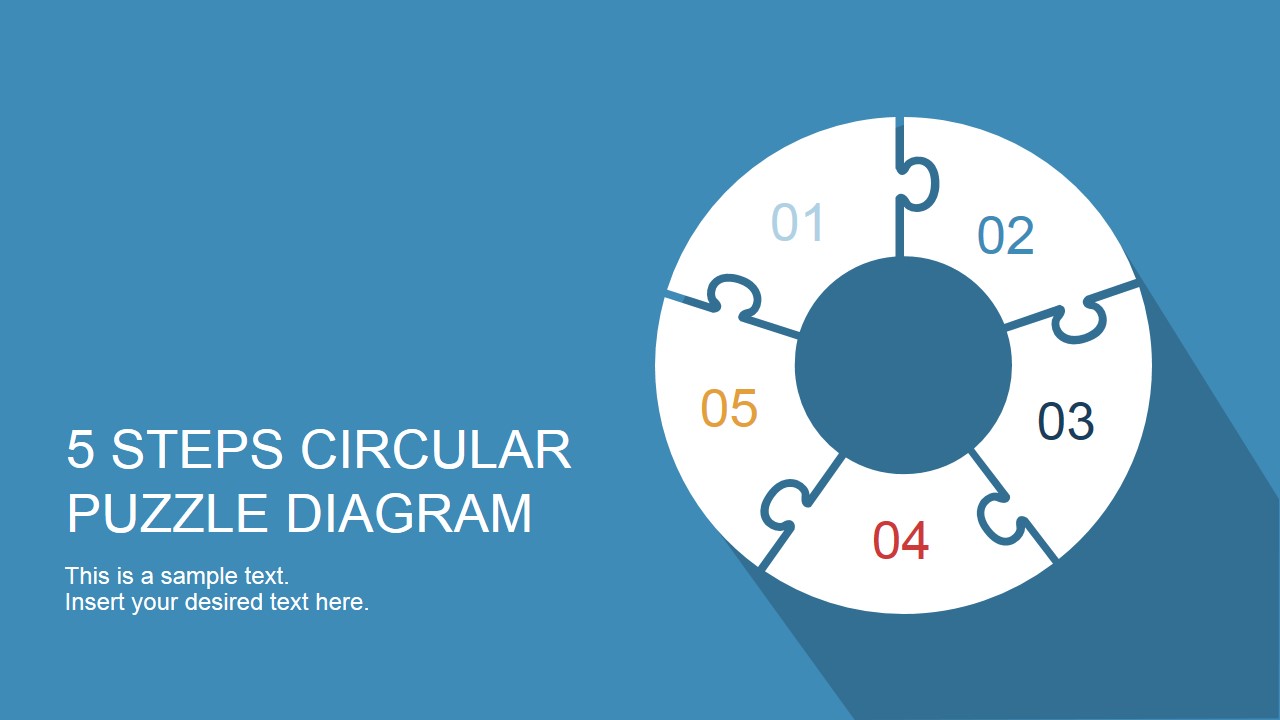
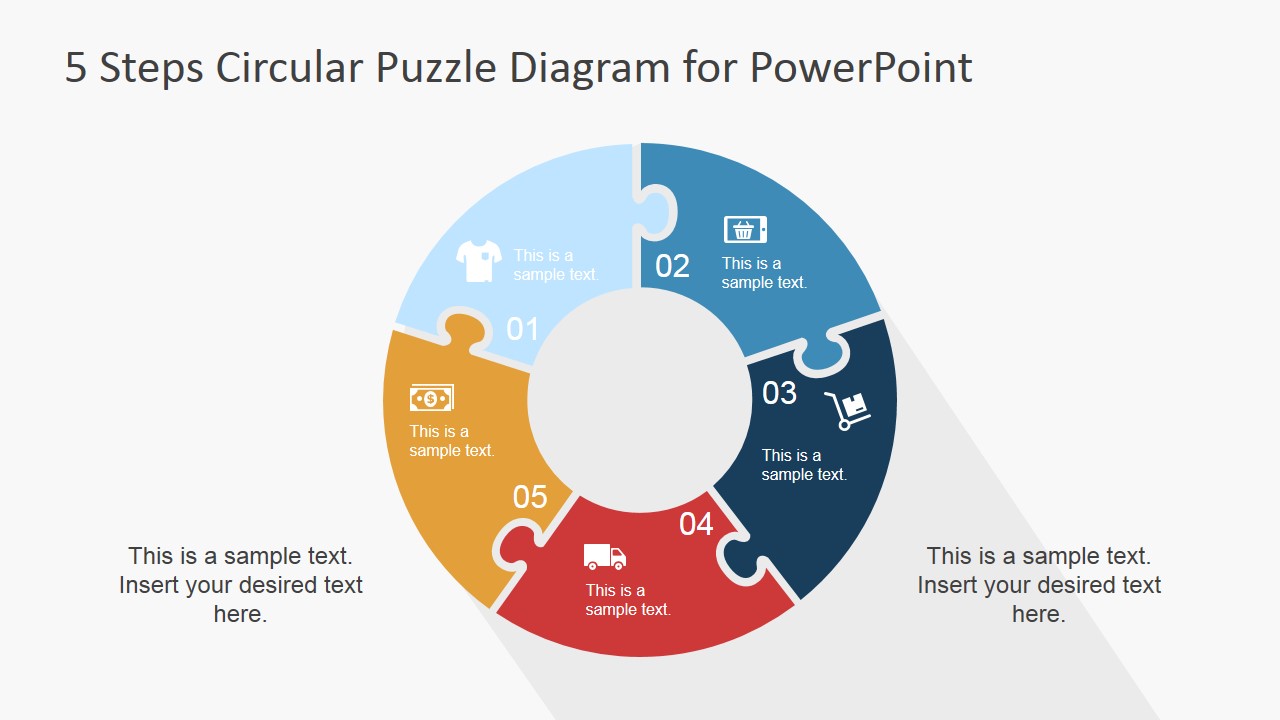
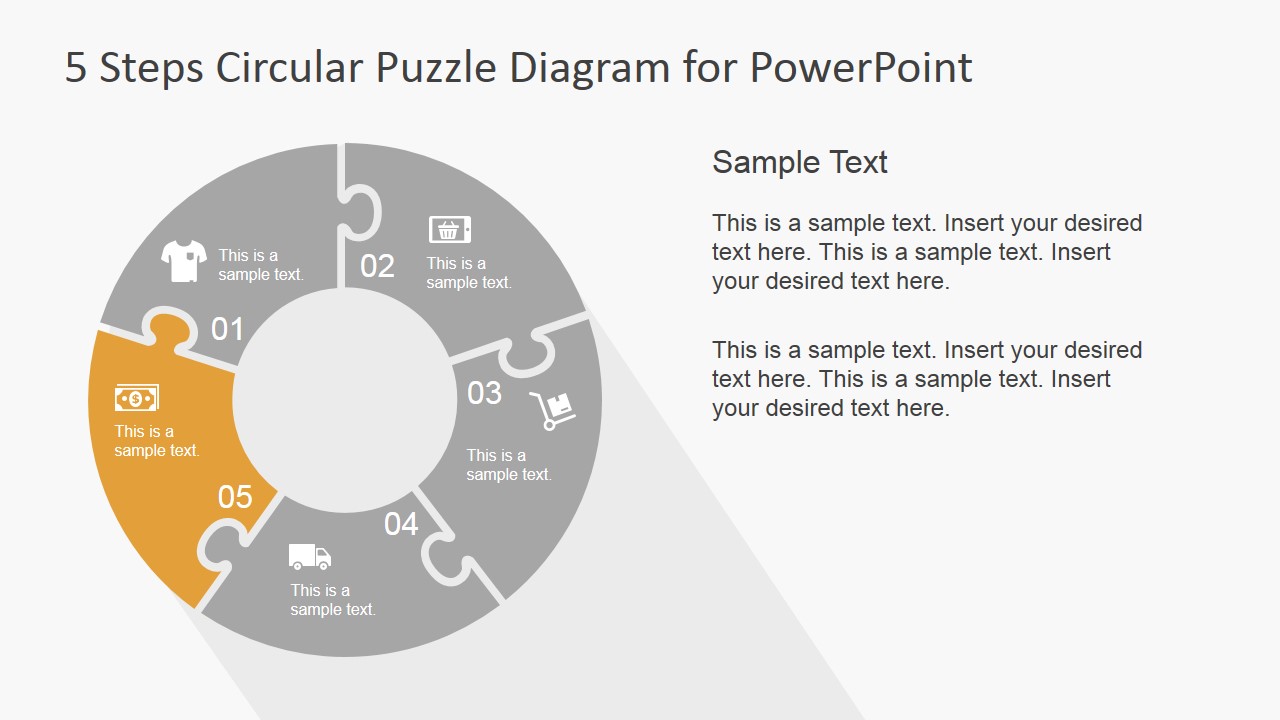
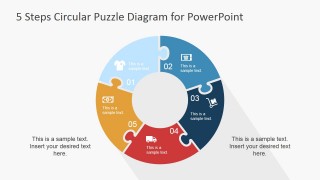
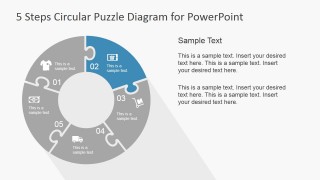
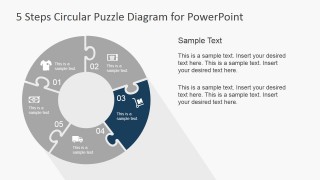
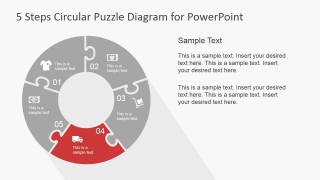
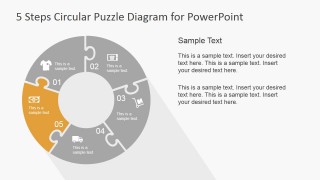
5 Step Circular Puzzle Diagram Template for PowerPoint is a professional presentation featuring a circular ring where each step is mapped to a jigsaw puzzle piece. The Puzzle PowerPoint diagram is colored with a warm pastel palette, fully customizable by the user through the use of PowerPoint Themes. Each jigsaw piece contains a PowerPoint icon mapping a metaphor. The user can select any Icon from our PowerPoint Icons Gallery and replace the shape with a more suitable metaphor.
What’s inside this template
Example presentation scenarios
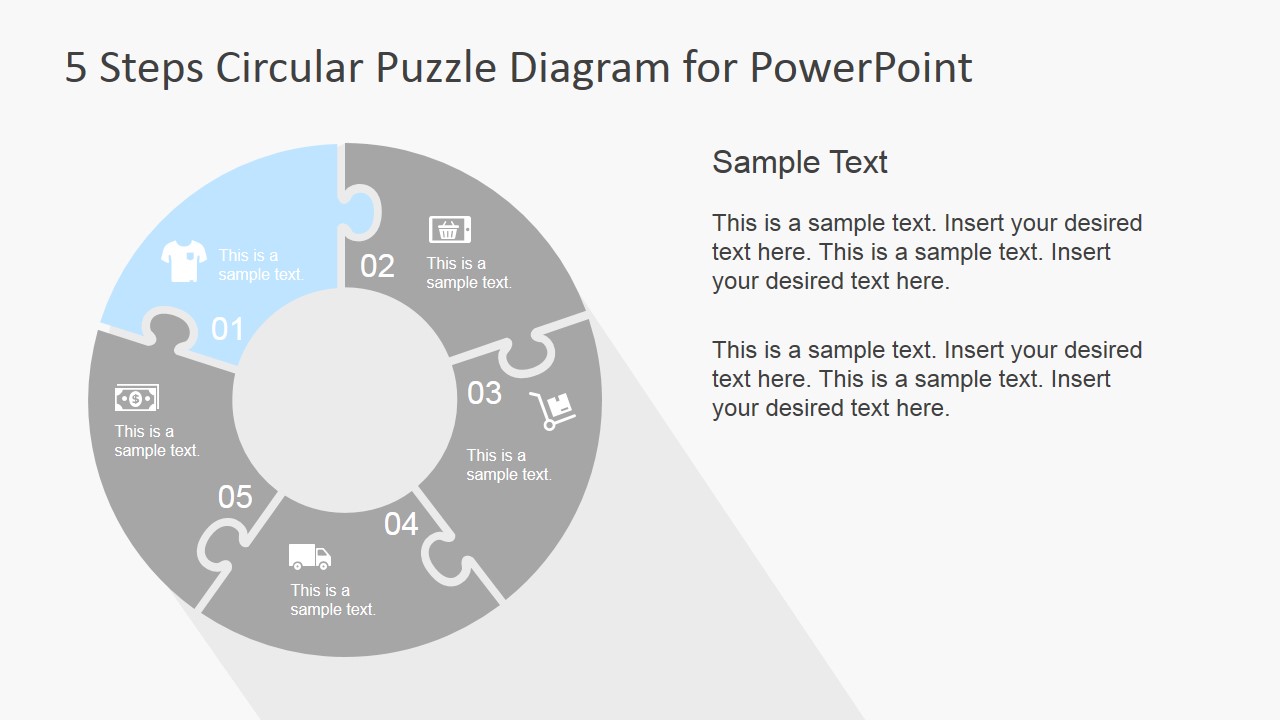
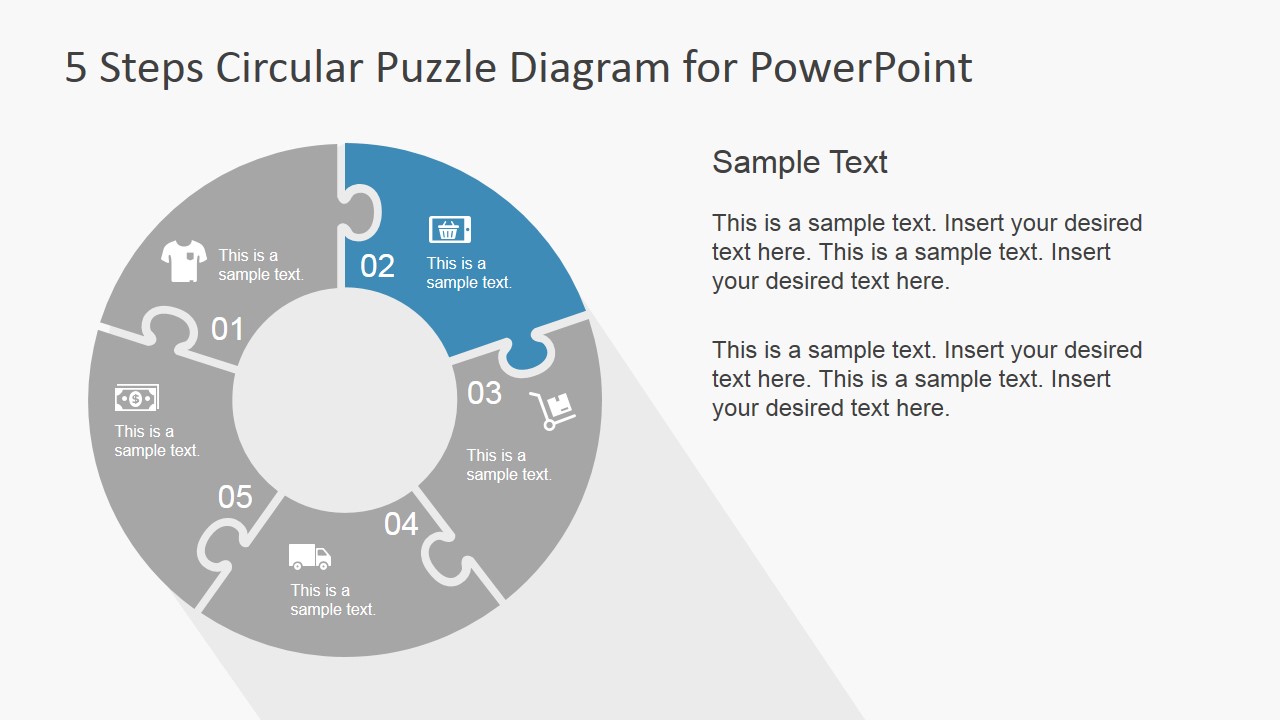
- A project manager can explain a five-stage implementation plan to stakeholders using the full-color circular puzzle and the individual step-highlight slides.
- A marketing presenter can map a customer journey or campaign cycle with the numbered puzzle segments and replace icons with symbols that fit each phase.
- An operations leader can show how retail, payment, delivery, and service activities connect by using the circular diagram and the useful icons slide.
- A consultant can summarize a framework for a client workshop with the title slide, then walk through each piece using the focused text layouts.
Features
- 100% editable presentation template
- Compatible with Microsoft PowerPoint and Google Slides
- 16:9 aspect ratio slides
- Scalable vector shapes, icons and illustrations
- AI-Ready for Microsoft Copilot and Claude
- Instant access and download
Frequently asked questions
Q: How should a presenter explain the five-step puzzle without making the diagram feel crowded?
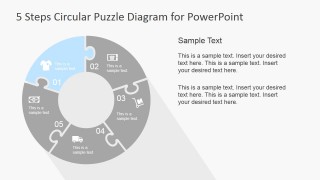
A: Start with the full-color circular puzzle to define the five parts at a high level, then move to the step-highlight slides for detail. Keep each segment label short and place the supporting explanation in the right-side text blocks. This separates orientation from explanation and prevents the circular diagram from carrying too much text.
Q: Who is this template best suited for in a business presentation?
A: It is best for presenters who need to show that five activities are connected rather than isolated. Project managers, operations leads, consultants, and marketing teams can use it for process models, service cycles, onboarding paths, or product lifecycle explanations where each step depends on the others.
Q: Why does the circular puzzle metaphor work for this type of message?
A: The jigsaw pieces imply fit, dependency, and completeness, while the circle suggests a cycle or repeatable system. Highlighting one piece at a time helps the audience focus without losing the context of the full model. The icon set adds quick visual cues for business activities such as sales, delivery, payment, and support.




5 Step Circular Puzzle Diagram Template for PowerPoint
8-slide presentation template with circular puzzle process steps and retail icon options
The 5 Step Circular Puzzle Diagram Template for PowerPoint is an 8-slide diagram template for explaining five connected steps. It includes a title slide, full-color circular puzzle ring, step-highlight layouts, text callout layouts, and a useful icons slide for presenters building process, workflow, or product lifecycle presentations in Microsoft PowerPoint and Google Slides.
- Category
- Diagrams
- Rating


 Loading...
- Aspect ratio
- 16:9, 4:3
- Item ID
- 6911-01-5
- Colors
 Microsoft PowerPoint
  Microsoft Copilot
  Claude for PowerPoint
 Other formats supported
Subscribe today and get immediate
access to download our PowerPoint templates.