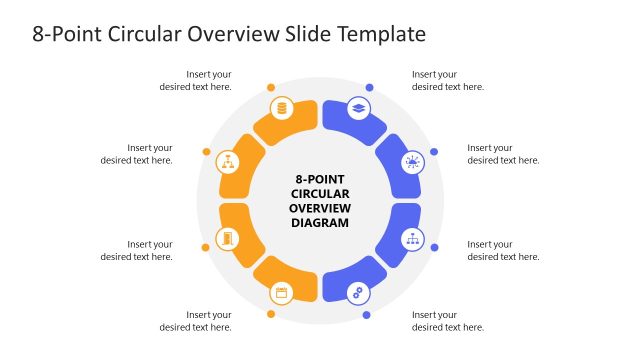
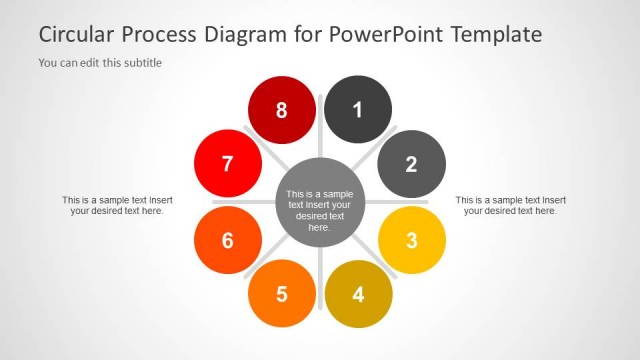
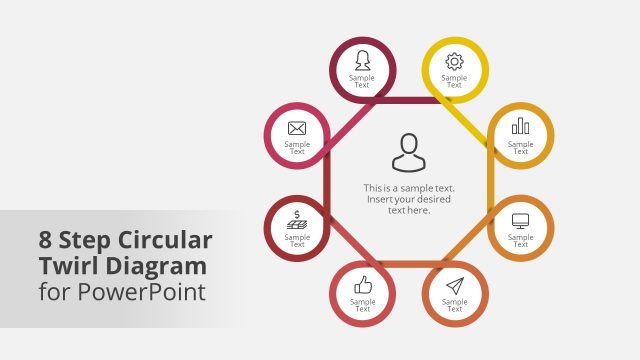
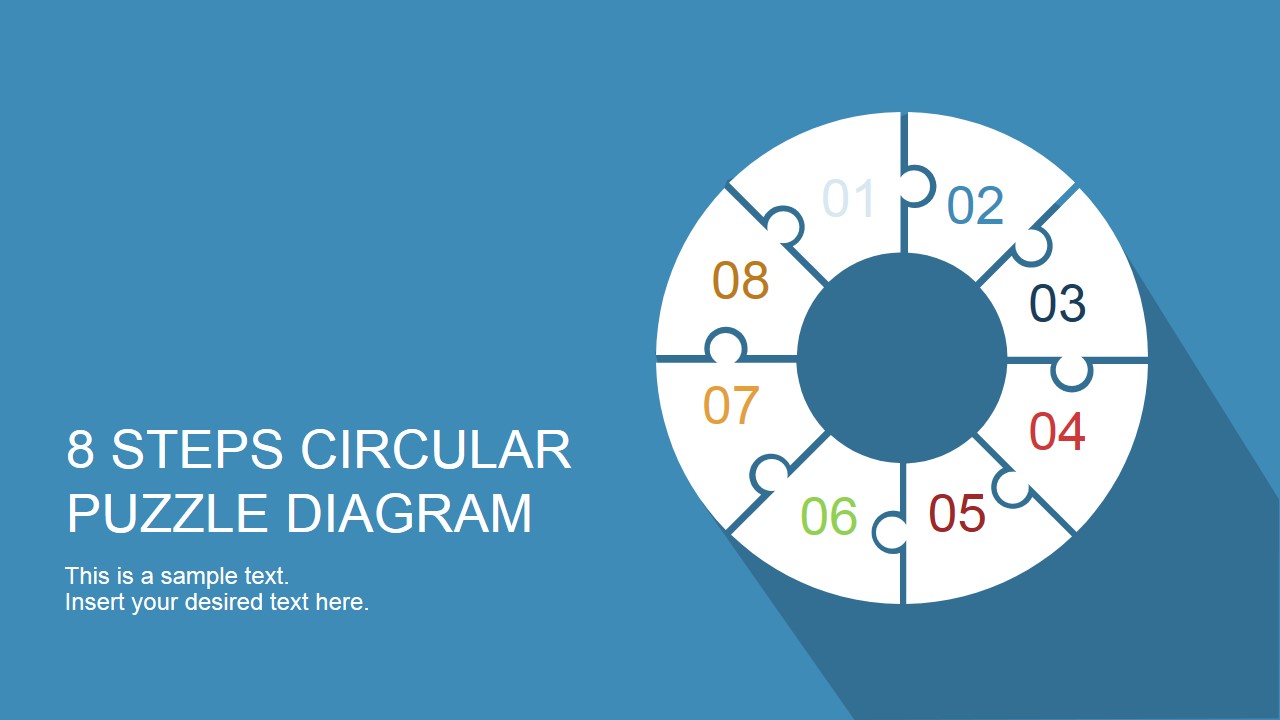
Create a colorful and informative presentation using the 8 Step Circular Puzzle Diagram Template for PowerPoint. The PowerPoint presentation can be utilized in any cyclical process with 8 steps. Improve conventional circular diagrams with the creatively-assembled diagram.
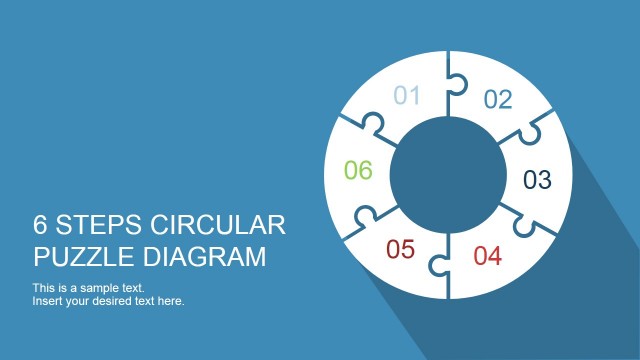
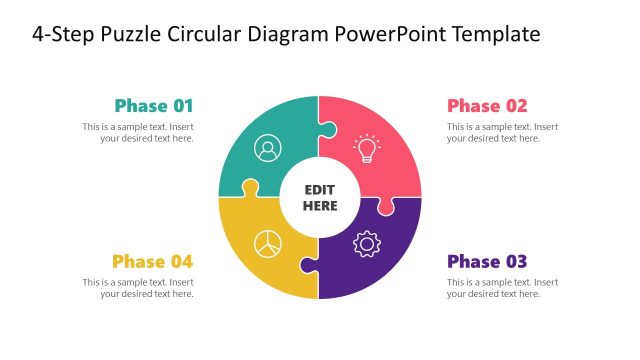
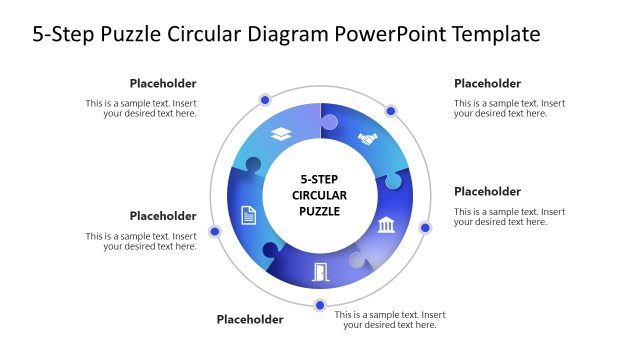
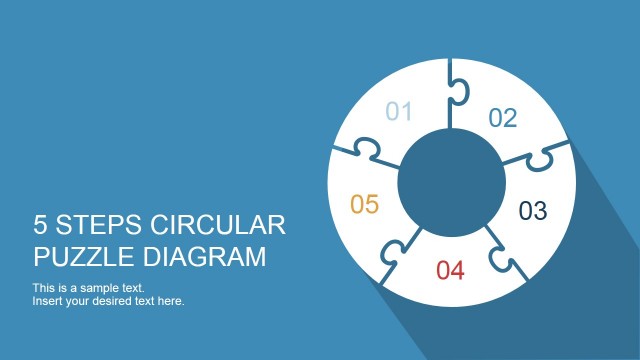
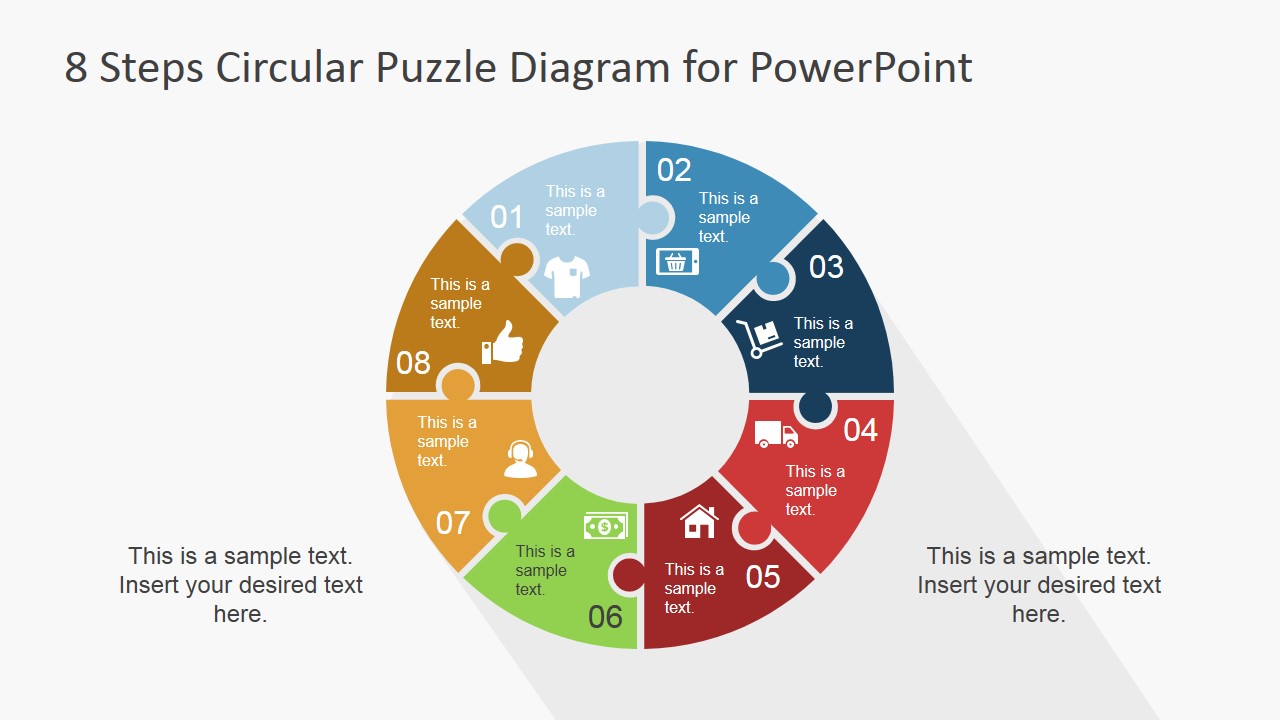
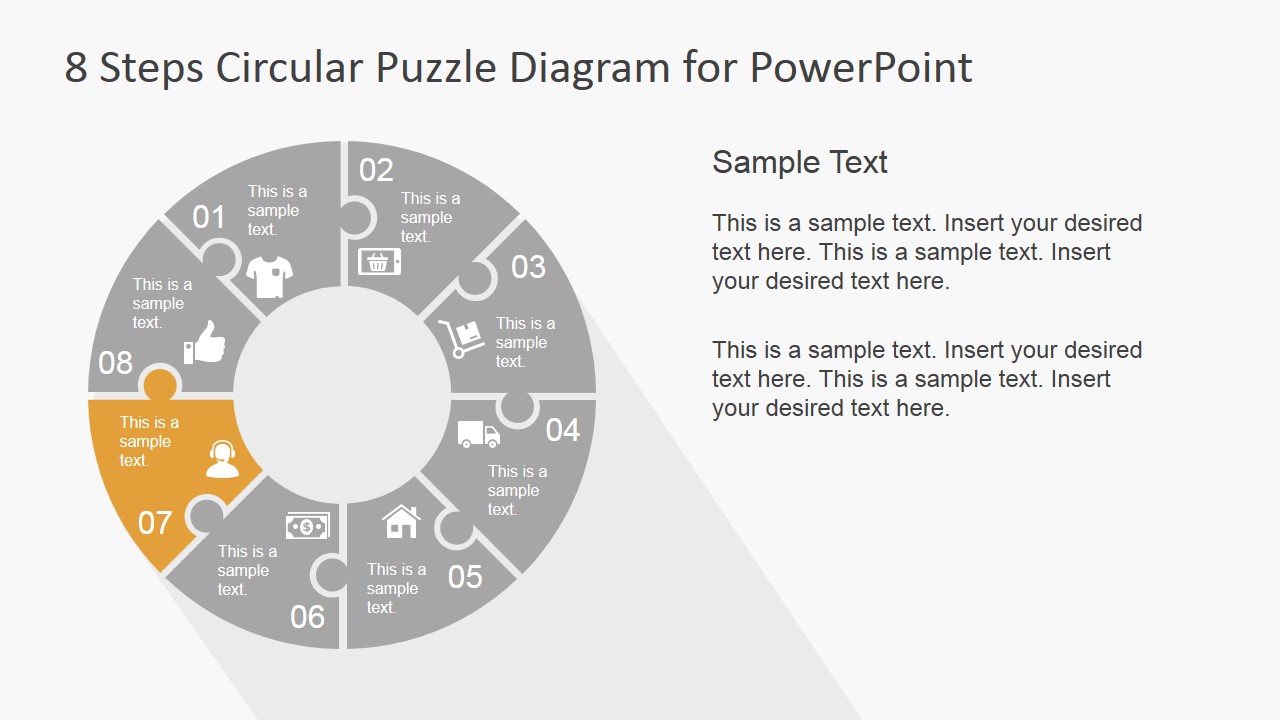
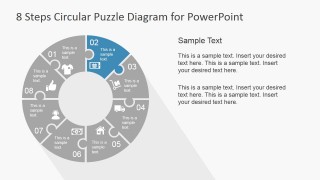
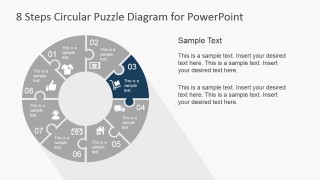
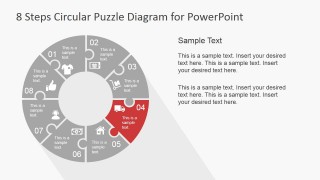
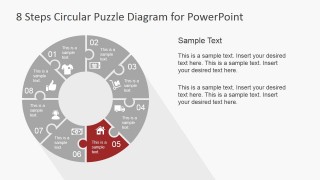
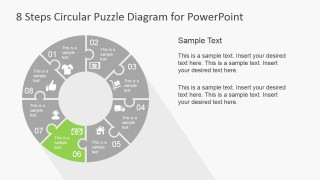
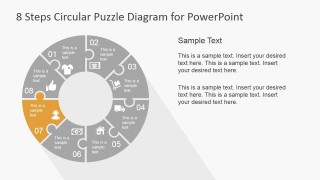
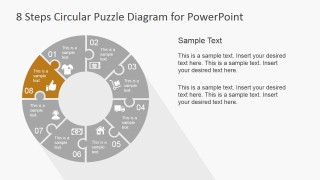
Each step of the process is represented by a jigsaw puzzle. The presenter can refer to this as a metaphor. It can be explained that each step is vital to the continuation of the process. They represent a single piece which, if done properly and effectively, completes the cycle in order to begin a new one.
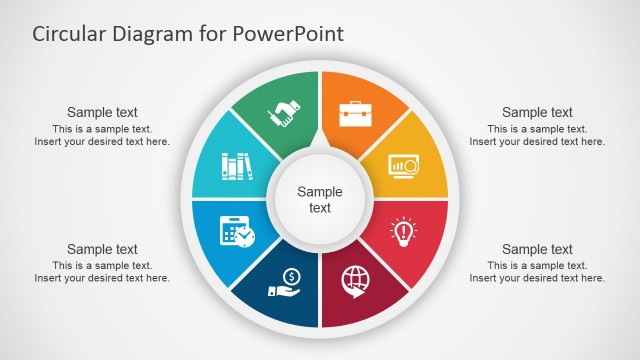
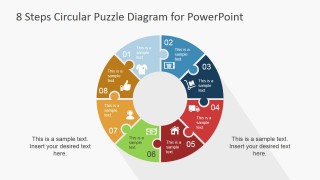
The steps are arranged in a clockwise direction. From the first step, the jigsaw continues to the right, at an angle, before it meets with the first piece again. Each jigsaw puzzle contains a numbered label, a placeholder, and a relevant icon. The PowerPoint icons are created as flat vector drawings. The doughnut diagram itself has a long shadow, giving it the impression of being 3D.
The Puzzle PowerPoint template can be used in the logistics of specific commerce trading processes. The presenter can even use the template to describe the different stages of customer and brand loyalty, and the company’s methods of achieving it.
Users can describe the company’s system of promoting brand recognition, improving brand preference, and cementing brand insistence. These three degrees of brand loyalty help the company establish its products in the consumer market. By doing this, the company is assured of continuing purchases and production through consistent client demand. This also decides whether products are discarded, continued, or developed, according to the company’s relative position in the market in relation to its competitors.
Most suitable for livening traditional circular process diagrams, the 8 Step Circular Puzzle Diagram is fun and interactive. The familiar shapes and icons make it easily identifiable to any type of audience. The presenter can also download other PowerPoint templates from the Gallery, like the SEO Circular Diagram Template for PowerPoint.
What’s inside this template
Example presentation scenarios
- A marketing manager can use the full circular puzzle diagram to explain stages of brand loyalty, then move to the highlighted step slides to discuss actions such as preference building or retention.
- An operations presenter can show a recurring workflow by assigning each puzzle piece to a team action, using the grayscale focus slides to isolate responsibilities one step at a time.
- A sales trainer can introduce an eight-step customer engagement cycle and use the editable icon sheet to replace generic symbols with commerce or service icons that match the training topic.
- A consultant can present a client process audit by using the full-color overview for the current model and the individual highlight slides to discuss gaps, dependencies, or handoffs.
Features
- 100% editable presentation template
- Compatible with Microsoft PowerPoint and Google Slides
- 16:9 aspect ratio slides
- Scalable vector shapes, icons and illustrations
- AI-Ready for Microsoft Copilot and Claude
- Instant access and download
Frequently asked questions
Q: How should a presenter explain the eight puzzle pieces without making the diagram feel crowded?
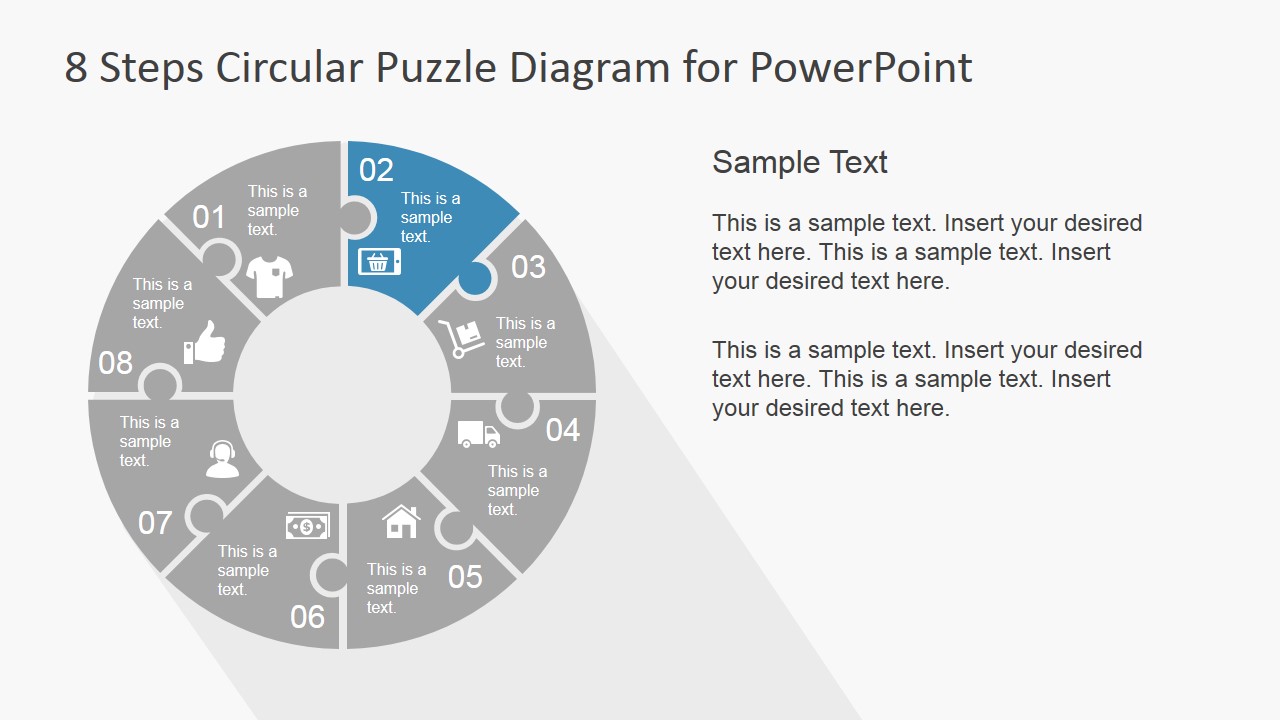
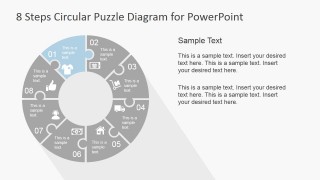
A: Start with the full-color circular puzzle as the complete system, then move into the step-highlight slides for the detailed explanation. Keep each piece to one action, decision, or outcome. The gray surrounding pieces keep context visible while the colored segment tells the audience exactly where to focus.
Q: Who is this circular puzzle diagram best suited for?
A: This template fits presenters who need to explain a connected eight-step process rather than a simple list. Marketing teams can map loyalty stages, operations managers can explain handoffs, and consultants can show how each action supports the next. It works best when missing one step would weaken the entire cycle.
Q: Why use a puzzle circle instead of a standard circular arrow diagram?
A: The puzzle metaphor makes dependency visible. Each segment looks like a separate piece, but the ring only feels complete when all pieces connect. That design helps audiences understand that the steps are not isolated tasks; they are interlocking parts of one repeatable process.






8 Step Circular Puzzle Diagram Template for PowerPoint
11-slide presentation template with an 8-step circular puzzle diagram and commerce icon set
The 8 Step Circular Puzzle Diagram Template for PowerPoint is an 11-slide diagram template for explaining cyclical processes. It includes a cover, a full 8-piece circular puzzle, step-highlight slides, and a reusable icon sheet for business, commerce, operations, and customer journey presentations in Microsoft PowerPoint and Google Slides.
- Category
- Diagrams
- Rating


 Loading...
- Aspect ratio
- 16:9
- Item ID
- 6911-04
- Colors
 Microsoft PowerPoint
  Microsoft Copilot
  Claude for PowerPoint
 Other formats supported
Subscribe today and get immediate
access to download our PowerPoint templates.