5-Item Boxes Infographic PowerPoint Template
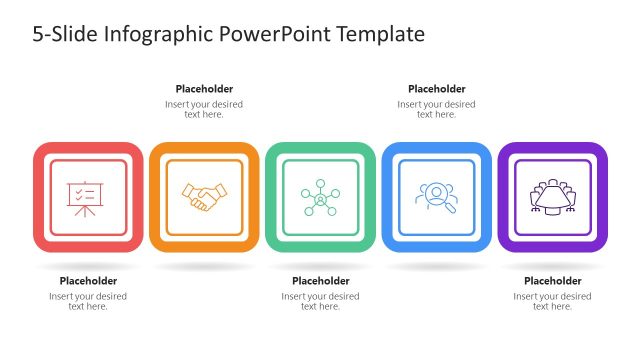
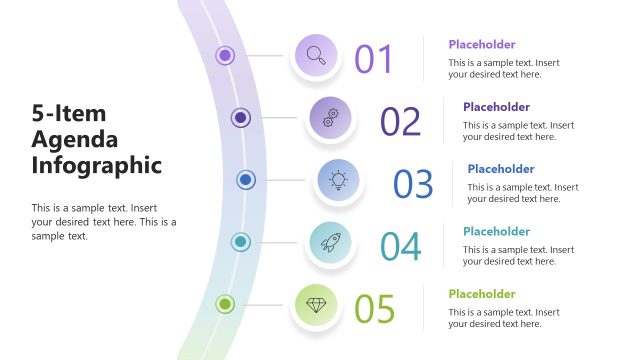
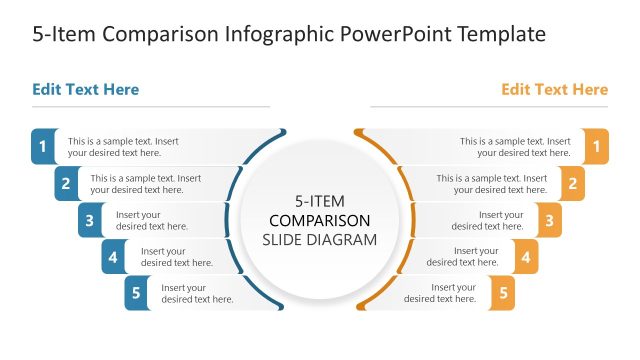
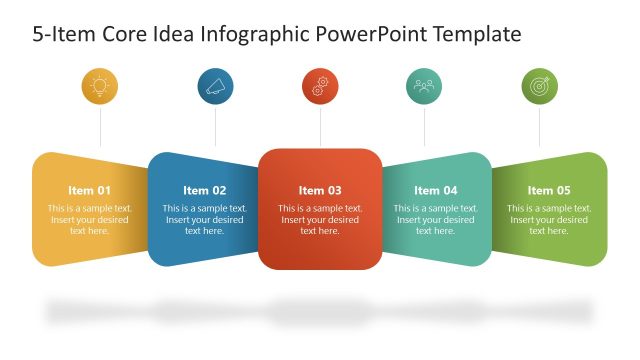
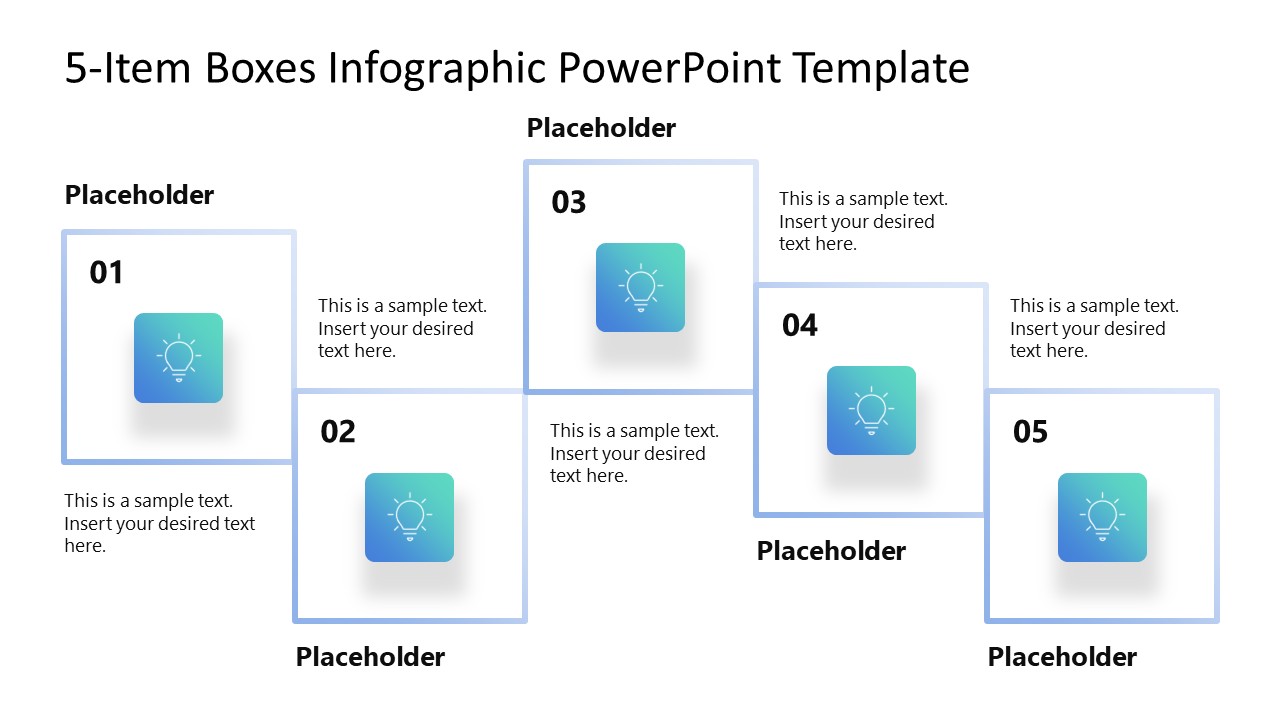
Present the breakdown of five components of a business model or strategic framework in board presentations with this editable 5-Item Boxes Infographic PowerPoint Template. A procurement manager can use this template to present five vendor selection factors in numbered boxes during stakeholder presentations. Product managers customize the diagonal boxes diagram to showcase five key feature highlights during a product launch deck. Financial analysts edit the boxes to present five evaluation criteria when comparing investment options in executive presentations. Learning and development leads can also use it to outline a five-step training framework, with each step in its own callout space. In an academic presentation, a researcher structures a methodology with five stages, where each numbered box represents one part of the research procedure. The visual sequence helps them establish the order in which the stages are examined before the presentation moves into supporting detail.
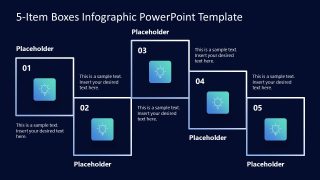
The 5-Item Boxes Infographic PowerPoint Template includes two slides with the same box layout, but different shapes and background colors. The first slide features gradient boxes on a white background, while the second features a similar design on a dark navy background. The 5-item box layout shows five large boxes connected to one another, creating a consistent visual appearance. Placeholder title text appears at the top, with additional supporting text sections in each block to describe the points in detail. Presenters can also communicate business concepts or process stages with small infographic boxes featuring gradient fills.
Users can easily adjust the layout, fonts, and colors to suit their needs. Download the 5-item boxes infographic PPT template to elaborate on product features in a staggered layout during executive presentations.

You must be logged in to download this file.
DOWNLOAD- Category
- Diagrams
- Rating

 Loading...
- Size
- 16x9
- Item ID
- 23716-01
- Colors
Subscribe today and get immediate
access to download our PowerPoint templates.