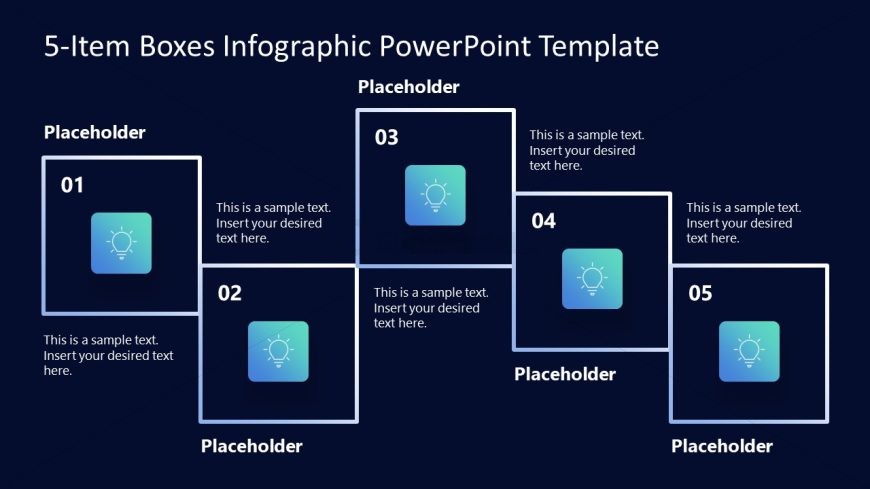
Slide 2 of 2 from 5-Item Boxes Infographic PowerPoint Template
Customizable 5-Item Boxes Infographic PPT Template
5-Item Box Layout for Presentations
- Diagram
- Comparison Split
- Context Slide
- 16:9
- 100% Editable
The 5-Item Box Layout from the 5-Item Boxes Infographic PowerPoint Template offers a structured way to present five key elements using editable shapes and vector icons. This slide layout is ideal for business presentations or pitch deck templates that require clear comparison or process overview, enhancing communication through well-organized PowerPoint slides.
What’s on This Slide
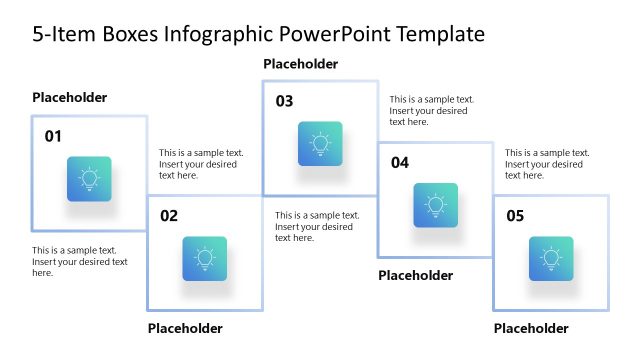
The layout features five square boxes arranged in a staggered format. Each box contains a number in the top left corner, with a corresponding icon centered above a text placeholder. The boxes are visually separated by a dark background, enhancing their prominence. The first box is positioned at the bottom left, followed by the second box directly above it. The third box is to the right of the second, while the fourth and fifth boxes are aligned vertically to the right of the third. Each box has a consistent size and shape.
How to Use It
This layout serves as a visual representation for presenting five key points or items in a structured manner. It is suitable for summarizing concepts, features, or steps in a process. This layout fits well in a presentation sequence after introducing a topic, allowing for detailed exploration of each item. It can be used in business contexts such as product features, project phases, or strategic initiatives.
Text Placeholders & Capacity
Keep your copy within these limits so it fits without resizing. Node body slots can hold about 10-12 words each.
| Placeholder | Count | Max characters (approx.) |
|---|---|---|
| Item heading | 5 | 2 |
| Item body | 5 | 60 |
Slide Keywords
Download unlimited PowerPoint templates, charts and graphics for your presentations with our annual plan.
DOWNLOADReturn to 5-Item Boxes Infographic PowerPoint Template.