Slide 6 of 6 from 5-Column Timeline Concept Template for PowerPoint
Customizable Column 5 Spotlight Slide PPT Template
5-Column Timeline Concept for Presentations
- Table
- Comparison Table
- Timeline Slide
- 16:9
- 100% Editable
What’s on This Slide
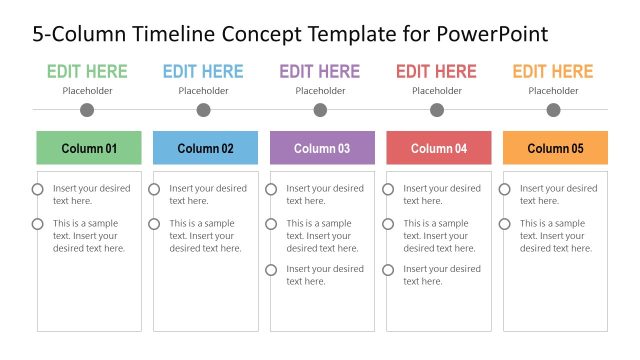
The layout features five equally sized columns arranged horizontally. Each column has a title placeholder at the top, followed by two text placeholders aligned vertically. The columns are separated by vertical lines, enhancing clarity. A horizontal timeline runs above the columns, with circular markers indicating progression. The background is light, while the column titles use a darker color for contrast. The overall structure allows for clear organization of information across the five sections, with ample space for text in each placeholder.
How to Use It
This layout serves as a structured timeline, ideal for outlining events or phases in a project. It fits well in presentations focused on project planning or product roadmaps. Each column can represent a different stage, task, or milestone, making it suitable for tracking progress over time. This format is effective for business meetings or strategy sessions where clear chronological organization is essential. It can also be used in educational contexts to present timelines of historical events or processes.
Text Placeholders & Capacity
Keep your copy within these limits so it fits without resizing. Node body slots can hold roughly 15-20 words each.
| Placeholder | Count | Max characters (approx.) |
|---|---|---|
| Slide title | 1 | 30 |
| Item heading | 5 | 20 |
| Item body | 10 | 100 |
Slide Keywords
Download unlimited PowerPoint templates, charts and graphics for your presentations with our annual plan.
DOWNLOADReturn to 5-Column Timeline Concept Template for PowerPoint.