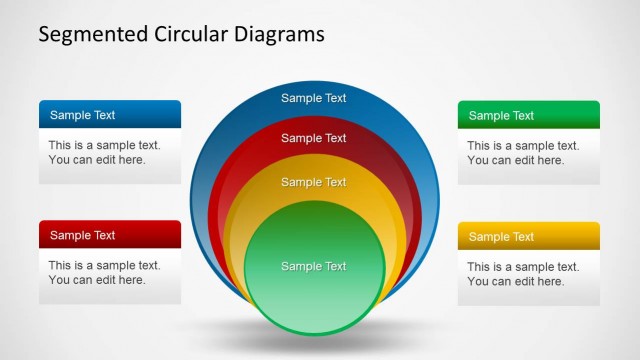
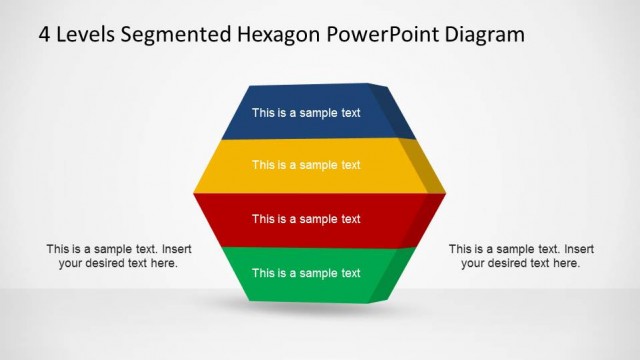
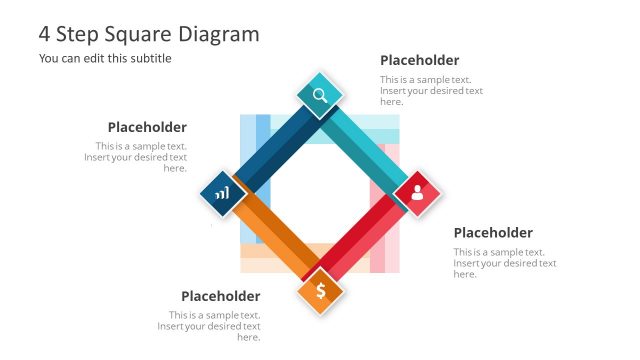
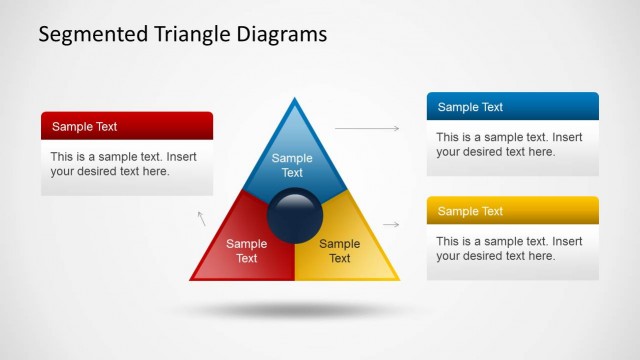
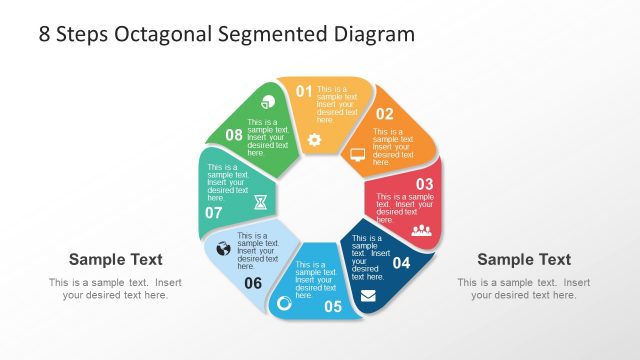
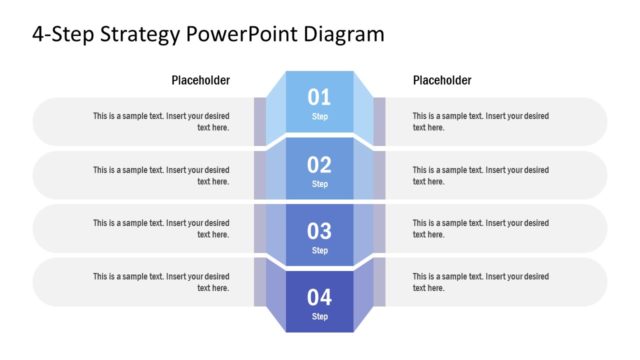
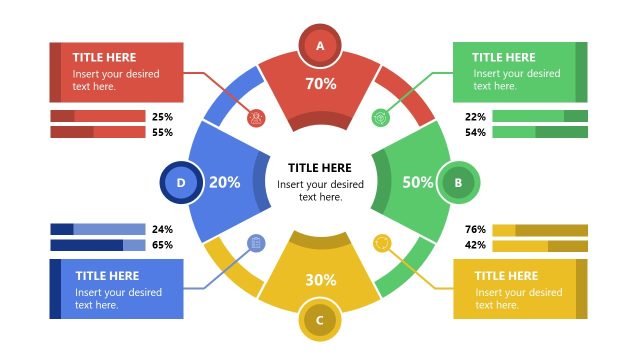
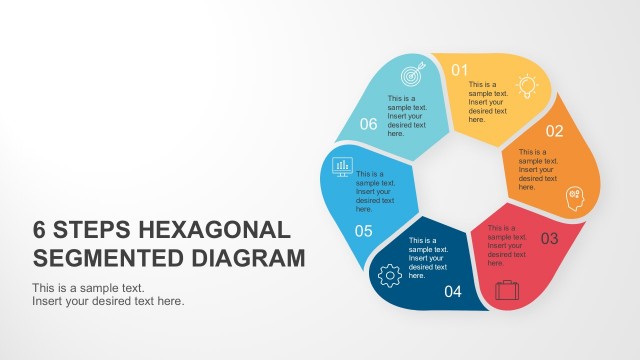
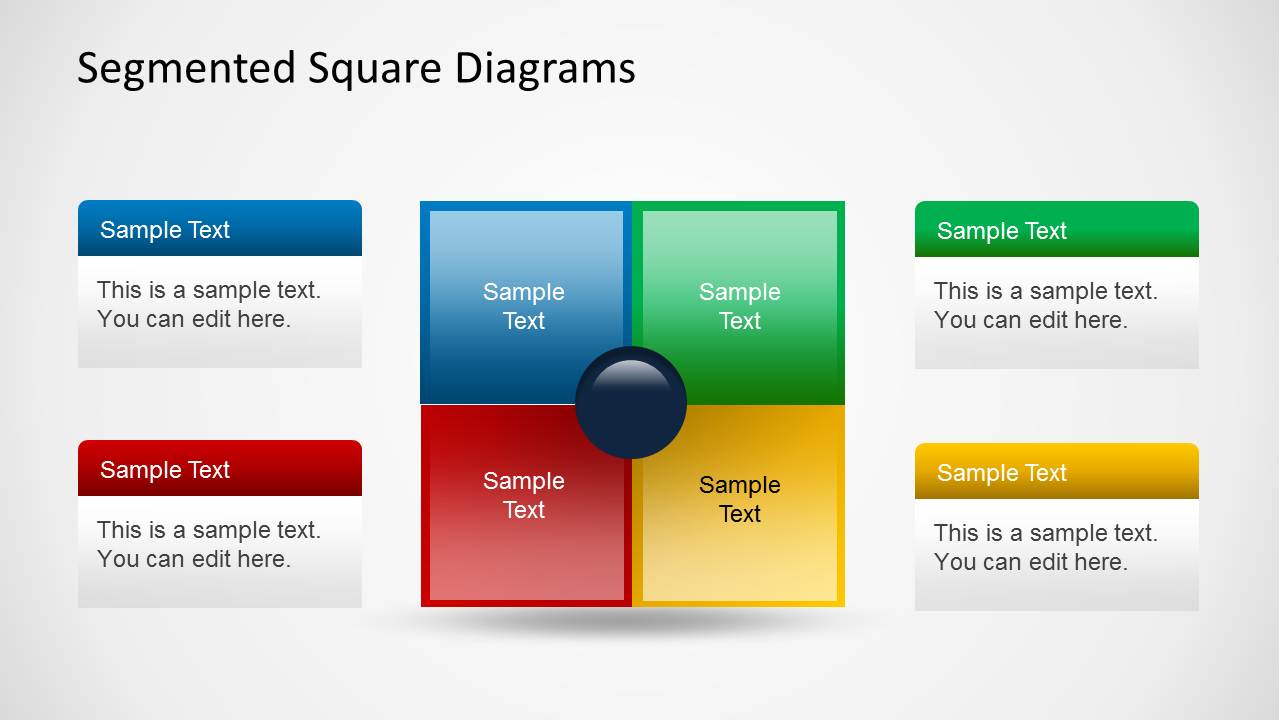
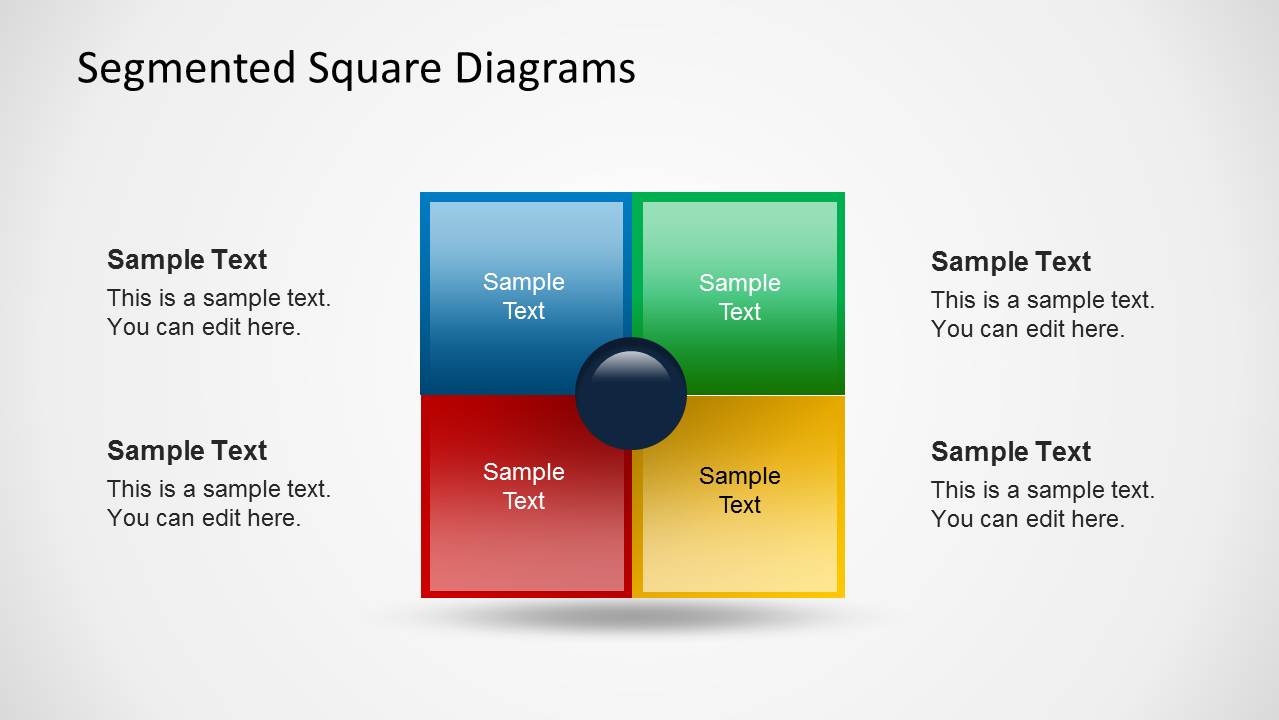
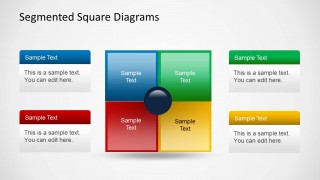
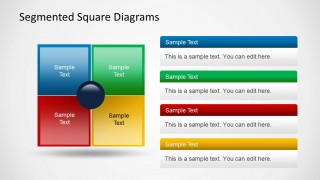
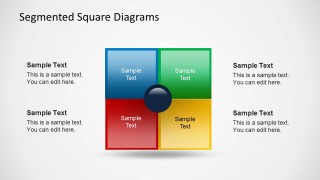
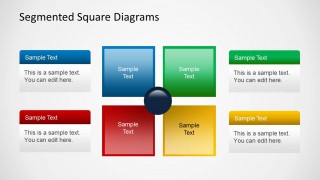
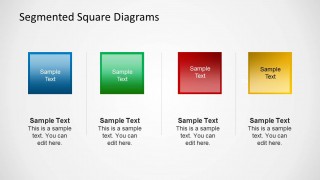
4 Steps Segmented Diagrams for PowerPoint is a simple presentation template containing a squared diagram design for PowerPoint including 4 stages and core element that you can use to represent business models or concepts in PowerPoint presentations. Alternatively you can download the three stages segmented triangle diagrams for PowerPoint presentations.
What’s inside this template
Example presentation scenarios
- A strategy consultant can present a SWOT-style assessment by assigning strengths, weaknesses, opportunities, and threats to the colored quadrants and using the side callouts for evidence.
- A project manager can explain a 4-step implementation model with the segmented square diagram, using the center circle as the shared objective and each block as a workstream.
- A business analyst can compare four operating model components with the four-column tile slide, giving each category a concise label and supporting note.
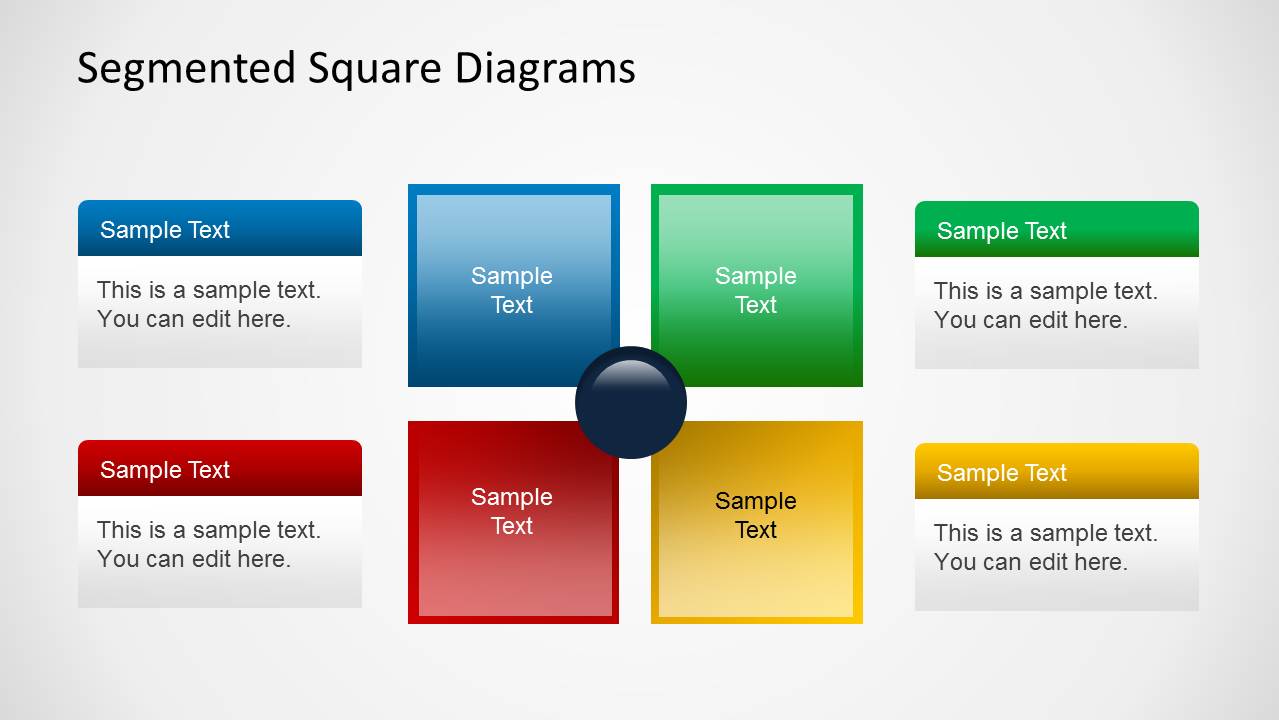
- A marketing lead can summarize four campaign priorities with the separated square block layout and use the surrounding callout cards to connect actions to each priority.
Features
- 100% editable presentation template
- Compatible with Microsoft PowerPoint
- 16:9 aspect ratio slides
- Scalable vector shapes, icons and illustrations
- AI-Ready for Microsoft Copilot and Claude
- Instant access and download
Frequently asked questions
Q: How should a presenter organize content across the four segments?
A: Keep the four segment labels parallel in structure, such as nouns for categories or verbs for process steps. Use the central circle for the shared goal, theme, or outcome, then place short supporting statements in the callouts. This prevents one quadrant from overpowering the others and keeps the diagram balanced.
Q: Who benefits most from this template in a business presentation?
A: This template works best for consultants, analysts, project leads, and managers who need to explain a balanced four-part model rather than a long sequence. It is useful for SWOT-style framing, operating model categories, implementation workstreams, or priority groups that should be read as connected parts of one idea.
Q: Why use a segmented square instead of a standard bullet list?
A: The segmented square makes the relationship between four ideas visible at a glance. The equal-sized quadrants signal that each category matters, while the central circle creates a clear anchor for the common goal. This metaphor is stronger than bullets when the message is about interdependence, balance, or shared ownership.


4 Steps Segmented Diagrams
5-slide PowerPoint presentation template with segmented square diagrams, SWOT-style quadrants, and 4-step process layouts
4 Steps Segmented Diagrams is a 5-slide PowerPoint template for explaining four-part concepts. It includes segmented square diagrams, SWOT-style quadrants, side callout layouts, and a four-column tile comparison. Business presenters can map models, priorities, process steps, or balanced category relationships in 16:9 format.
- Category
- Diagrams
- Rating

 Loading...
- Aspect ratio
- 16:9
- Item ID
- 6309-02
- Colors
 Microsoft PowerPoint
  Microsoft Copilot
  Claude for PowerPoint
 Other formats supported
Subscribe today and get immediate
access to download our PowerPoint templates.