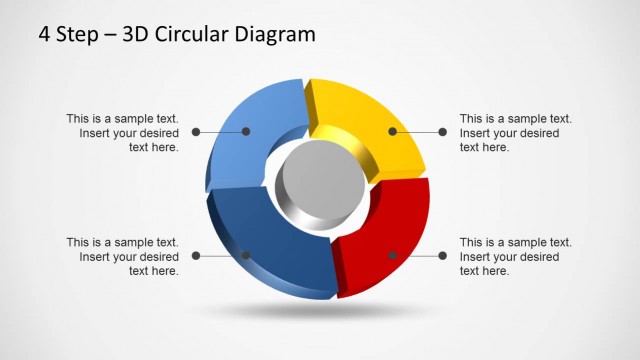
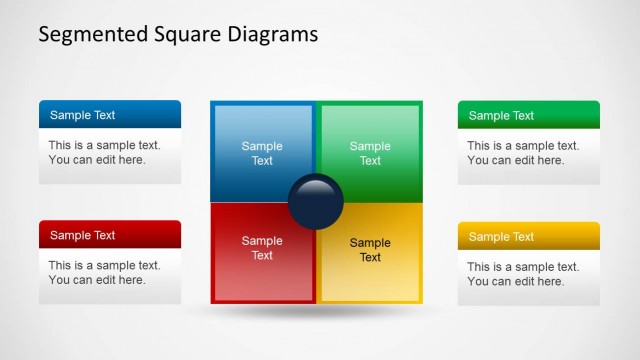
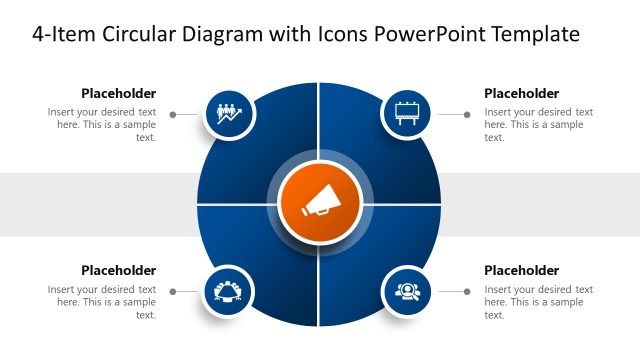
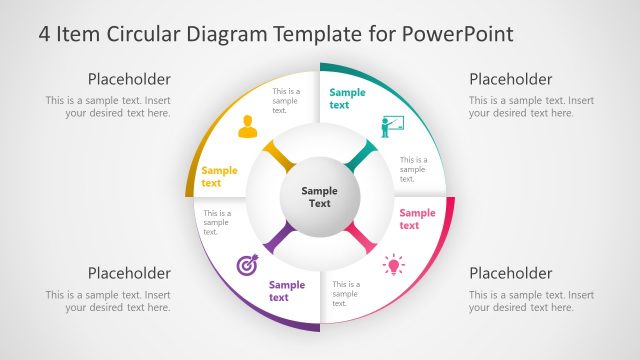
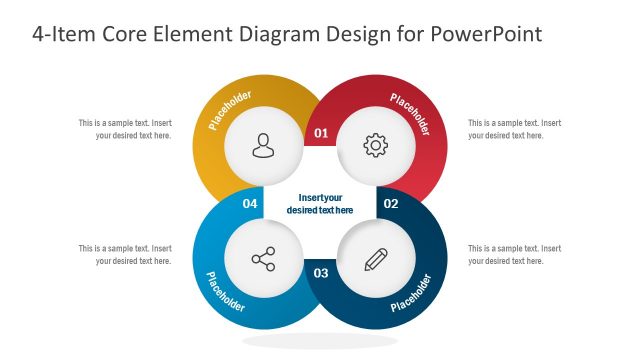
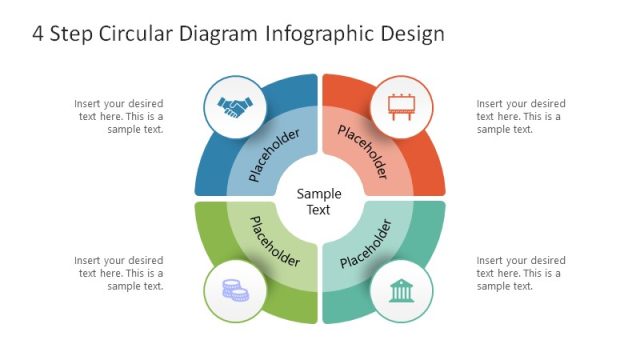
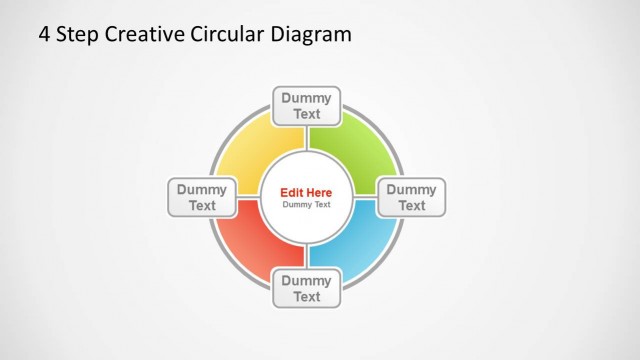
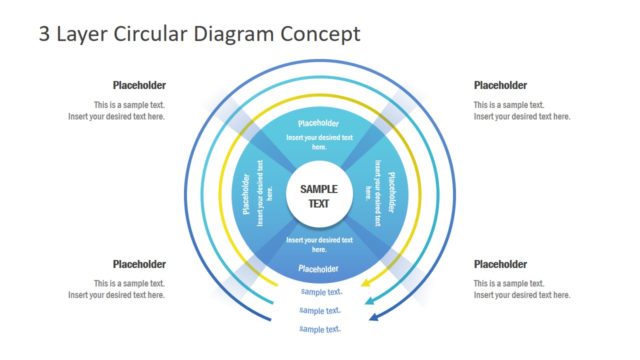
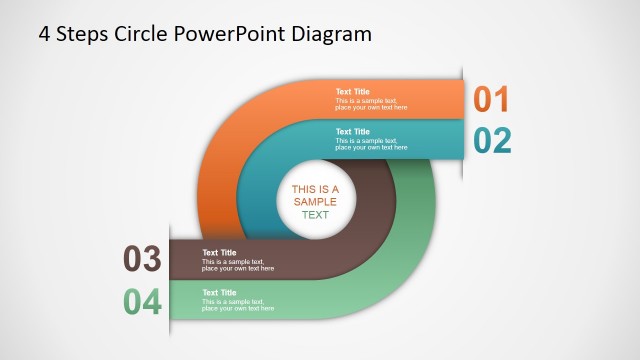
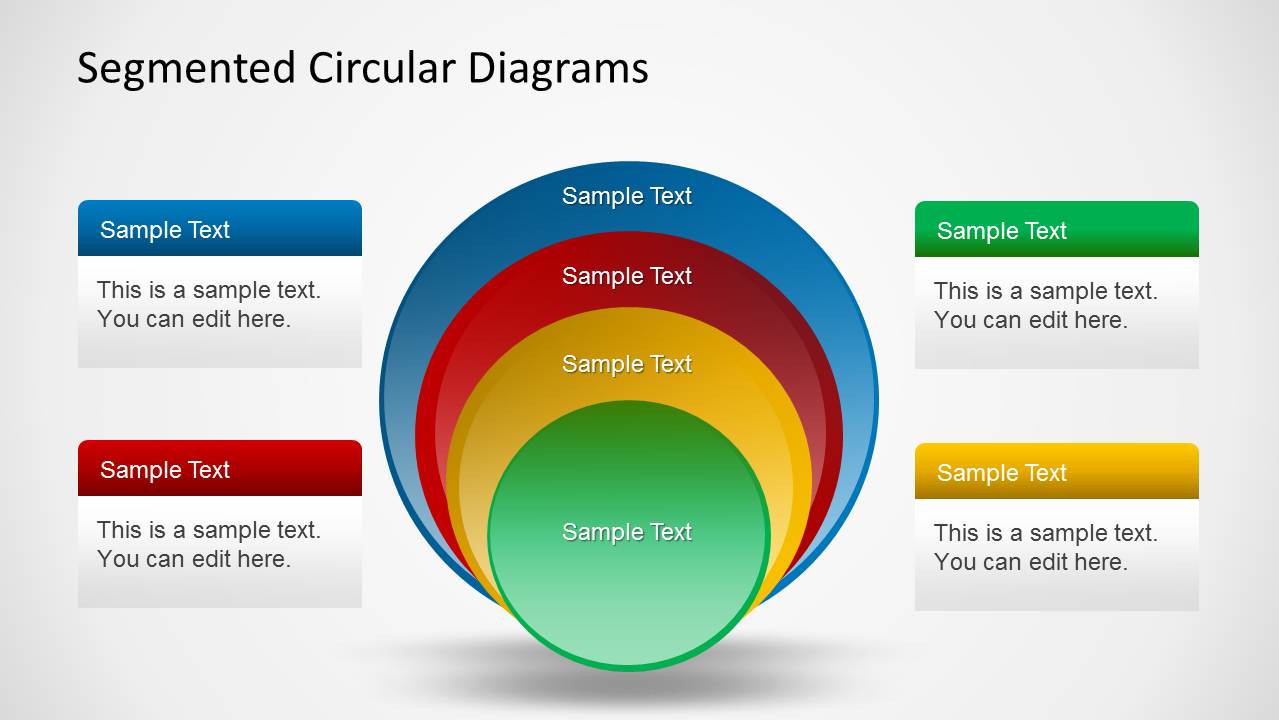
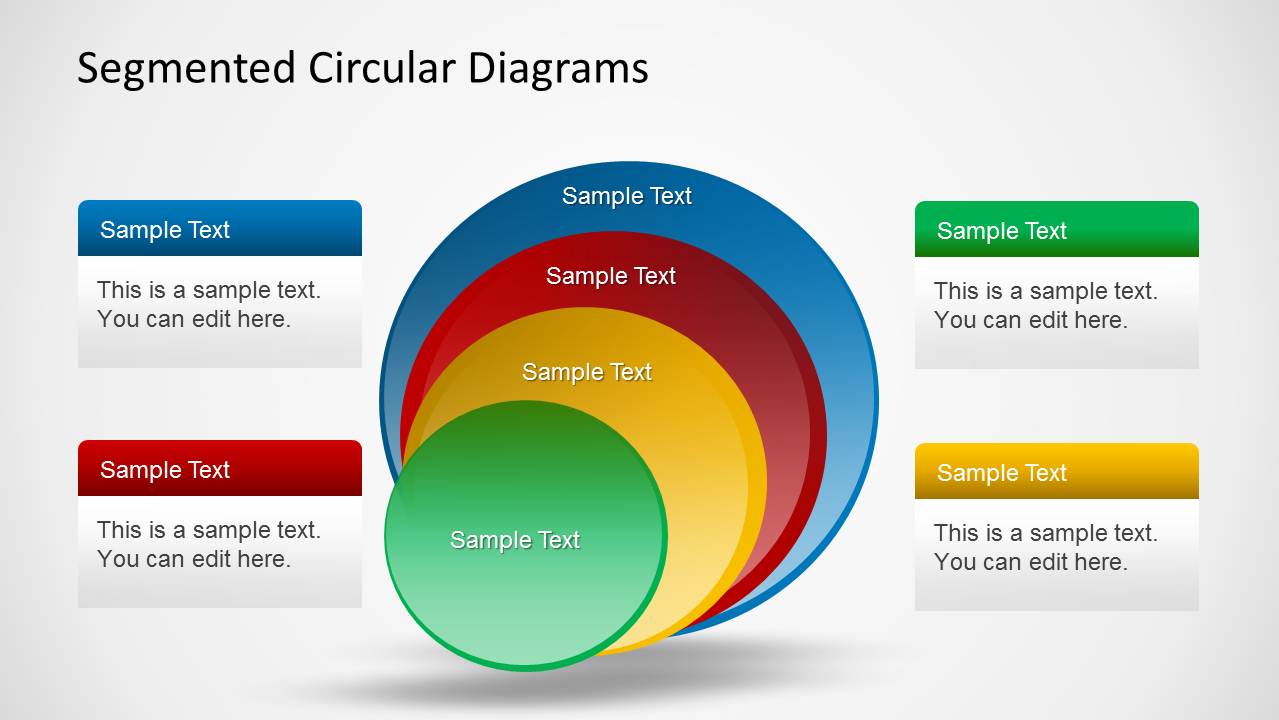
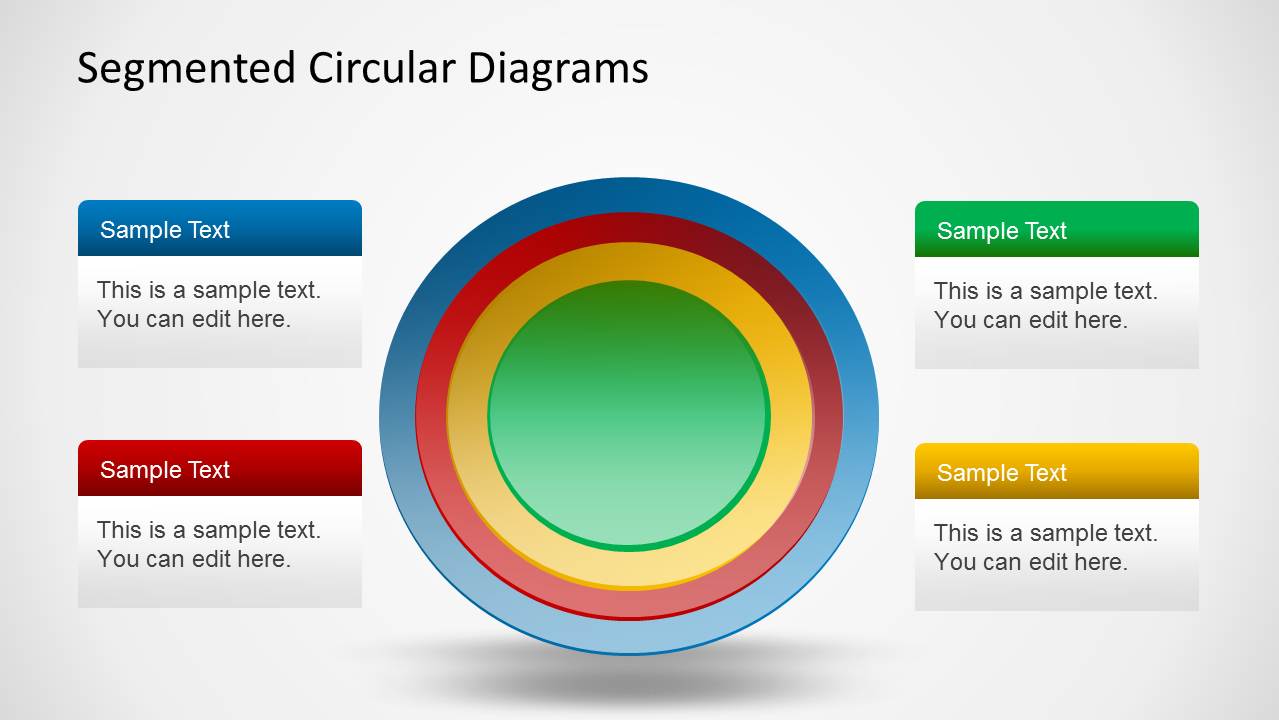
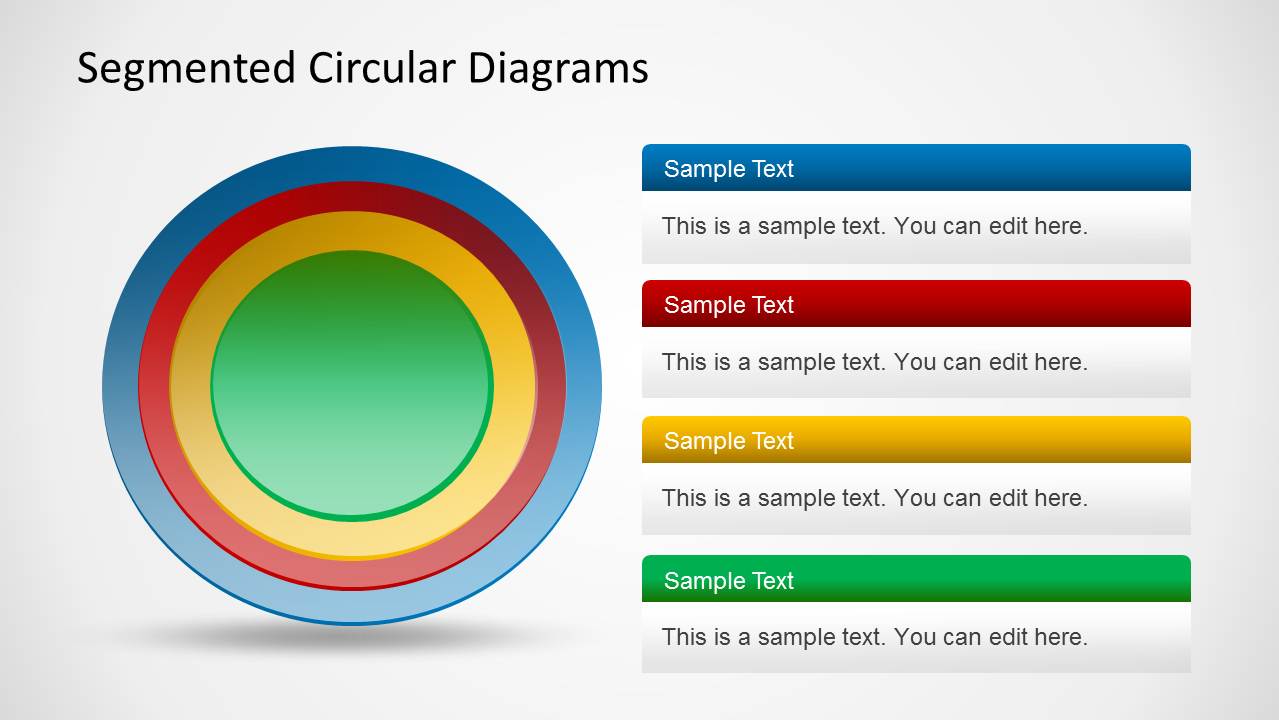
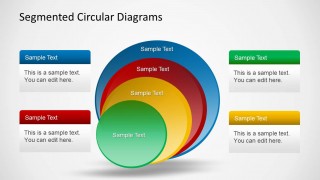
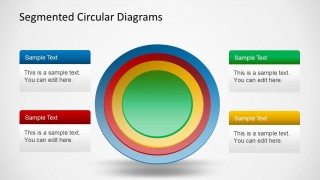
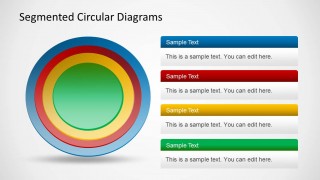
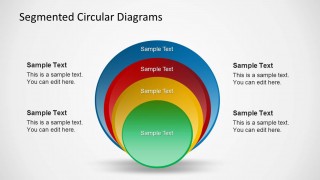
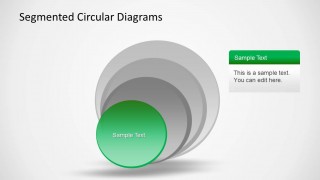
4 Step Segmented Circular Diagrams Template for PowerPoint is a template with an editable diagram for making onion and core diagrams.
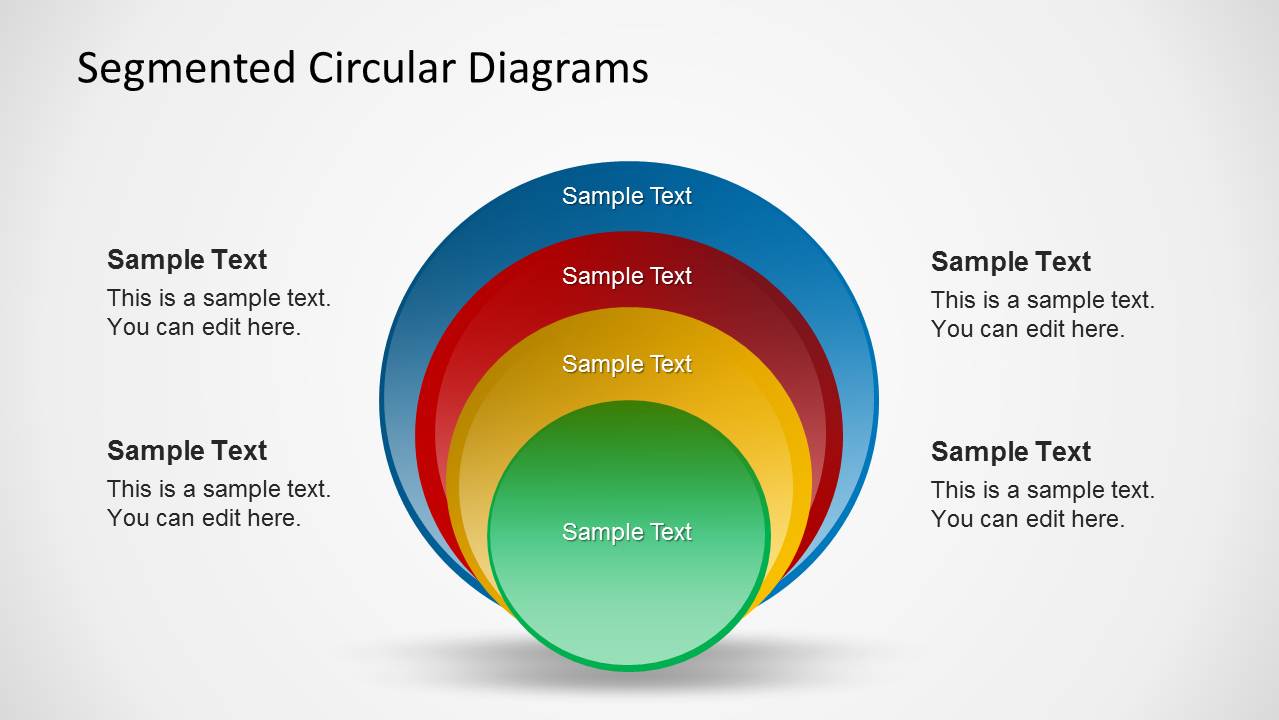
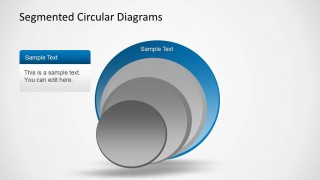
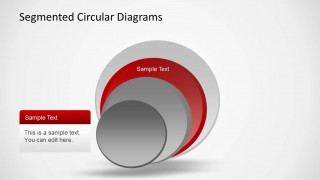
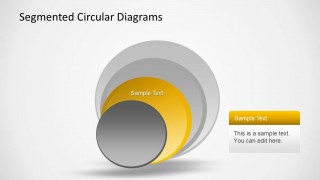
This PowerPoint Template can help you quickly create four step diagrams by displaying different parts of your model in the form of easy to comprehend, 3D shapes, With this template you can not only create 3D core diagrams but also explain different parts of your model separately, with the help of the given sample slides.
The template also allows easily removing and adjusting objects in the sample circular diagrams, which provides the flexibility to create both basic and complex diagrams with ease.
What’s inside this template
Example presentation scenarios
- A strategy consultant can use the concentric ring diagram to explain how a core capability is surrounded by supporting processes, governance, and market-facing activities.
- A product manager can present a platform architecture by assigning each colored circular layer to a core module, integration layer, service layer, and customer-facing layer.
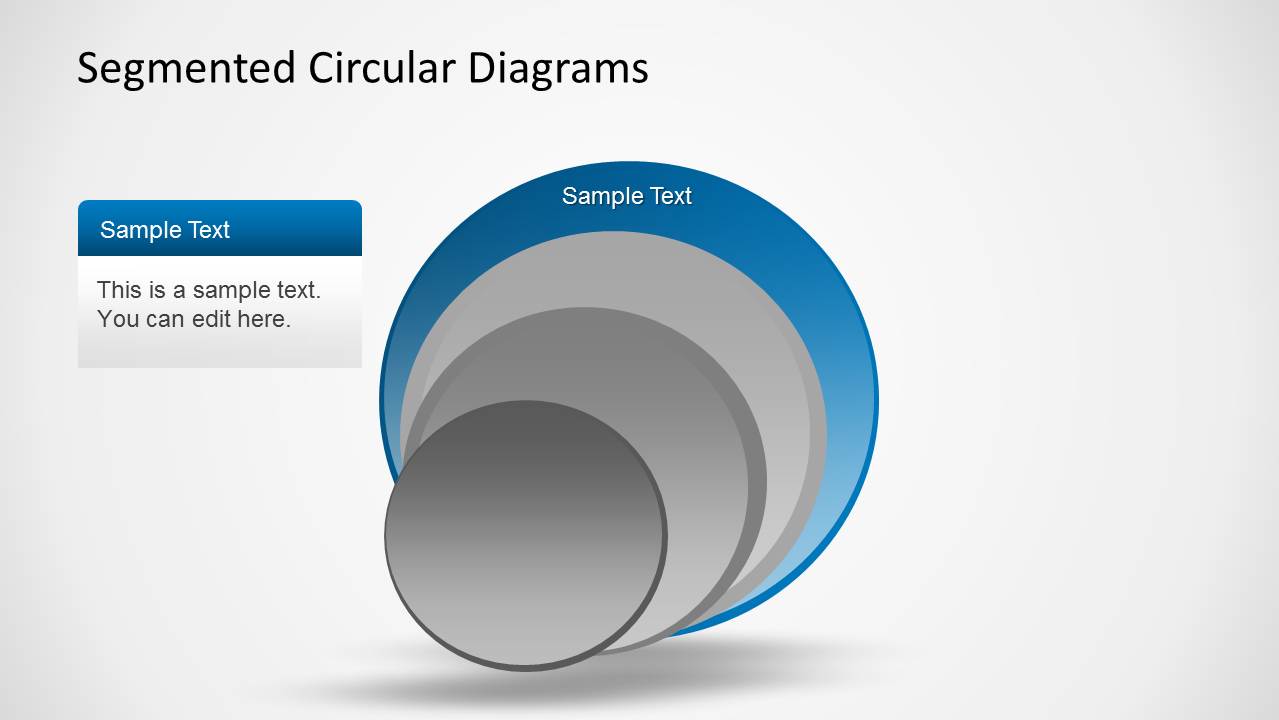
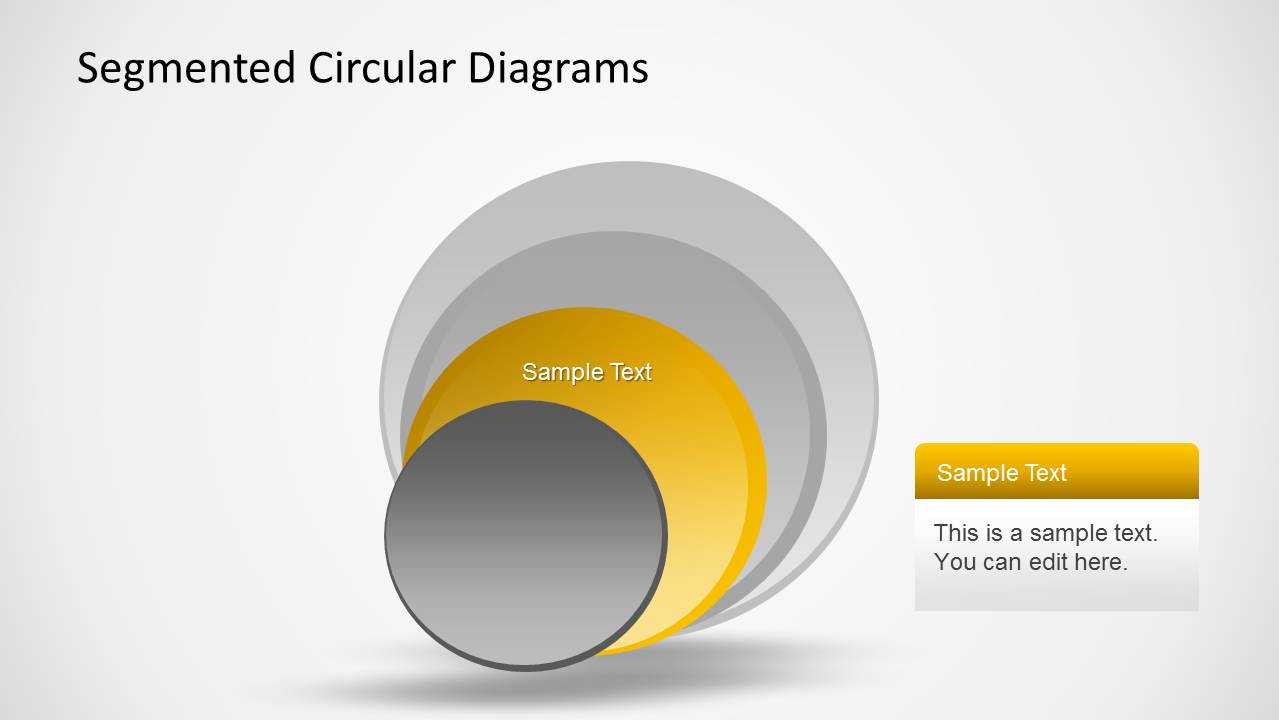
- A training facilitator can use the individual layer highlight slides to teach a four-step framework one part at a time before showing the full stacked diagram.
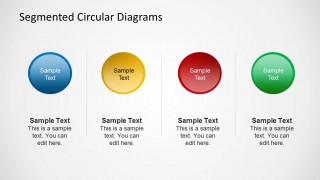
- An operations leader can use the four separate circular icons slide to compare four workstreams and give each team a concise description area.
Features
- 100% editable presentation template
- Compatible with Microsoft PowerPoint
- 16:9 aspect ratio slides
- Scalable vector shapes, icons and illustrations
- AI-Ready for Microsoft Copilot and Claude
- Instant access and download
Frequently asked questions
Q: How should a presenter explain a four-layer model with this template?
A: Start with a complete stacked or concentric diagram to establish the whole model, then move to the layer highlight slides to explain one part at a time. Keep each callout to a short label, a clear definition, and one implication for the audience. This prevents the circular graphic from becoming only decoration.
Q: Who is this circular diagram template best suited for?
A: It is best suited for consultants, product managers, trainers, and analysts who need to explain nested concepts rather than linear timelines. The onion-style rings work well for capability models, service tiers, maturity levels, governance layers, and systems where the center is the foundation and outer rings add context or reach.
Q: Why use circular and onion diagrams instead of a list?
A: The circular metaphor signals dependency and containment better than a numbered list. A core circle can represent the essential idea, while outer rings show supporting or expanding layers. The isolated highlight slides reinforce this structure by letting the presenter focus attention on one segment without losing the sense of the whole model.




4 Step Segmented Circular Diagrams for PowerPoint
10-slide presentation template with segmented circular diagrams and onion core layouts for four-step models
This 10-slide Microsoft PowerPoint template provides editable segmented circular diagrams for explaining four-part models, layered onion structures, and core relationships. Visible layouts include 3D stacked circles, concentric rings, four-item callout lists, and isolated layer highlight slides for presenters mapping systems, priorities, processes, or portfolio components.
- Category
- Diagrams
- Rating


 Loading...
- Aspect ratio
- 16:9
- Item ID
- 6309-03
- Colors
 Microsoft PowerPoint
  Microsoft Copilot
  Claude for PowerPoint
 Other formats supported
Subscribe today and get immediate
access to download our PowerPoint templates.