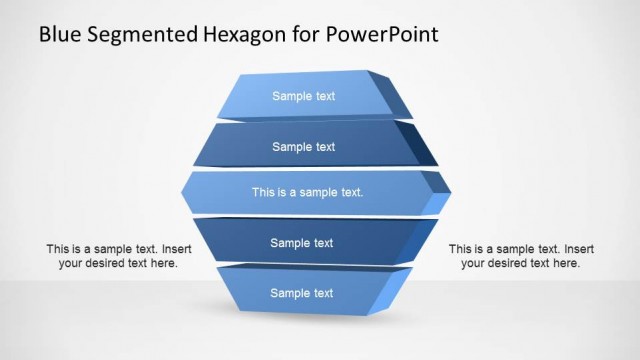
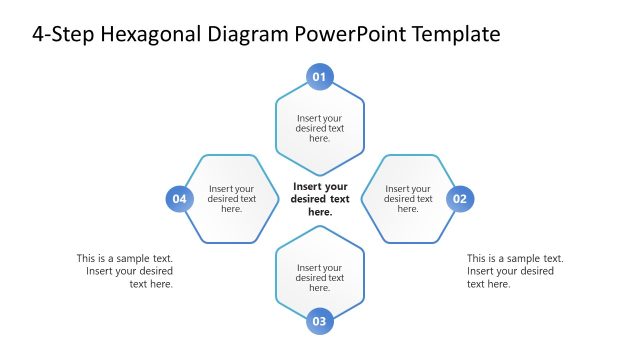
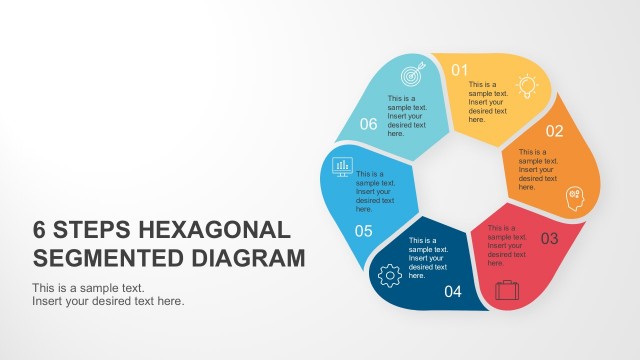
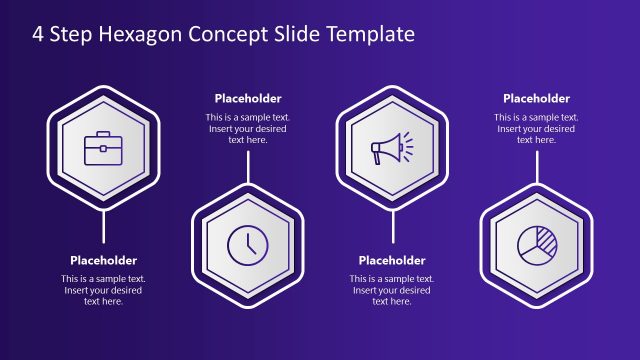
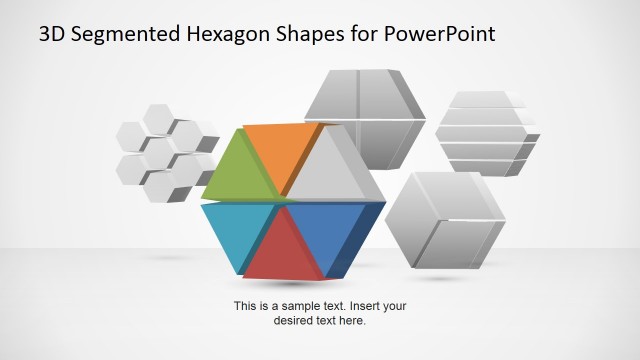
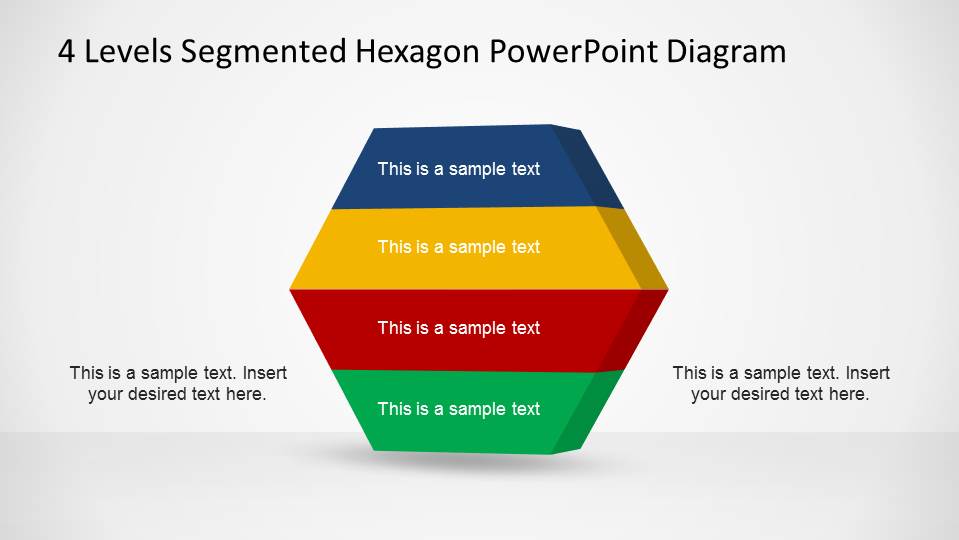
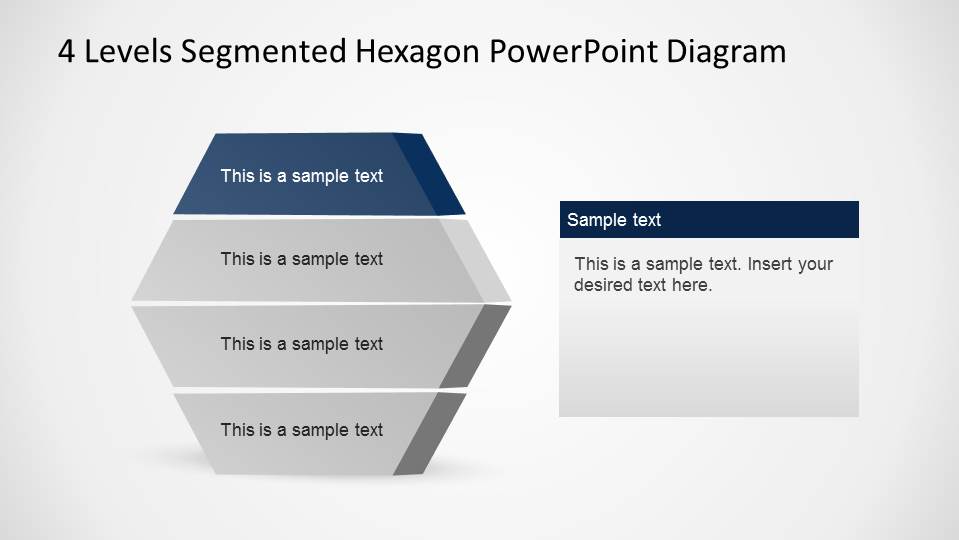
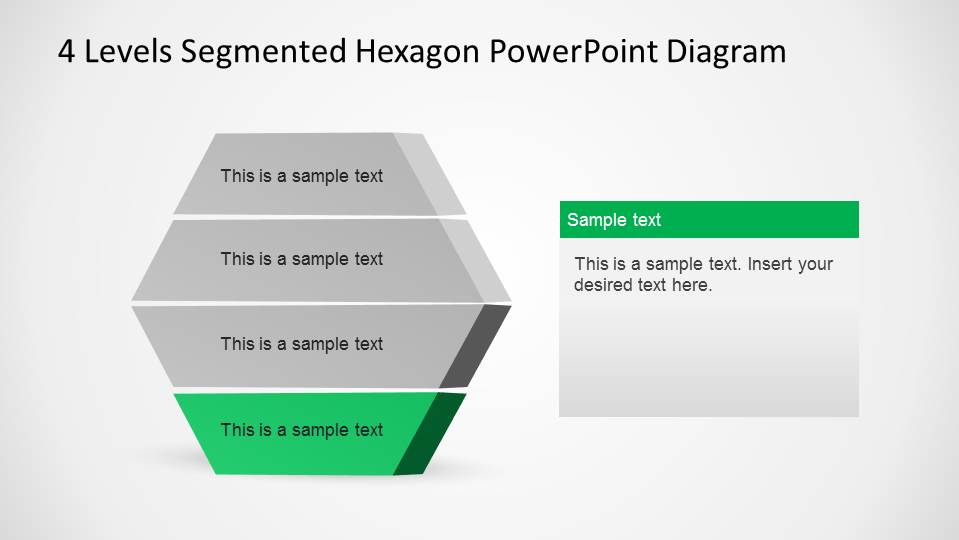
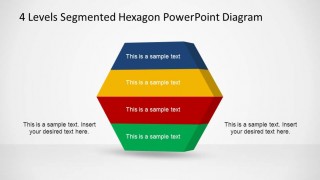
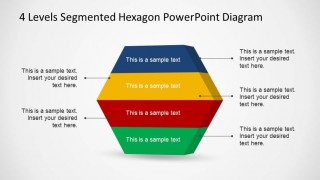
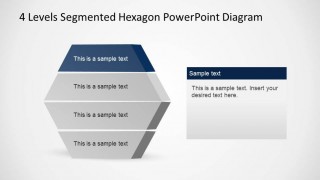
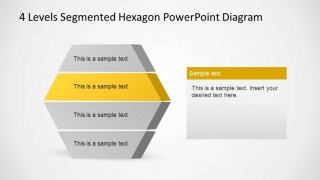
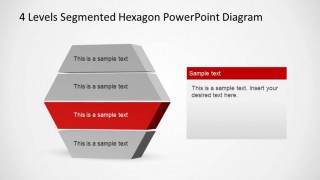
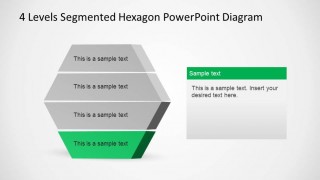
4 Levels Segmented Hexagon PowerPoint Diagram is a professional presentation with a 3D hexagon segmented into four layers. The complete hexagon and each of the layers are created as PowerPoint Shapes, allowing the user to fully customize each slide. The presentation provides an initial layered hexagon and the following slides presents each layer highlighted in the corresponding color. Ideal for process steps descriptions, or 4 topics agenda, this Diagram will enhance your presentation visual quality engaging your audience.
What’s inside this template
Example presentation scenarios
- A consultant can use the full-color 3D segmented hexagon to introduce a four-part operating model and show how each layer relates to the whole system.
- A project manager can use the leader-line callout slide to explain four workstreams, assigning short notes to each hexagon layer during a planning discussion.
- A trainer can use the individual layer highlight slides to teach one level at a time, keeping attention on the active navy, yellow, red, or green segment.
- A strategy presenter can use the side text panel layouts to define four strategic pillars and add a short explanation for each highlighted segment.
Features
- 100% editable presentation template
- Compatible with Microsoft PowerPoint
- 16:9 aspect ratio slides
- Scalable vector shapes, icons and illustrations
- AI-Ready for Microsoft Copilot and Claude
- Instant access and download
Frequently asked questions
Q: How should I explain the four levels without making the diagram feel repetitive?
A: Start with the full-color hexagon to define the complete structure, then move through the layer highlight slides one at a time. Keep each side panel focused on a single idea, such as purpose, owner, input, or outcome. This keeps the repeated shape useful as a navigation device rather than a decorative repeat.
Q: Who is this hexagon diagram best suited for?
A: This template fits presenters who need to explain a structured four-part model, such as consultants describing service layers, managers outlining process stages, or trainers teaching related concepts. The 3D stacked shape works best when the message has hierarchy, dependency, or grouped components that should be seen both together and separately.
Q: Why use a segmented hexagon instead of a simple list of four items?
A: The segmented hexagon turns four items into a connected system. The stacked 3D form suggests levels, layers, or building blocks, while the highlight slides let the presenter zoom into one component without losing the overall frame. That visual metaphor helps audiences remember both the parts and their relationship.



4 Levels Segmented Hexagon PowerPoint Diagram
6-slide PowerPoint diagram template with 3D segmented hexagon layers and callout layouts
4 Levels Segmented Hexagon PowerPoint Diagram is a 6-slide Microsoft PowerPoint template for showing four related levels, segments, or process topics. It includes a full-color 3D layered hexagon, callout annotation layout, and individual layer highlight slides with side text panels for explaining each segment.
- Category
- Diagrams
- Rating


 Loading...
- Aspect ratio
- 16:9
- Item ID
- 6509-01
- Colors
 Microsoft PowerPoint
  Microsoft Copilot
  Claude for PowerPoint
 Other formats supported
Subscribe today and get immediate
access to download our PowerPoint templates.