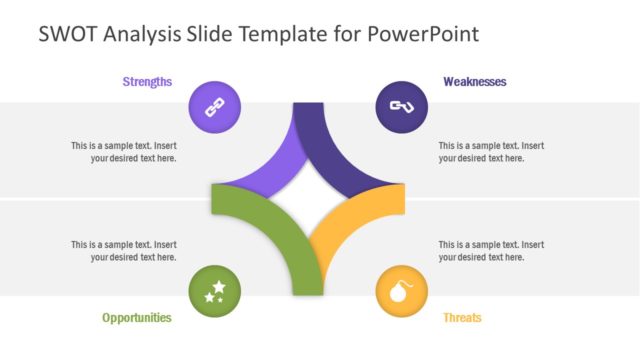
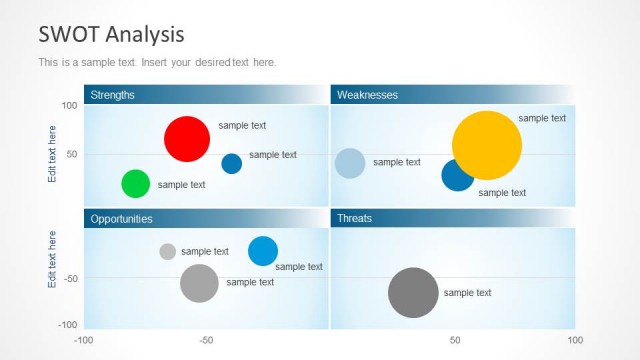
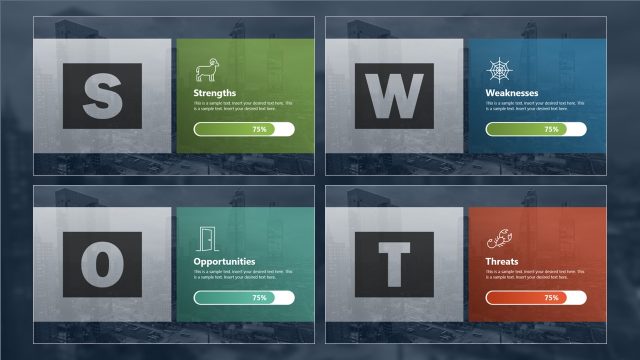
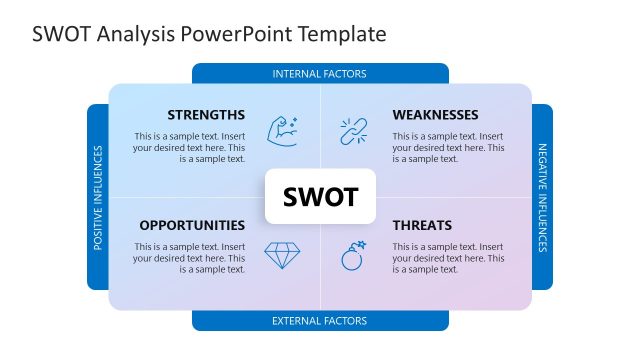
SWOT Analysis Template Deck – SWOT is the acronym for the words Strengths, Weaknesses, Opportunities and Threats. The SWOT Analysis is a widespread management tools used for strategic planning. Its popularity is based on its simplicity and power.
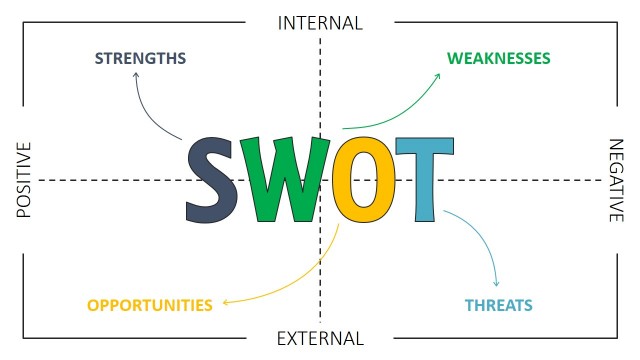
The SWOT Analysis consists of an iterative process where stakeholders list and analyze internal and internal factors of the organization that may empower or harm the organization’s business objectives. The Internal Factors of the SWOT Analysis are the Strengths and Weaknesses. Both dimensions are themselves a result of the organization’s capabilities and inabilities. The External Factors dimensions are the Opportunities and Threats. These dimensions are result of the environment being studied. Generally, strategic planning intends to classify strengths to potentiate opportunities , while at the same time improves weaknesses in order to mitigate threats.
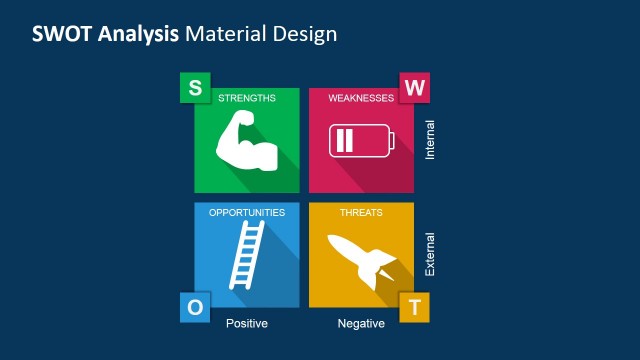
The SWOT Matrix dimensions can also be studied from the positive and negative point of view. Strengths and Opportunities are positive factors while the Weaknesses and Threat are Negative factors. Taking into account these points of view provides the analysts tools to better communicate findings in order to avoid conflict of interests or erosion of relationships, mainly when treating negative factors.
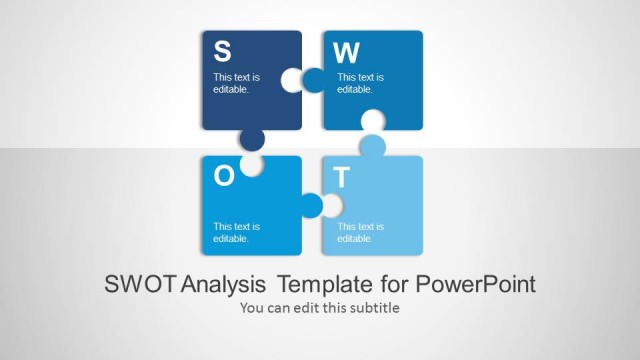
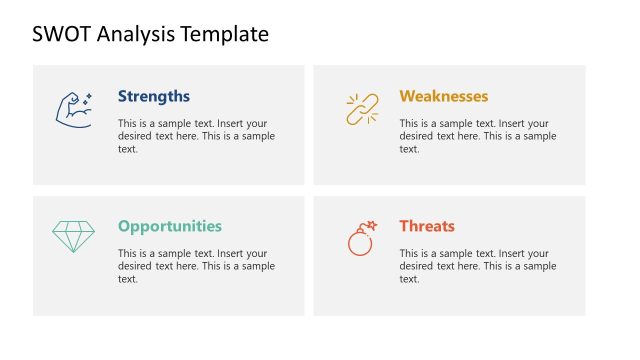
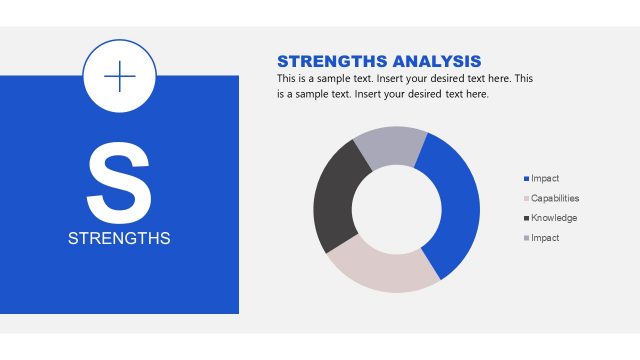
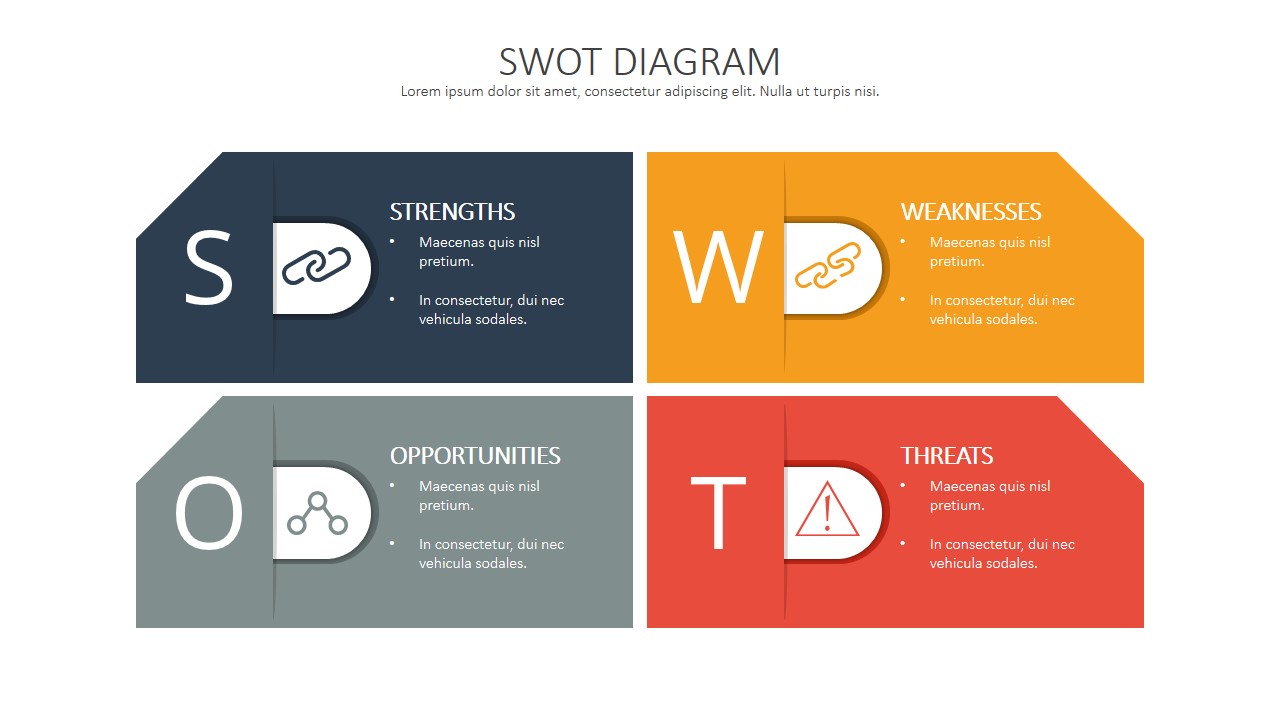
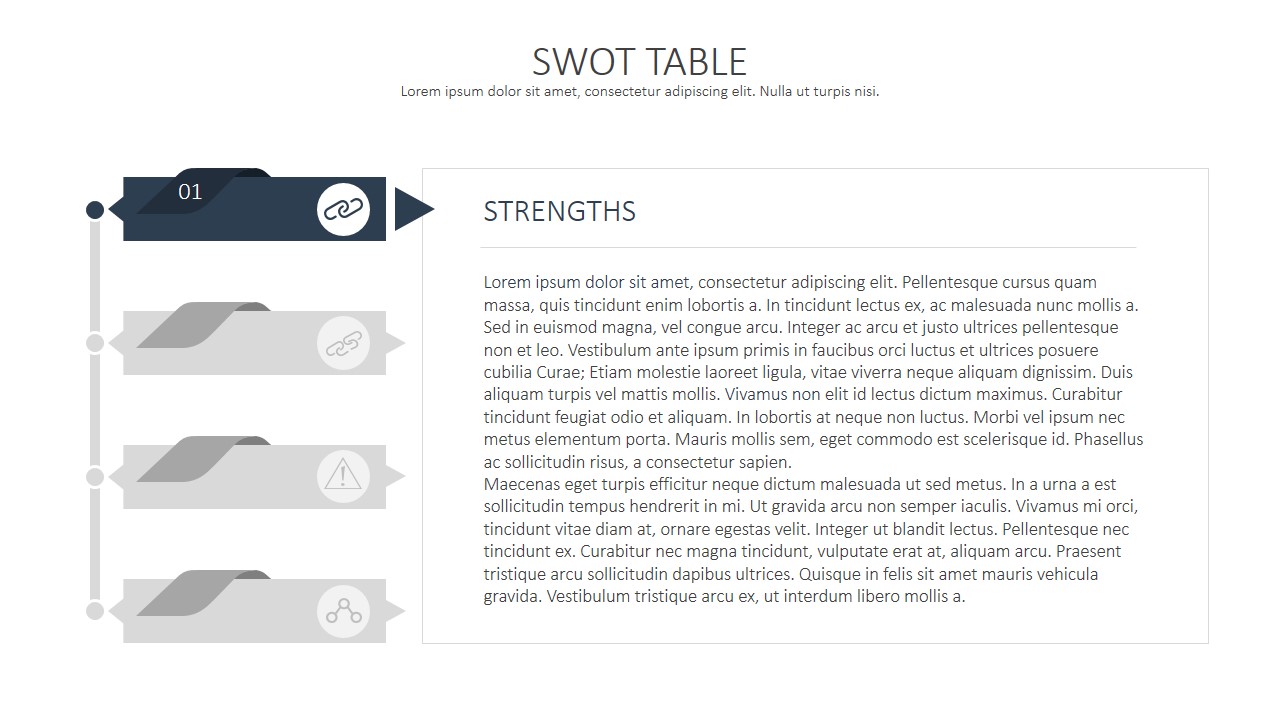
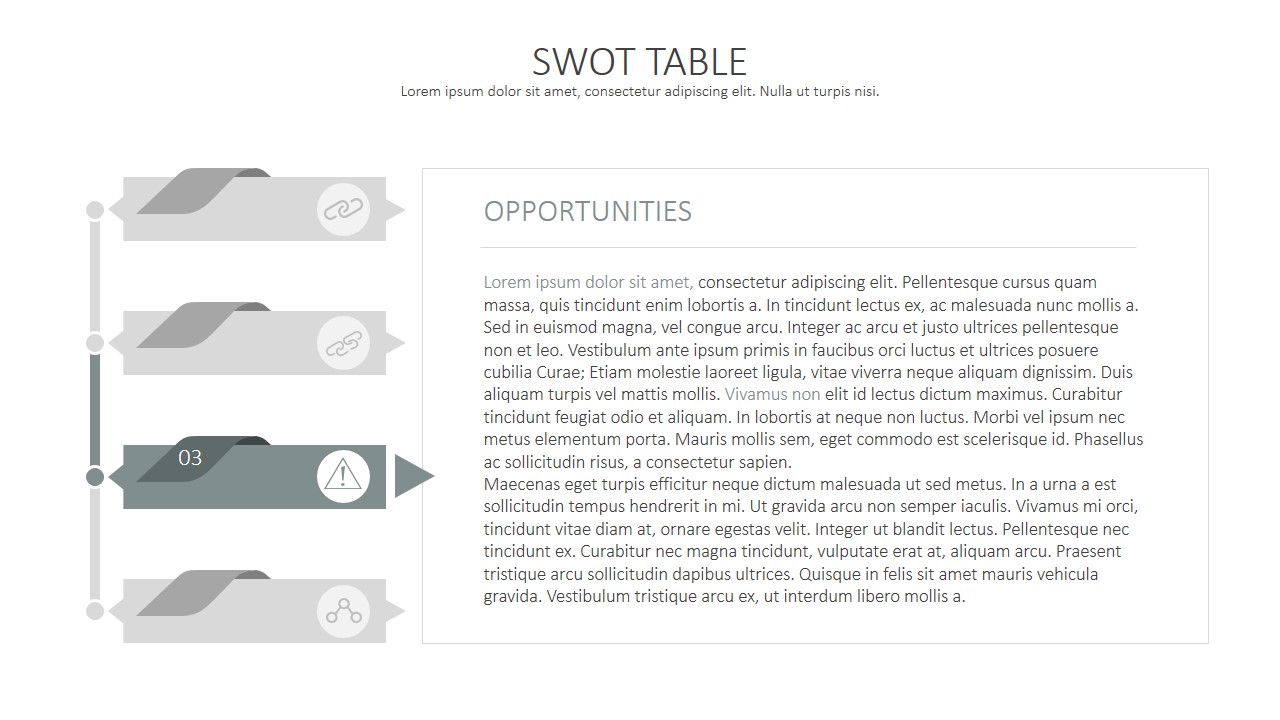
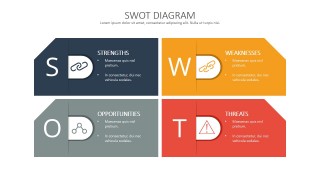
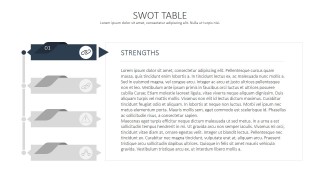
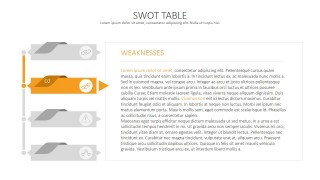
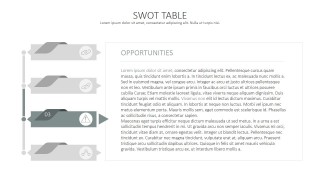
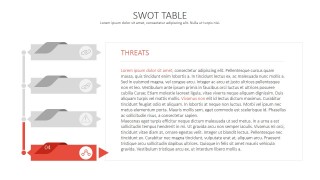
SWOT Analysis Template Deck is a modern PowerPoint Presentations, created with a flat design. It provides an initial slide with a SWOT Matrix, decorated with PowerPoint Icons and combined with proper text placeholders for the user to replace with its content. The following slides are intended for the user to include detailed descriptions of each of the SWOT factors. The Factor being discussed is highlighted, while the rest remains greyed out. The details design follows a two tile vertical structure. The left tile contains the SWOT factors diagram, while the right tile contains the paragraphs for detailed description.
Users can quickly prepare a SWOT Analysis presentation with the SWOT Analysis Template Deck, just replacing the text placeholders with their content. All the PowerPoint shapes and Icons are 100% editable. The presenter can include this SWOT Model in an existing presentation theme; automatically PowerPoint will adapt colors and style to the presentation active theme.
Impress your audience with professional SWOT Templates that appeal to executives.
What’s inside this template
Example presentation scenarios
- A strategy consultant can use the SWOT matrix to summarize a client situation, then use the four factor detail slides to explain the reasoning behind each quadrant.
- An executive team can use the strengths and weaknesses table slides to compare internal capabilities before deciding which initiatives need funding.
- A product manager can use the opportunities and threats slides to present market context, competitive risks, and external conditions during a roadmap planning meeting.
- A marketing manager can use the color-coded overview diagram to align stakeholders on brand position, then document supporting observations in the editable text panels.
Features
- 100% editable presentation template
- Compatible with Microsoft PowerPoint and Google Slides
- 16:9 aspect ratio slides
- Scalable vector shapes, icons and illustrations
- AI-Ready for Microsoft Copilot and Claude
- Instant access and download
Frequently asked questions
Q: How should a presenter structure the discussion with this SWOT deck?
A: Start with the four-quadrant SWOT diagram to give the audience the complete picture before moving into details. Then cover strengths, weaknesses, opportunities, and threats in the same order as the selector slides. This avoids mixing internal and external factors and gives participants a clear path from summary to evidence.
Q: Who is this template best suited for?
A: This deck fits consultants, executives, product managers, and strategy teams who need to communicate a business assessment without a long report. It works well for planning workshops, management updates, and decision meetings where the main goal is to align people around the most important internal capabilities and external pressures.
Q: Why does the design use one highlighted factor per detail slide?
A: The highlighted selector acts like a visual progress marker. It keeps the audience oriented while the speaker expands one SWOT dimension at a time. The muted inactive factors reduce distraction, and the large text panel gives enough room to explain causes, implications, and recommended actions for each factor.


SWOT Analysis Template Deck
5-slide SWOT analysis presentation template with matrix diagram and factor detail tables
SWOT Analysis Template Deck is a 5-slide strategy presentation template for Microsoft PowerPoint and Google Slides. It includes a four-quadrant SWOT diagram, a vertical factor selector, and detailed text table layouts for strengths, weaknesses, opportunities, and threats. It is built for planning workshops, strategy reviews, and executive briefings.
- Category
- Strategy
- Rating


 Loading...
- Aspect ratio
- 16:9, 4:3
- Item ID
- 0021-01
- Colors
 Microsoft PowerPoint
  Microsoft Copilot
  Claude for PowerPoint
 Other formats supported
Subscribe today and get immediate
access to download our PowerPoint templates.