Slide 2 of 5 from Free 4 Step Horizontal Diagram for PowerPoint
Free PowerPoint 4 Step Diagram
4 Step Horizontal Diagram for Presentations
- Diagram
- Horizontal Sequence
- Process Slide
- 16:9
- 100% Editable
The 4 Step Horizontal Diagram slide from the Free 4 Step Horizontal Diagram for PowerPoint template offers a clear process flow layout ideal for project phases and strategic planning. This slide template features editable shapes and vector icons arranged in a horizontal sequence, making it suitable for business presentations and training sessions. Its organized design supports effective communication of step-by-step guides within a corporate presentation or pitch deck template.
What’s on This Slide
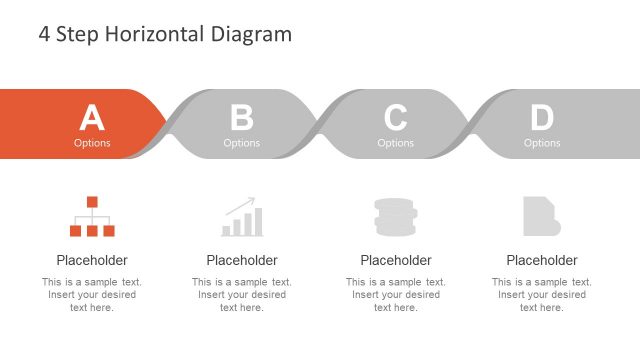
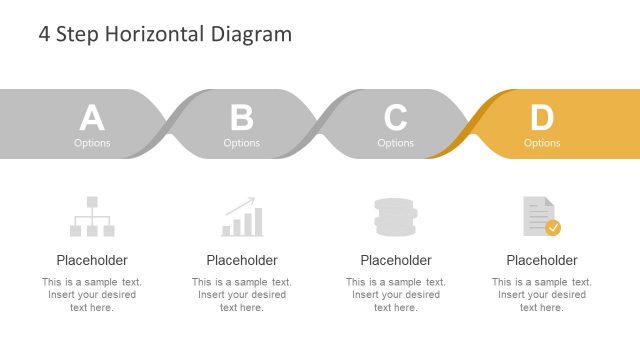
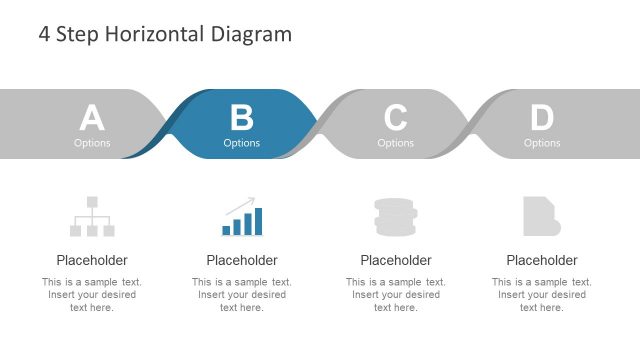
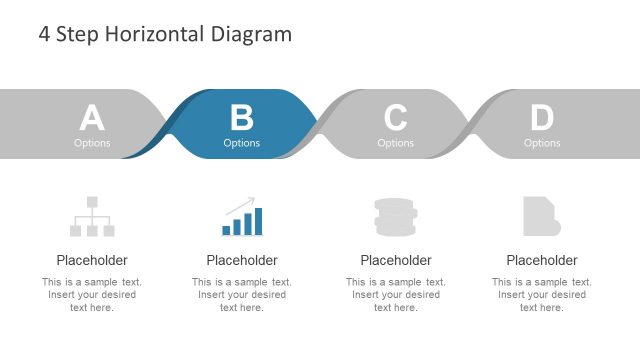
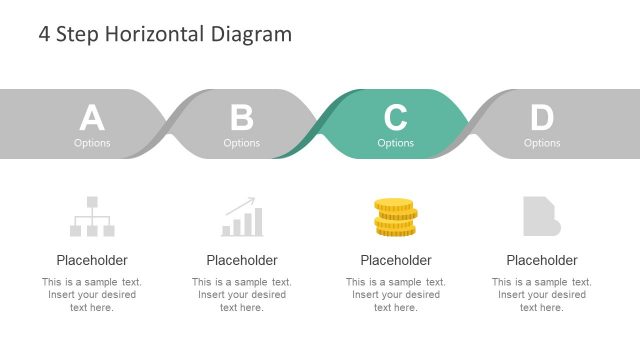
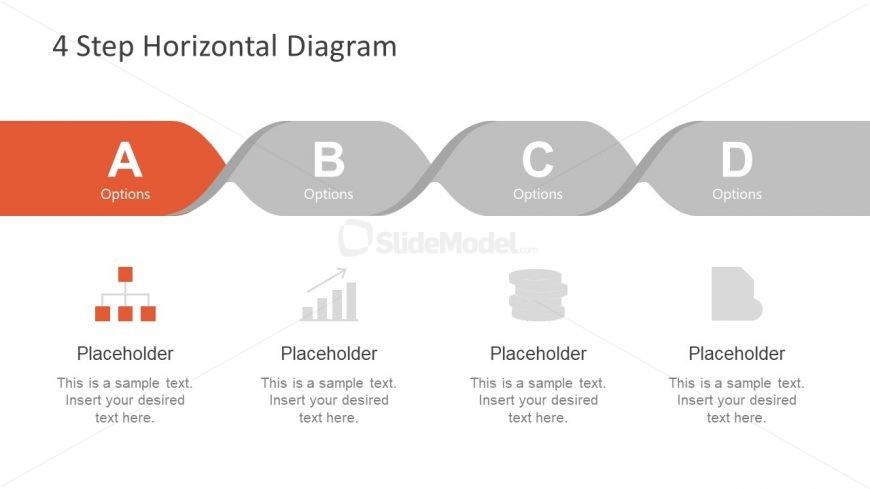
The layout features a horizontal diagram divided into four sections labeled A, B, C, and D. Each section contains a distinct color scheme, with section A in orange and the others in shades of gray. Below each section are placeholders for text, arranged in a row. The top of the slide includes a title, while the sections are connected by curved lines indicating flow. Each section has an icon above the text placeholder, with varying shapes like bars and stacks. The overall composition is clean and organized.
How to Use It
This layout serves as a process flow or step-by-step guide, ideal for illustrating sequential actions or stages. It fits well in presentations discussing project phases, product development steps, or strategic planning processes. This structure is useful for business scenarios where clarity in progression is essential, such as training sessions or project updates. It can be utilized in both formal and informal contexts to convey information succinctly.
Text Placeholders & Capacity
Keep your copy within these limits so it fits without resizing. Node body slots can hold around 10 words each.
| Placeholder | Count | Max characters (approx.) |
|---|---|---|
| Slide title | 1 | 30 |
| Item heading | 4 | 10 |
| Item body | 4 | 50 |
Slide Keywords
Download unlimited PowerPoint templates, charts and graphics for your presentations with our annual plan.
DOWNLOAD