Slide 3 of 5 from 4-Step Horizontal Business Process PowerPoint Template
4-Step Horizontal Business Process Diagram Layout
4-Step Horizontal Business Process Diagram
- Diagram
- Process Flow
- Process Slide
- 16:9
- 100% Editable
The 4-Step Horizontal Process Diagram from the 4-Step Horizontal Business Process PowerPoint Template offers a clear, sequential workflow ideal for project management and process improvement presentations. This slide layout features editable shapes and vector icons arranged in a horizontal flow, making it suitable for corporate presentations or team training sessions that require a structured depiction of operational strategies.
What’s on This Slide
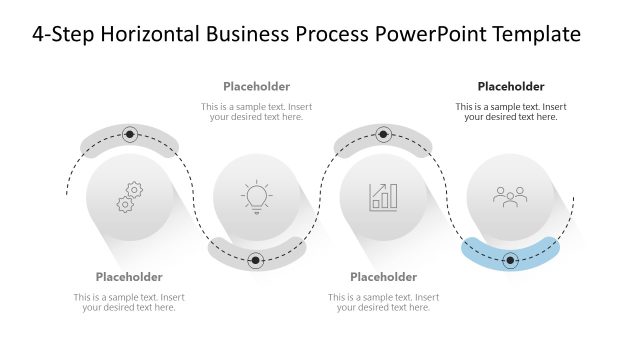
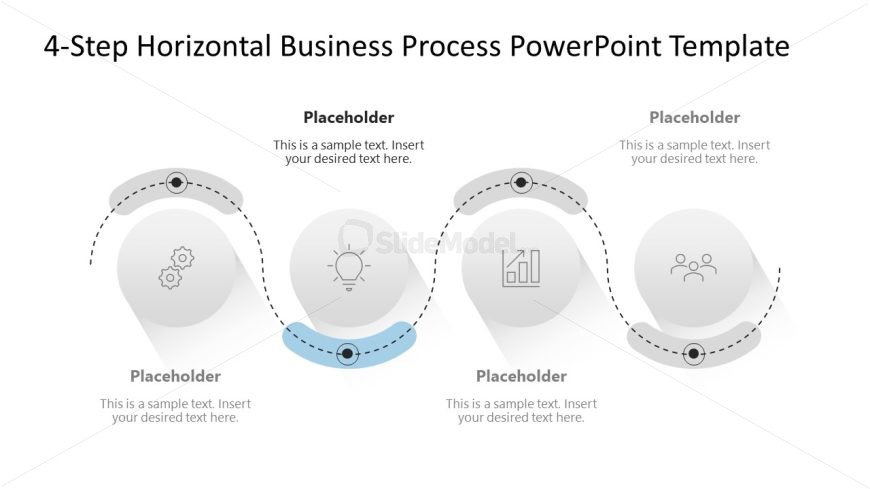
The layout features a horizontal process diagram with four circular nodes aligned in a row. Each node contains an icon representing a step in the process, with accompanying text placeholders below each icon. The nodes are connected by a dotted line that flows from left to right, indicating progression. The first node is highlighted with a blue accent. The background is white, providing contrast to the gray nodes and icons. Text placeholders are centered below each node, allowing for clear labeling of each step.
How to Use It
This layout serves as a sequential workflow diagram, ideal for illustrating a four-step business process. It fits within a presentation that outlines operational strategies or project phases. This structure is useful in contexts such as project management, process improvement discussions, or training sessions, where clarity in sequential steps is essential. It can be used to present processes in team meetings or stakeholder updates.
Text Placeholders & Capacity
Keep your copy within these limits so it fits without resizing. Node labels can hold about 30 characters each, while node bodies can hold around 50 characters.
| Placeholder | Count | Max characters (approx.) |
|---|---|---|
| Item heading | 4 | 30 |
| Item body | 4 | 50 |
Slide Keywords
Download unlimited PowerPoint templates, charts and graphics for your presentations with our annual plan.
DOWNLOADReturn to 4-Step Horizontal Business Process PowerPoint Template.