Slide 1 of 5 from 4-Option Vertical Fluid Concept PowerPoint Template
Editable 4-Option Vertical Fluid Concept PPT Template
4-Option Vertical Fluid Concept Diagram for PowerPoint
- Diagram
- Process Flow
- Process Slide
- 16:9
- 100% Editable
About This Slide
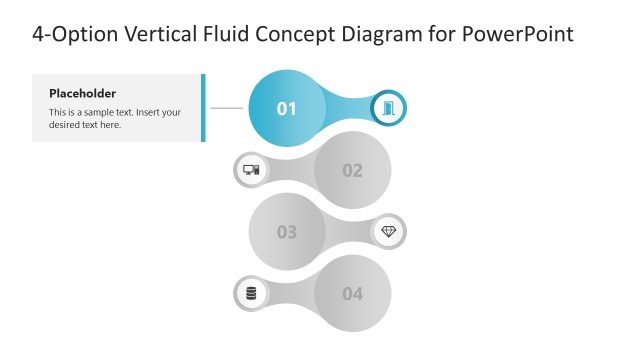
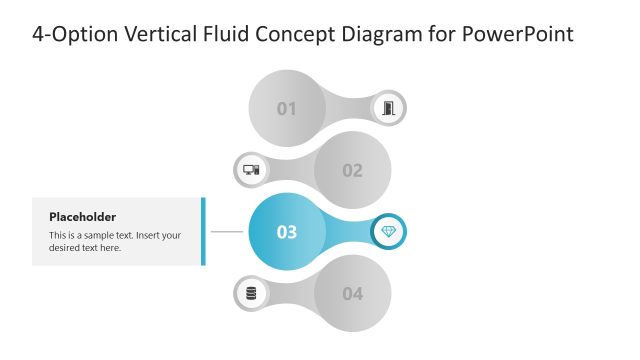
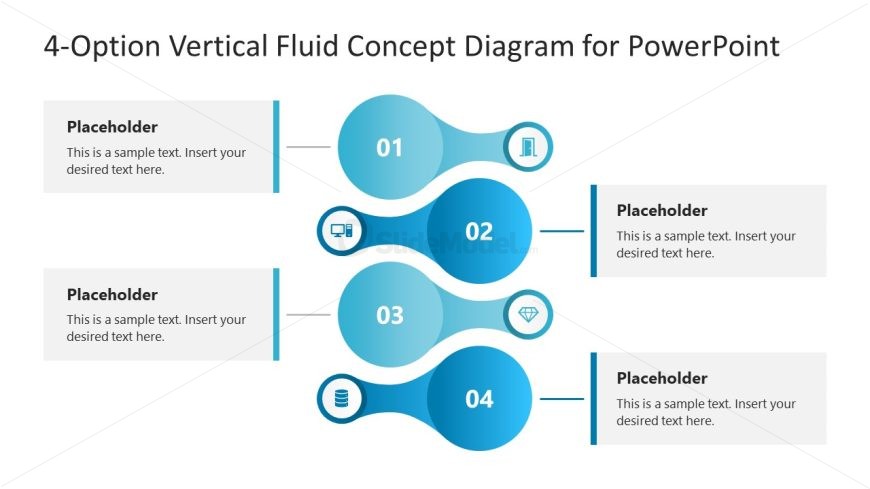
The image displays a 4-Option Vertical Fluid Concept Diagram designed for PowerPoint presentations. It’s a modern and visually engaging layout used to represent a sequence or flow of information. The diagram consists of four vertically aligned, interconnected circular nodes, each with a unique numerical identifier from 01 to 04, indicating a step-by-step progression.
Each circular node is connected by a fluid, wave-like design that suggests a dynamic flow of information from one step to the next. The nodes are colored in shades of blue, providing a professional and clean aesthetic. Each of the four nodes is linked to a corresponding rectangular text box through a straight line. These text boxes serve as placeholders for descriptive content and are situated alternately on the left and right sides of the diagram, promoting balance and easy readability.
The placeholders contain sample text, prompting the user to insert their desired information. This layout demonstrates an effective way to present a process, workflow, or a sequence of events in a clear, organized manner. The diagram also includes subtle iconography next to the numerical identifiers, adding a layer of visual communication about the nature of each step.
Possible applications for this template include business presentations, educational materials, project management, and informational guides. Its sleek and professional design allows for versatility in various professional settings.
What’s on This Slide
The layout features four circular nodes aligned vertically, each labeled with numbers 01 to 04. Each node has a corresponding icon and is connected by fluid, curved lines. To the right of each node, there are text placeholders for descriptions, aligned vertically. The overall color scheme is a gradient of blue shades, with a light background. The visual hierarchy emphasizes the numbered nodes, which are larger than the text placeholders. The design is structured to guide the viewer's eye from top to bottom.
How to Use It
This layout serves as a process diagram, suitable for illustrating multi-step processes or phases in a project. It fits well at the beginning of a presentation to outline key concepts or action plans. Common scenarios include project management updates, strategic planning sessions, or educational presentations where sequential steps need to be highlighted. The vertical arrangement allows for clear communication of each step's significance.
Text Placeholders & Capacity
Keep your copy within these limits so it fits without resizing. Node body slots can hold about 15-20 words each.
| Placeholder | Count | Max characters (approx.) |
|---|---|---|
| Item heading | 4 | 2 |
| Item body | 4 | 80 |
| Slide title | 1 | 50 |
Slide Keywords
Download unlimited PowerPoint templates, charts and graphics for your presentations with our annual plan.
DOWNLOADReturn to 4-Option Vertical Fluid Concept PowerPoint Template.