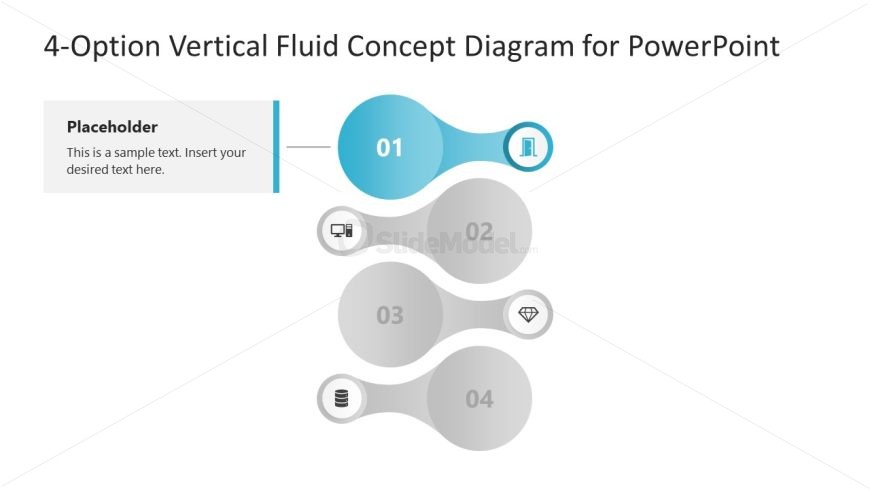
Slide 2 of 5 from 4-Option Vertical Fluid Concept PowerPoint Template
4-Option Vertical Fluid Concept PowerPoint Slide
4-Option Vertical Fluid Concept Diagram for PowerPoint
- Diagram
- Comparison Split
- Process Slide
- 16:9
- 100% Editable
About This Slide
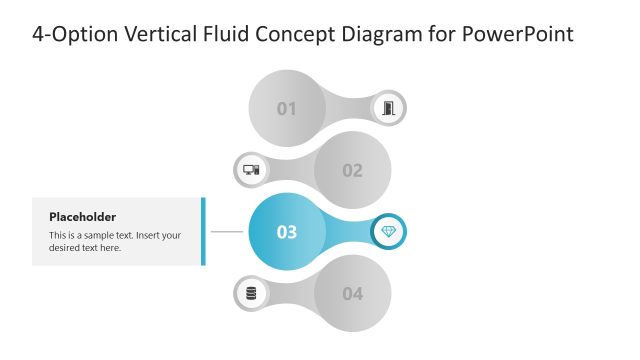
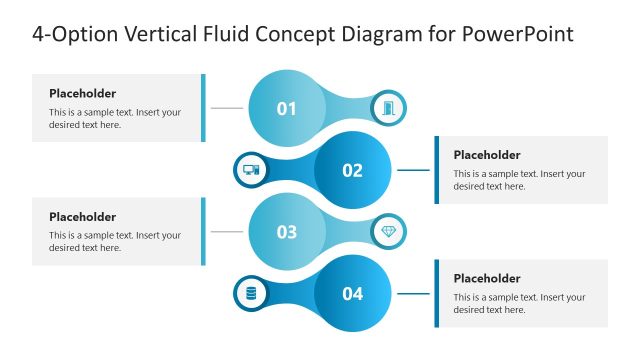
The image depicts a slide from a PowerPoint presentation with a title “4-Option Vertical Fluid Concept Diagram for PowerPoint.” The slide’s design is modern and clean, featuring a vertical flow layout with four interconnected nodes, each representing a step or option in a process. The first node at the top is highlighted in blue with the number “01” and an icon suggesting a document or information, which indicates it’s the starting point. Below, there are three more nodes, labeled “02”, “03”, and “04”, with a descending opacity, suggesting a progression or hierarchy in the information being presented. Each node is connected by a line, reinforcing the concept of flow or progression from one step to the next.
To the left of the nodes, there is a placeholder text box with a sample text that reads “This is a sample text. Insert your desired text here.” This suggests that the template is customizable, allowing users to add their own descriptions or explanations for each step in the diagram.
The design is versatile and could be used in various professional settings, including business meetings, academic lectures, or organizational workshops. It is well-suited for showcasing processes, timelines, hierarchies, or sequences in a visually appealing and easy-to-understand manner. The use of icons next to each number could be tailored to represent different stages or aspects of the process being discussed.
What’s on This Slide
The layout features a vertical arrangement of four circular nodes, each representing a step. The first node is highlighted in blue, while the others are in gray. The first node contains an icon and the number '01'. To the left, there is a text placeholder aligned vertically, allowing for additional information. Connecting lines extend from the text placeholder to the first node. The overall composition is clean, with a white background and a clear visual hierarchy emphasizing the first step. The nodes are evenly spaced and aligned centrally.
How to Use It
This layout serves as a sequential process diagram, ideal for illustrating four distinct phases or steps in a project. It fits well in presentations that outline action plans or project activities. This structure is particularly useful for business scenarios where clear, step-by-step guidance is required, such as project management, training sessions, or strategic planning discussions. It allows for easy adaptation to various contexts by replacing icons and text placeholders with relevant content.
Text Placeholders & Capacity
Keep your copy within these limits so it fits without resizing. Node body slots can hold about 10 words each, while the body paragraph slot is tighter.
| Placeholder | Count | Max characters (approx.) |
|---|---|---|
| Item heading | 4 | 2 |
| Item body | 4 | 50 |
| Body paragraph | 1 | 100 |
Slide Keywords
Download unlimited PowerPoint templates, charts and graphics for your presentations with our annual plan.
DOWNLOADReturn to 4-Option Vertical Fluid Concept PowerPoint Template.