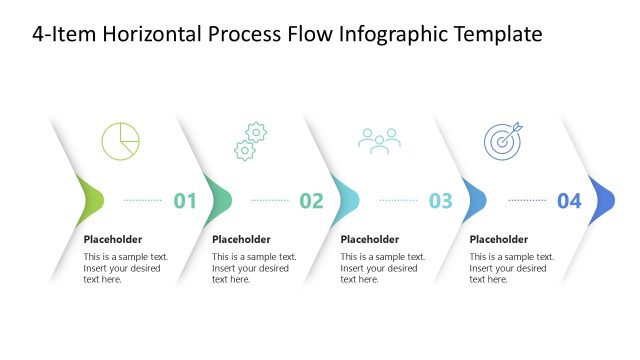
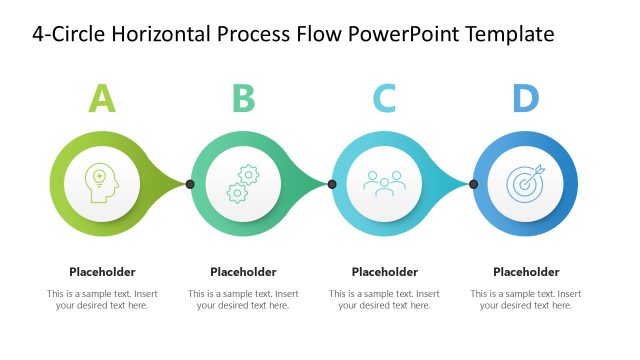
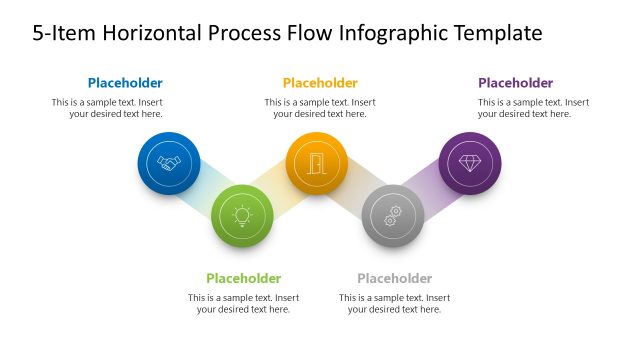
Present the phases of the new digital implementation in the company with our 4-Item Horizontal Process Flow Infographic Slide Template. This template features a dark gradient theme with neon-like elements, which gamers or software developers can use to create a thematic process presentation. We have designed this template to enable professionals to discuss their business processes or strategic initiatives in a proper format. Additionally, some of the use cases of this template are:
- HR professionals can use this template to give an overview of the reporting line among the employees. They can showcase the hierarchy in a horizontal pattern.
- Marketers can discuss a stepwise approach to finding the perfect creative for business advertising campaigns.
- The template layout allows project managers to showcase the sequence of milestones in the project lifecycle.
- In educational or academic sessions, mentors can demonstrate the career progression guidelines using this compelling PPT layout.
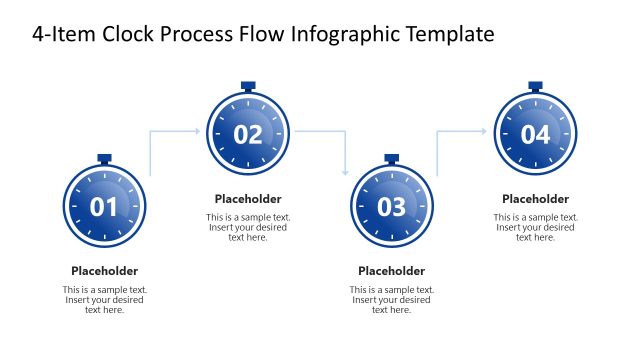
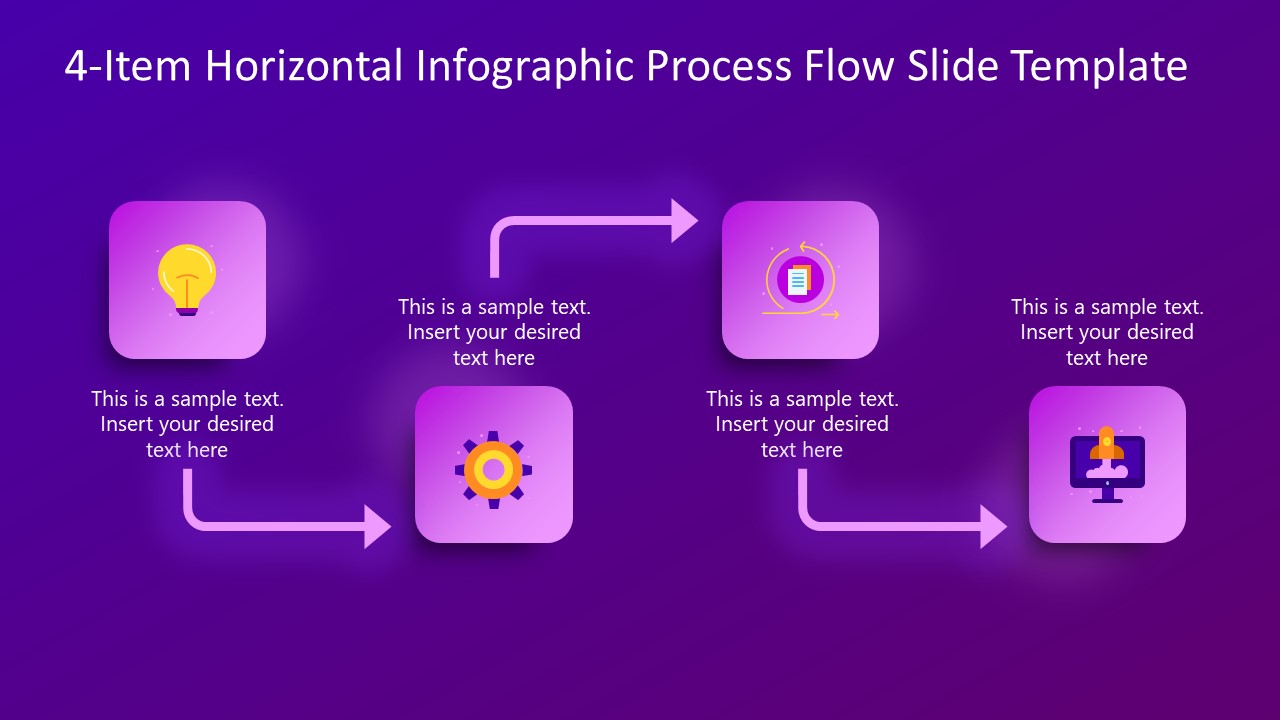
The 4-Item Horizontal Process Flow Infographic Slide Template contains a single slide with a four-step process diagram. The diagram has four blocks arranged in a unique pattern. Each block has a graphical icon that visually describes the content to be explained. Bent arrows indicate the flow of the process from one stage to another. Before the arrow starts, there is a text placeholder where users can discuss what has been done and what will happen next in the process. Moreover, users can change the icons, add more blocks or arrows to the diagram, and adjust the text fonts to match their theme requirements. Download the horizontal process diagram template and showcase your ideas comprehensively in executive meetings.
What’s inside this template
Example presentation scenarios
- A project manager can present a project lifecycle overview by mapping four milestones to the icon tiles and using the arrows to show the planned sequence.
- A marketing lead can explain a campaign development workflow by assigning each step to research, creative selection, launch, and review text areas.
- An operations manager can show a checkout or service process by placing each customer action in the four-step horizontal flow.
- An HR presenter can summarize a progression or reporting path by replacing the sample text with role changes, approvals, or handoff notes.
Features
- 100% editable presentation template
- Compatible with Microsoft PowerPoint
- 16:9 aspect ratio slides
- Scalable vector shapes, icons and illustrations
- AI-Ready for Microsoft Copilot and Claude
- Instant access and download
Frequently asked questions
Q: How should a presenter structure the message on this four-step process slide?
A: Treat each icon tile as one decision point or process phase, not as a decorative marker. Keep each text placeholder to a short outcome statement, such as what is completed before the next arrow. The audience should be able to read the slide left to right and understand what changes at each stage.
Q: Who is this process flow layout best suited for?
A: This slide fits presenters who need to summarize a short workflow in a single view, such as project managers explaining milestones, marketers showing campaign steps, or operations leads mapping a checkout process. It works best when the process has four clear stages and the main goal is orientation rather than detailed documentation.
Q: Why does the bent-arrow design help explain the process?
A: The bent arrows create a guided path across the slide, while the rounded icon tiles act like checkpoints. This visual metaphor makes the process feel sequential and active. The dark background and bright purple accents separate the flow from the canvas, helping viewers follow the direction without relying only on text.
4-Item Horizontal Process Flow Infographic Slide Template
1-slide PowerPoint presentation template for four-step process flow, workflow, and milestone diagrams
This is a 1-slide process diagram template for Microsoft PowerPoint. It shows a horizontal four-step process flow with bent directional arrows, rounded icon tiles, and short text placeholders on a dark purple gradient background. Business presenters can use it to explain workflows, implementation phases, milestones, or checkout steps.
- Category
- Process Diagrams
- Rating

 Loading...
- Aspect ratio
- 16:9
- Item ID
- 23573-01
- Colors
 Microsoft PowerPoint
  Microsoft Copilot
  Claude for PowerPoint
 Other formats supported
Subscribe today and get immediate
access to download our PowerPoint templates.