Slide 5 of 5 from 4 Item Circular Diagram with Arrows for PowerPoint
4 Items Step 4 Arrow Circular PowerPoint
4 Item Circular Diagram with Arrows for PowerPoint
- Diagram
- Circular Cycle
- Process Slide
- 16:9
- 100% Editable
The 4 Item Circular Diagram slide from the 4 Item Circular Diagram with Arrows for PowerPoint template offers a clear visual process layout using editable shapes and vector icons. This slide template is ideal for business presentations and strategic planning, providing a structured way to illustrate four interconnected stages or concepts within a circular cycle. Its design supports effective communication in project management and educational breakdowns, making it a practical choice for corporate presentation slide decks.
What’s on This Slide
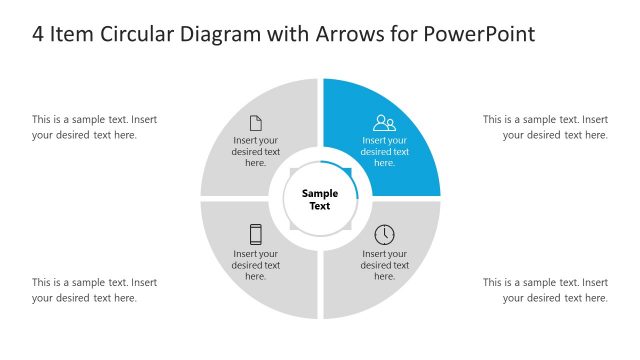
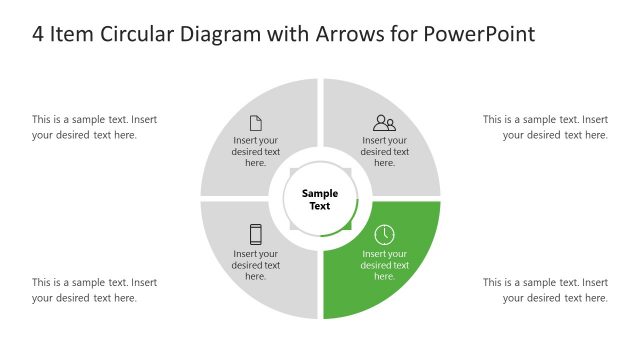
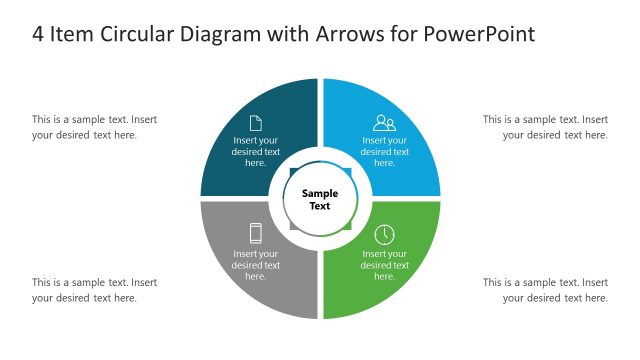
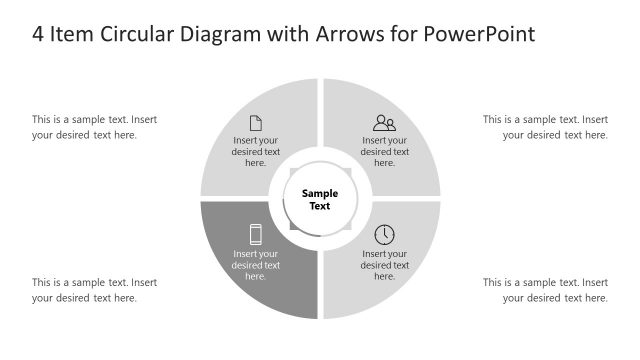
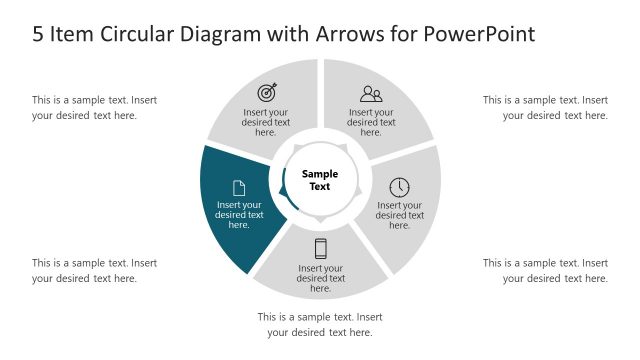
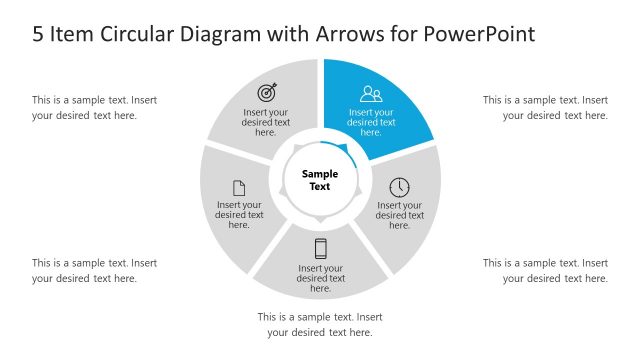
The layout features a circular diagram divided into four equal segments, each containing a text placeholder. The segments are arranged in a clockwise direction, with a central circular area labeled 'Sample Text.' Each segment has an icon representing different concepts, positioned in the upper left corner of each segment. Text placeholders are aligned to the right of the icons, allowing for clear labeling. The overall color scheme includes a prominent teal segment, while the remaining segments are in a light gray. The diagram is centered on the slide, with ample space around it.
How to Use It
This layout serves as a visual representation of four interconnected concepts or stages, suitable for illustrating processes or frameworks. It fits well in a presentation sequence following a problem statement or introduction, helping to clarify solutions or steps. Ideal scenarios include project management presentations, strategic planning discussions, or educational contexts where concepts need to be broken down into digestible parts. It can also be used for marketing strategies or product features.
Text Placeholders & Capacity
Keep your copy within these limits so it fits without resizing. Node body slots can hold about 5-6 words each, while node labels can hold 3-4 words.
| Placeholder | Count | Max characters (approx.) |
|---|---|---|
| Item body | 4 | 30 |
| Item heading | 4 | 20 |
| Chart title | 1 | 30 |
Slide Keywords
Download unlimited PowerPoint templates, charts and graphics for your presentations with our annual plan.
DOWNLOADReturn to 4 Item Circular Diagram with Arrows for PowerPoint.