Slide 2 of 5 from 4 Item Circular Diagram with Arrows for PowerPoint
4 Items Step 1 Arrow Circular PowerPoint
4 Item Circular Diagram with Arrows for PowerPoint
- Diagram
- Circular Cycle
- Process Slide
- 16:9
- 100% Editable
What’s on This Slide
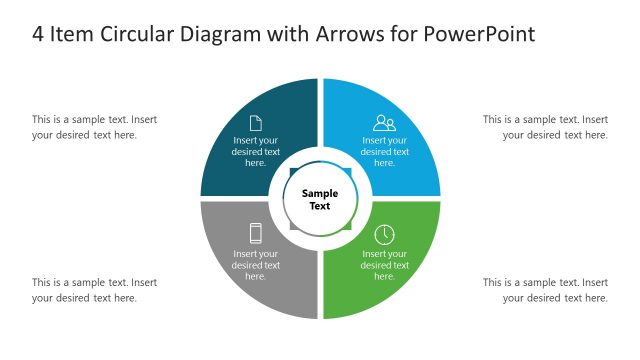
The layout features a circular diagram divided into four equal segments, each containing a text placeholder. The segments are arranged around a central circular node labeled 'Sample Text.' Each segment has an icon positioned above the text placeholder, which is aligned centrally within each segment. The color scheme includes a prominent blue segment, while the others are in shades of gray. Arrows connect the segments, indicating a flow. The overall composition is balanced, with a clear visual hierarchy emphasizing the central node.
How to Use It
This layout serves as a circular process diagram, ideal for illustrating four stages or steps in a sequence. It fits well in presentations that require a visual representation of cyclical processes, such as project phases or product features. This structure is useful in business contexts like strategy discussions, training sessions, or product overviews, where clarity in process flow is essential. It can be utilized individually or as part of a larger presentation sequence to convey interconnected ideas.
Text Placeholders & Capacity
Keep your copy within these limits so it fits without resizing. Node body slots can hold about 30 characters each.
| Placeholder | Count | Max characters (approx.) |
|---|---|---|
| Item body | 4 | 30 |
| Item heading | 4 | 20 |
| Chart title | 1 | 40 |
Slide Keywords
Download unlimited PowerPoint templates, charts and graphics for your presentations with our annual plan.
DOWNLOADReturn to 4 Item Circular Diagram with Arrows for PowerPoint.