Slide 1 of 5 from 4 Item Circular Diagram with Arrows for PowerPoint
4 Items Circular Diagram PowerPoint
4 Item Circular Diagram with Arrows for PowerPoint
- Diagram
- Circular Cycle
- Process Slide
- 16:9
- 100% Editable
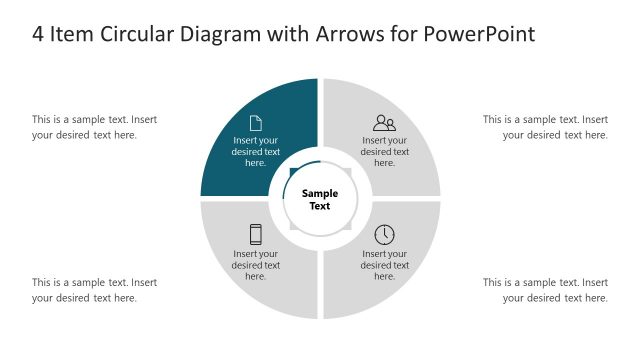
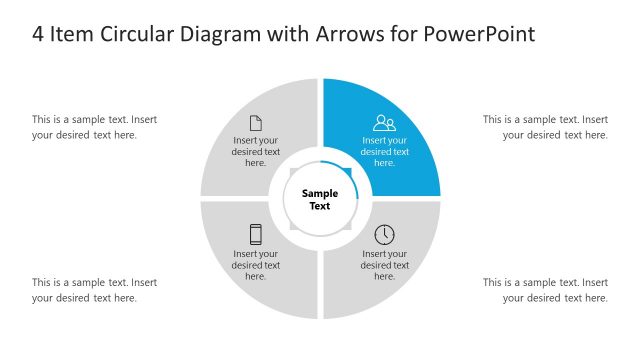
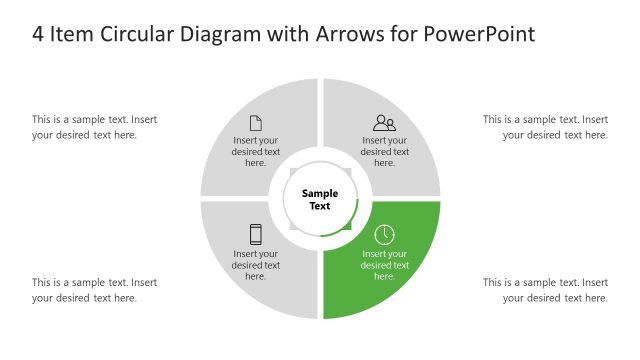
The 4 Item Circular Diagram slide from the 4 Item Circular Diagram with Arrows for PowerPoint template offers a clear visual format for illustrating processes or project phases. This slide layout uses editable shapes and vector icons arranged in a circular flow, making it suitable for business presentations and pitch deck templates that require step-by-step guides or feature overviews. Its design supports effective communication of interconnected concepts within a corporate presentation or slide deck.
What’s on This Slide
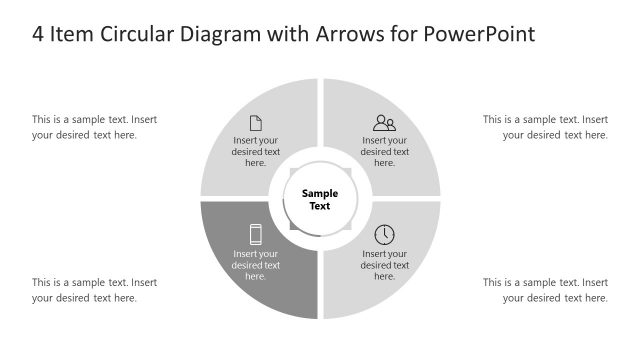
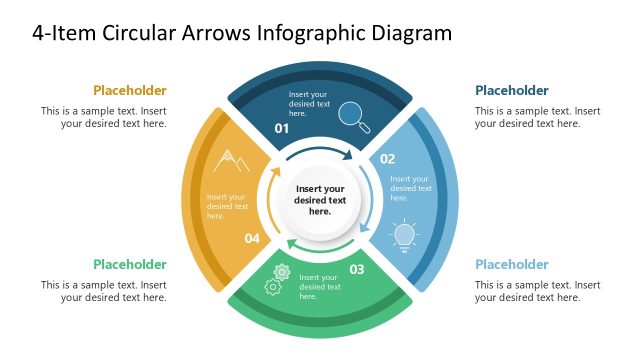
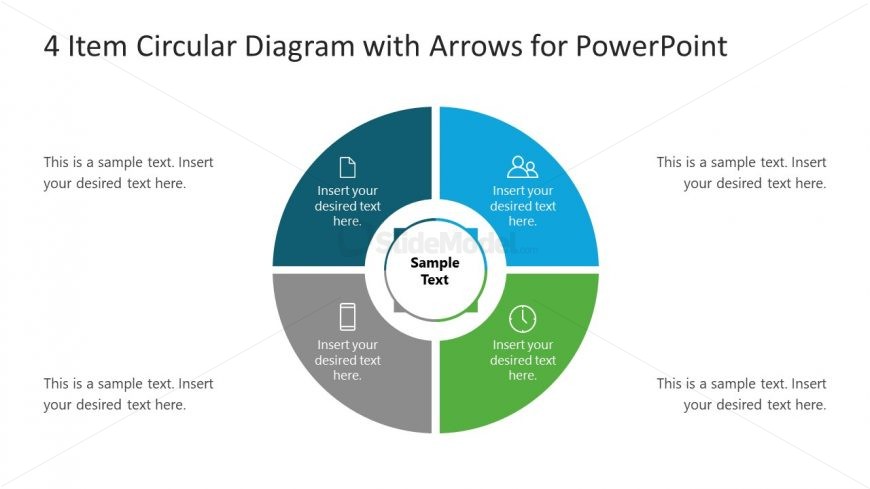
The layout features a central circular node labeled 'Sample Text' surrounded by four equally sized segments. Each segment contains an icon and a text placeholder, positioned at the top, bottom, left, and right. The segments are color-coded in blue, green, gray, and a lighter blue, creating a clear visual distinction. Arrows connect the segments to the central node, indicating a flow or relationship. Text placeholders are centrally aligned within each segment, allowing for easy insertion of content. The overall design is circular, promoting a cohesive structure.
How to Use It
This layout serves as a circular diagram to illustrate processes or concepts divided into four key components. It is suitable for presentations that require a visual representation of steps, stages, or categories. This diagram can be effectively used in business contexts such as project management, marketing strategies, or product features. It fits well after introductory content, helping to clarify complex information in a visually engaging manner. The circular format emphasizes interconnectedness among the components, making it ideal for collaborative discussions.
Text Placeholders & Capacity
Keep your copy within these limits so it fits without resizing. Node body slots can hold about 30 characters each.
| Placeholder | Count | Max characters (approx.) |
|---|---|---|
| Item body | 4 | 30 |
| Item heading | 4 | 20 |
| Slide title | 1 | 50 |
Slide Keywords
Download unlimited PowerPoint templates, charts and graphics for your presentations with our annual plan.
DOWNLOADReturn to 4 Item Circular Diagram with Arrows for PowerPoint.