Slide 5 of 5 from 4-Item Circular Diagram PowerPoint Template
4-Item Circular PPT Diagram
4-Item Circular Diagram for Presentations
- Diagram
- Circular Cycle
- Strategic Analysis Slide
- 16:9
- 100% Editable
The 4-Item Circular Diagram slide from the 4-Item Circular Diagram PowerPoint Template offers a clear visual tool for business presentations, enabling strategic analysis through four segmented editable slides. This layout supports milestone tracking, team performance reviews, and business strategy presentations by using vector icons and a clean circular design that highlights key concepts effectively within a corporate presentation or pitch deck template.
What’s on This Slide
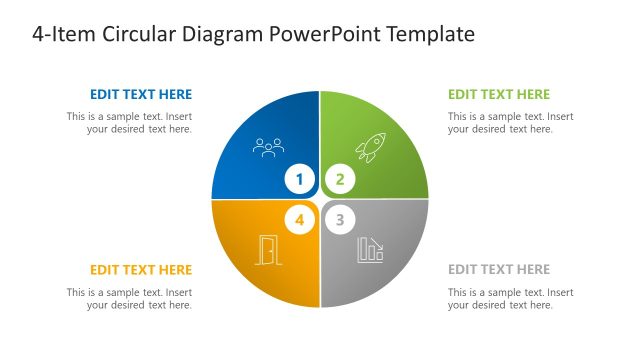
The slide features a circular diagram divided into four equal segments. Each segment contains a placeholder for an icon, a number, and a text area. The bottom left segment is highlighted in orange, indicating emphasis. The icons represent different concepts and are positioned centrally within each segment. Text placeholders are aligned to the left and right of the circular diagram, with one placeholder above the diagram for the title. The overall layout is clean, with a white background and a subtle gradient in the segments.
How to Use It
This layout serves as a circular model to present four related items or concepts. It is suitable for illustrating strengths, strategies, or milestones in a business context. This slide works well in a presentation sequence following an introduction or problem statement, providing a visual summary of key points. It can be used in strategic planning sessions, team meetings, or project updates to clearly communicate essential elements in a concise format.
Text Placeholders & Capacity
Keep your copy within these limits so it fits without resizing. Node body slots can hold roughly 10 words each.
| Placeholder | Count | Max characters (approx.) |
|---|---|---|
| Slide title | 1 | 30 |
| Item heading | 4 | 15 |
| Item body | 4 | 50 |
Slide Keywords
Download unlimited PowerPoint templates, charts and graphics for your presentations with our annual plan.
DOWNLOADReturn to 4-Item Circular Diagram PowerPoint Template.