Slide 4 of 5 from 4-Item Circular Diagram PowerPoint Template
Focus Slide – 4-Item Circular Diagram
4-Item Circular Diagram for Presentations
- Diagram
- Circular Cycle
- Strategic Analysis Slide
- 16:9
- 100% Editable
The 4-Item Circular Diagram slide from the 4-Item Circular Diagram PowerPoint Template offers a clear visual format for summarizing strengths and key concepts in business presentations. This slide layout uses editable shapes and vector icons arranged in a balanced circular design, making it suitable for strategic analysis, milestone tracking, and project overviews within corporate presentation slide decks.
What’s on This Slide
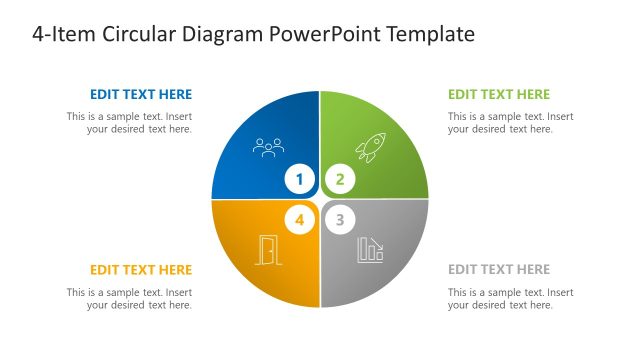
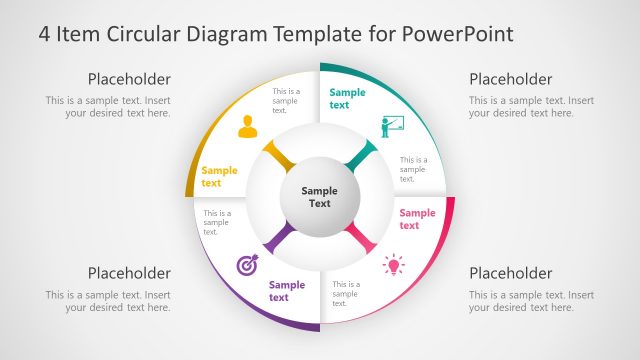
The layout features a circular diagram divided into four equal sections. Each section contains a circular node with a number and an icon, positioned centrally within the segment. The top section is labeled 'STRENGTHS' with a text placeholder below it, aligned to the left. The remaining sections include placeholders for text, aligned to the left as well. The background is a light gray gradient, enhancing the circular diagram's visibility. The overall composition is balanced, with icons representing various concepts in each segment.
How to Use It
This layout serves as a visual representation of four key points or concepts, ideal for summarizing strengths or features in a business context. It fits well after a problem slide, providing a clear transition to solutions or strategies. This structure is useful for presentations on business milestones, strategic planning, or project overviews, where concise information is necessary for audience engagement.
Text Placeholders & Capacity
Keep your copy within these limits so it fits without resizing. Node labels can hold up to 20 characters each, while body text can accommodate around 50 characters.
| Placeholder | Count | Max characters (approx.) |
|---|---|---|
| Slide title | 1 | 40 |
| Item heading | 4 | 20 |
| Item body | 4 | 50 |
Slide Keywords
Download unlimited PowerPoint templates, charts and graphics for your presentations with our annual plan.
DOWNLOADReturn to 4-Item Circular Diagram PowerPoint Template.