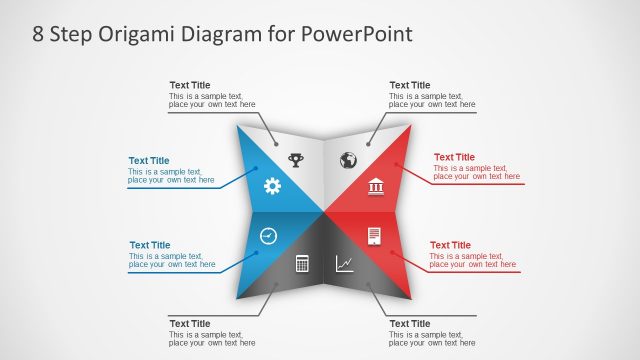
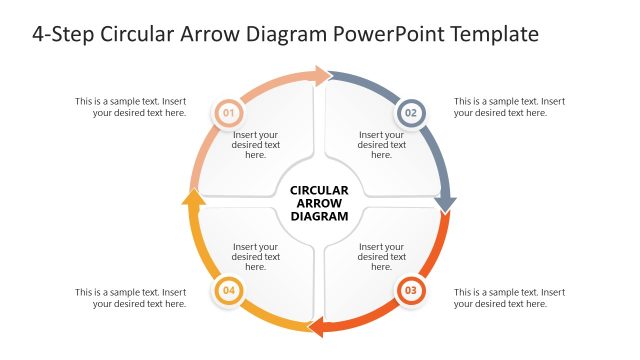
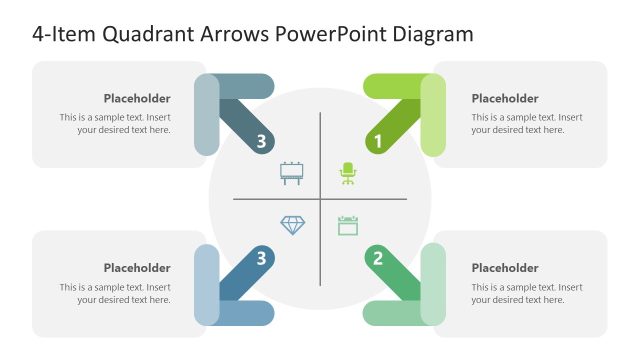
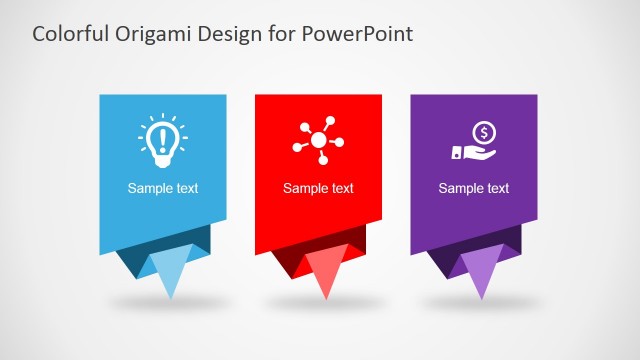
Exhibit your business ideas in an eye-catching PowerPoint presentation using the 4 Folding Segments Origami Arrow. This template exhibit an origami inspired business process diagram. This design has few and consistent objects that are directly associated with the presentation’s topic. The simplicity of this template helps the audience to focus more on the thoughts and messages conveyed in the presentation. The design’s idea is an origami arrow folded in four parts. It essentially creates four small arrows that form one big arrow. Fundamentally, the illustration consists of four steps linked together, forming a single process. In this design, the arrow objects can be enlarged or presented in a smaller version to allow some space for a textbox in each slide. In addition, the texts in both the arrows and textbox use reverse colors for a clearer view from the audience. Also, these arrows can be presented together or highlighted individually through a color pattern design. This template is great on its own or paired with other shapes in our PowerPoint Diagram gallery.
The art of origami originated in Japan. It’s a systematic folding of papers at certain angles to form a shape of animals, plants and other things. This folding system doesn’t require scissors or bonding agents yet it creates three-dimensional objects through specific folds done in a piece of paper. Origami follows a strict way of folding papers in order to create a specific shape or form. If the folding methods are not followed precisely, the resulting shape will not look like the desired form or will not have its desired features. This art of paper folding is also applied in table settings during special occasions. It is often seen in table napkins and covers. The principle of origami is also applied to many business processes that are required to be followed religiously. Otherwise, the process will not produce the desired end result.
Impress your audience with Professional PowerPoint Templates that appeal to global audiences.
What’s inside this template
Example presentation scenarios
- A project manager can present an implementation plan by using the horizontal four-segment origami arrow to show how each phase contributes to the final direction.
- A consultant can compare four strategic options by assigning each option to a colored arrow segment and using the callouts to state the recommendation logic.
- An operations leader can explain a workflow by starting with the overview diagram and moving into the single-step focus slides for detailed process instructions.
- A sales presenter can describe a four-part service approach by using the icons, folded arrow sequence, and large text panels to keep each stage distinct.
Features
- 100% editable presentation template
- Compatible with Microsoft PowerPoint and Google Slides
- 16:9 aspect ratio slides
- Scalable vector shapes, icons and illustrations
- AI-Ready for Microsoft Copilot and Claude
- Instant access and download
Frequently asked questions
Q: How should a presenter explain a four-step process with this arrow without overloading the slide?
A: Start with the full horizontal arrow on Slide 1 and give each segment a short action label, not a paragraph. Use the surrounding callouts for one key point per step. Then move to the single-step focus slides when a step needs more context, keeping the large text panel limited to the decision, owner, or outcome.
Q: Who is this origami arrow template best suited for?
A: This template fits presenters who need to make a simple sequence feel intentional: project leads, consultants, operations managers, and sales teams. It works best when there are exactly four linked parts, such as phases, options, priorities, or service steps, and when the audience should see both the whole process and each separate stage.
Q: Why does the folded arrow metaphor help communicate business processes?
A: The origami style suggests that separate folds create one final shape, which is useful for explaining dependency and order. The arrow direction gives the process a clear endpoint, while the color changes make each segment easy to remember. The focus slides reinforce the same structure without forcing every detail into the overview.


4 Folding Segments Origami Arrow
6-slide diagram presentation template with four-step origami arrow process and option callouts.
This 6-slide diagram presentation template presents a four-part origami arrow process with option callouts, a vertical stacked arrow variant, and single-step focus slides with large text panels. It is built for teams explaining ordered business steps, priorities, or workflows in Microsoft PowerPoint and Google Slides.
- Category
- Diagrams
- Rating

 Loading...
- Aspect ratio
- 16:9, 4:3
- Item ID
- 6643-03
- Colors
 Microsoft PowerPoint
 Microsoft Copilot
 Claude for PowerPoint
Other formats supported
Subscribe today and get immediate
access to download our PowerPoint templates.