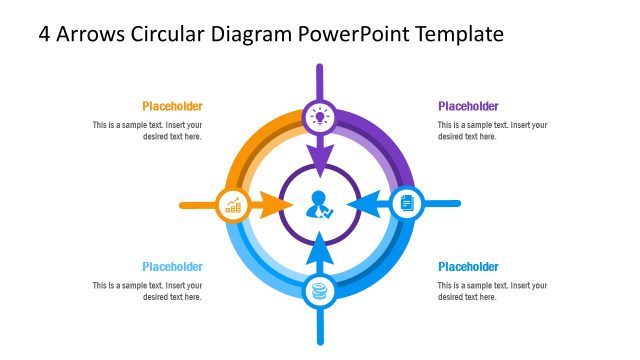
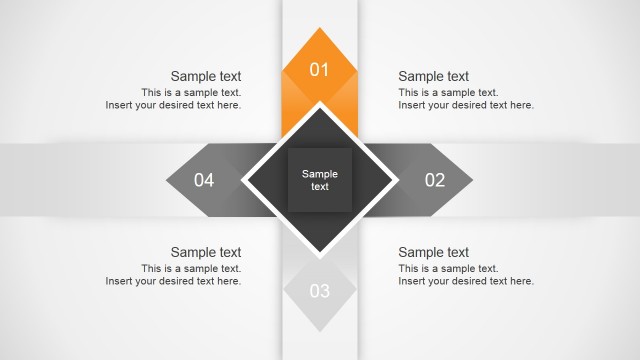
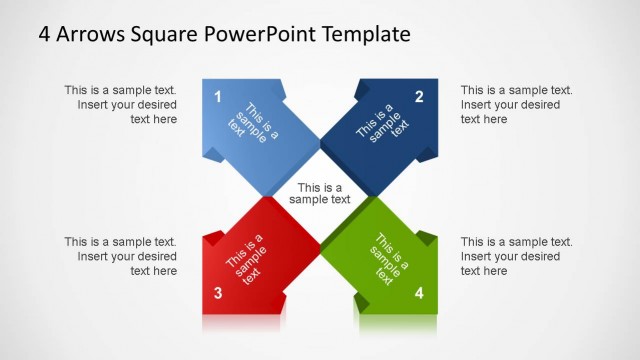
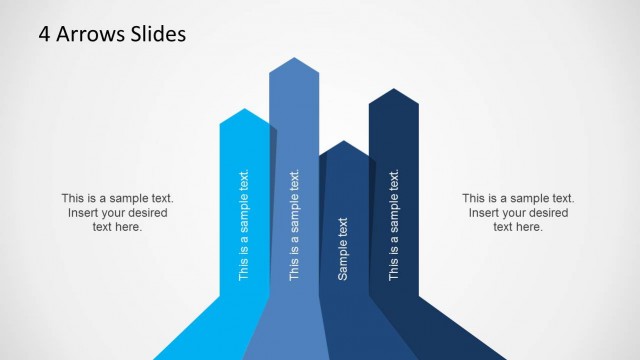
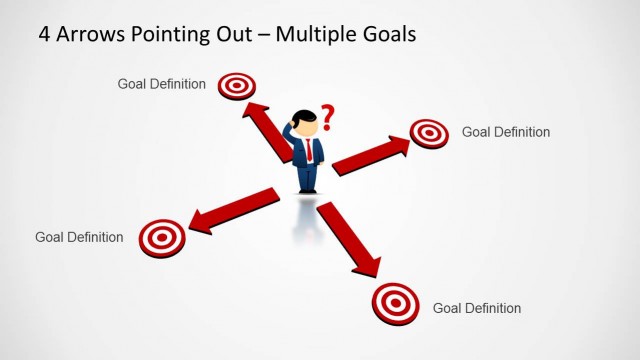
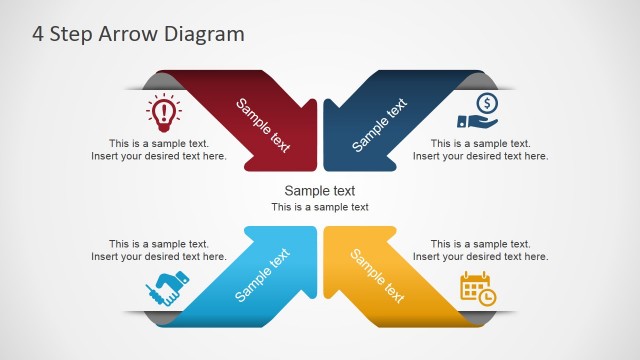
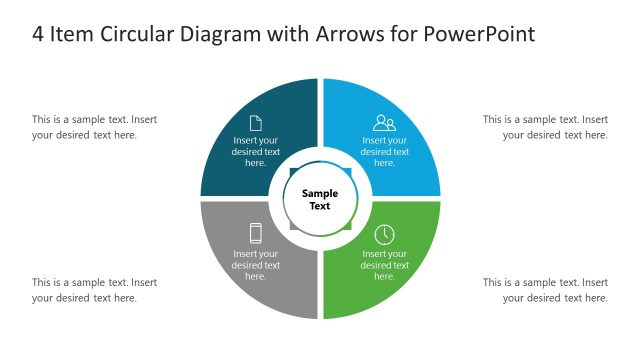
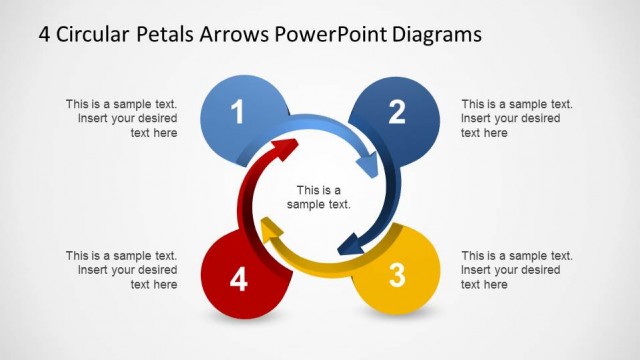
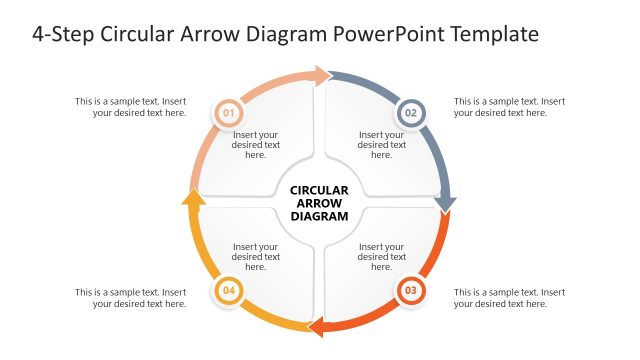
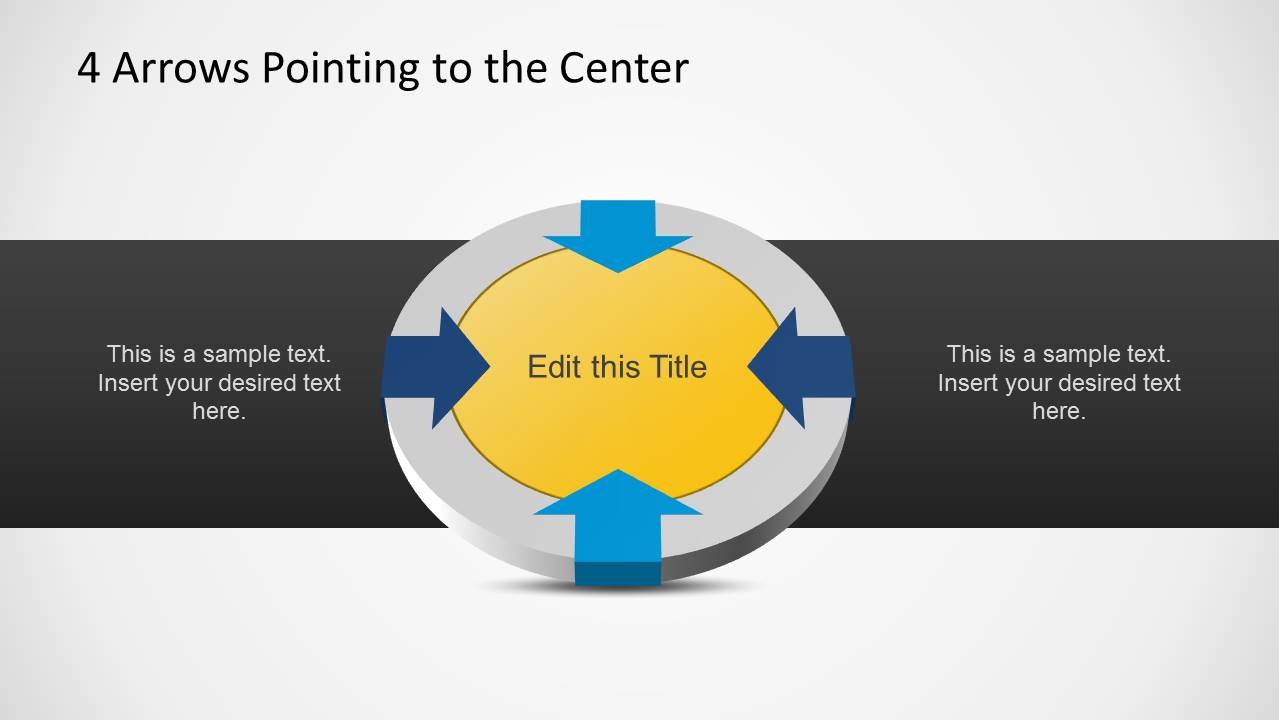
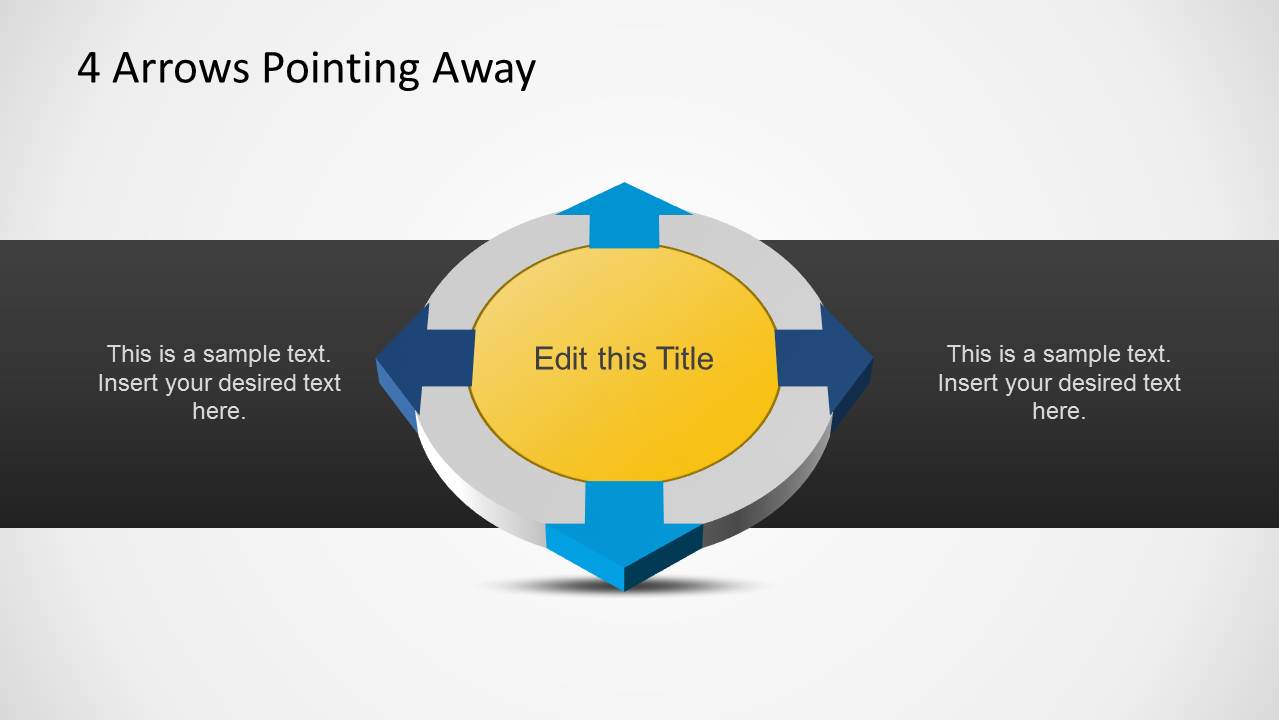
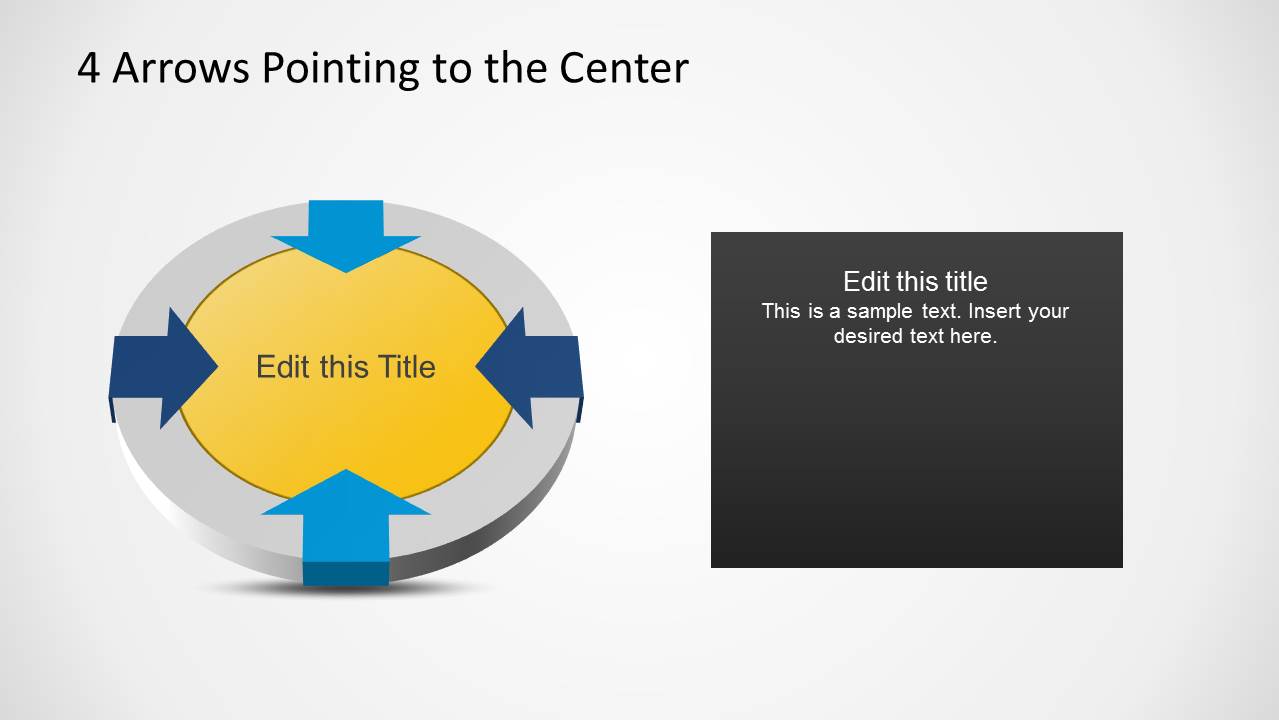
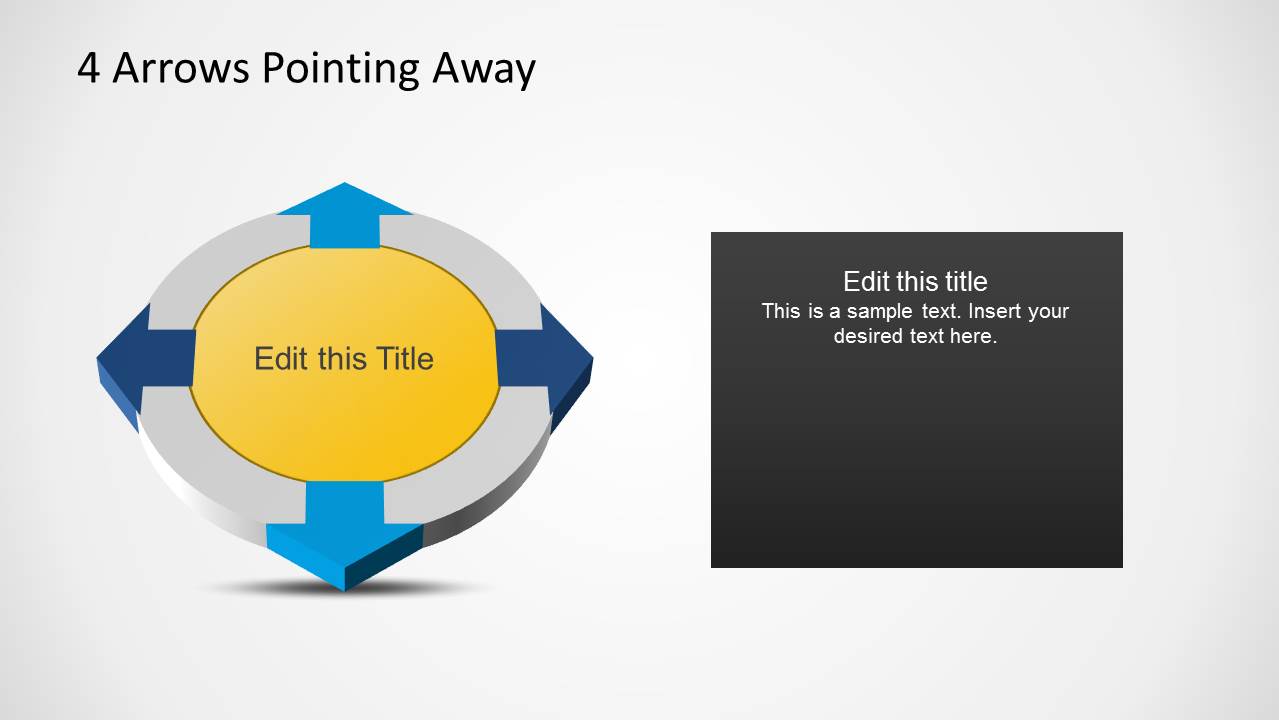
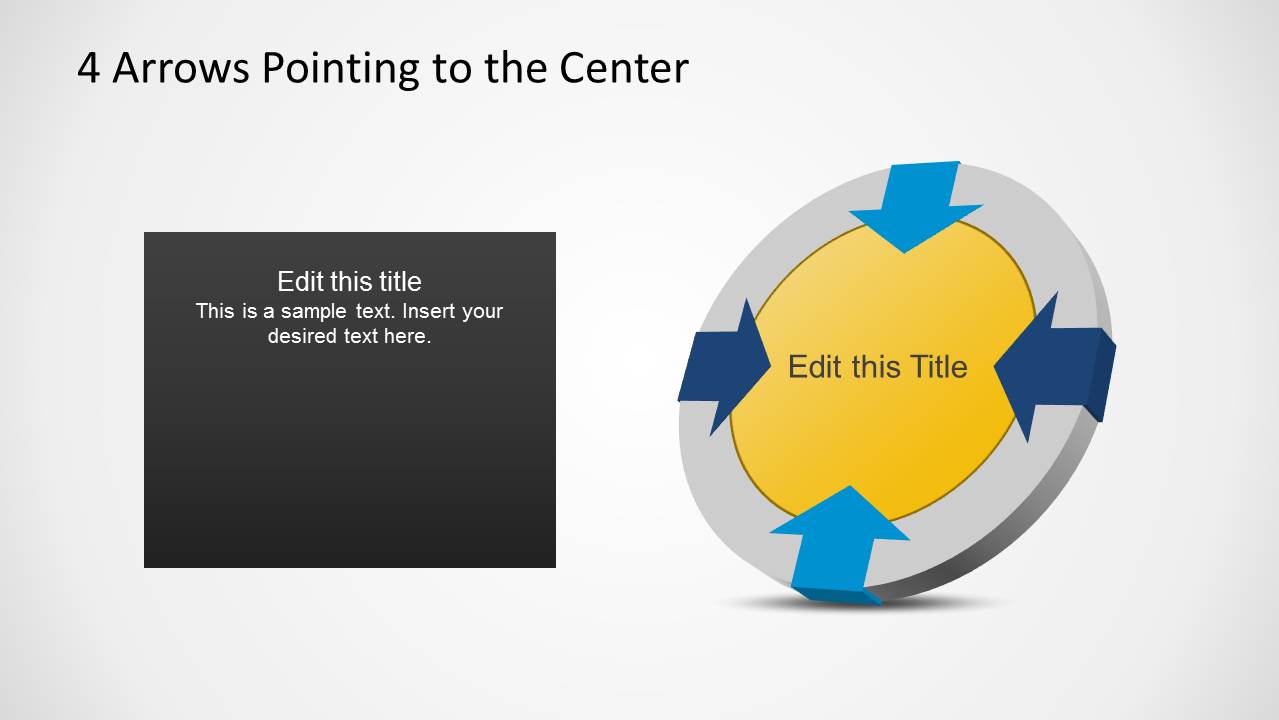
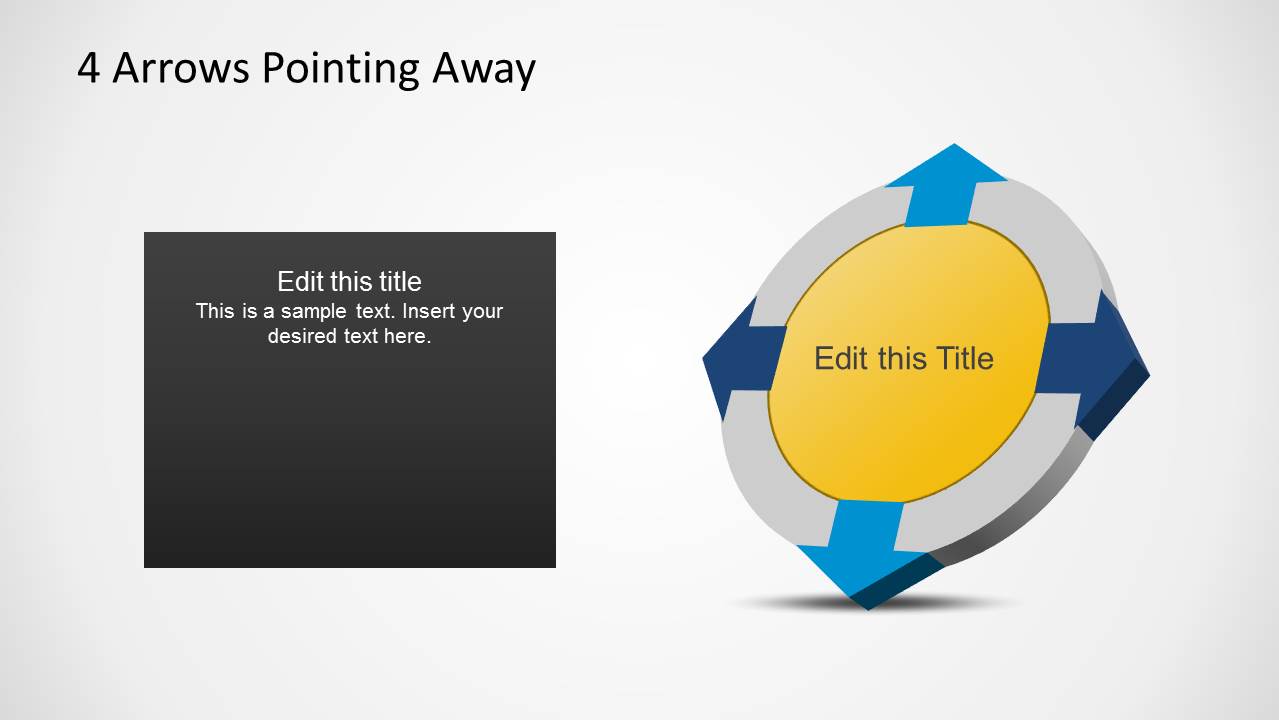
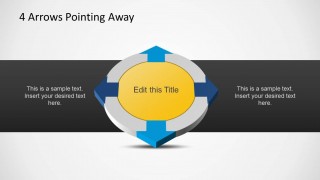
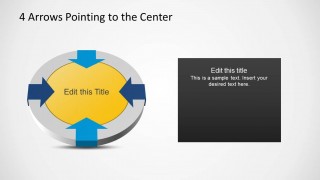
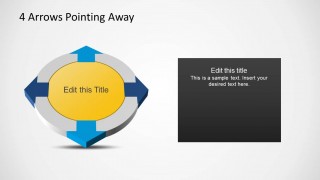
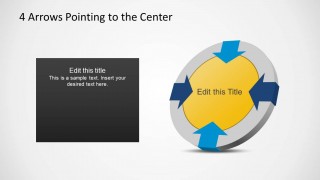
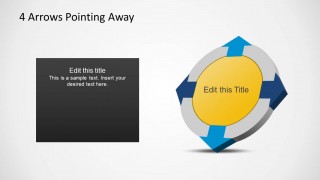
4 Arrows Diagram Template for PowerPoint is a PowerPoint Template containing several circular diagrams with four arrows pointing to the center and pointing away.
This template can be useful for presenting four different aspects of a presentation topic, with the help of an editable 3D circular diagram.
Each editable slide shows the circular diagram in different directions, which makes it possible to create various layouts with a similar diagram, without making the slides monotonous.
What’s inside this template
Example presentation scenarios
- A strategy consultant can use the inward arrow diagram to show four market pressures converging on one business decision.
- An operations manager can use the outward arrow diagram to explain four workstreams that start from a central initiative.
- A project lead can use the text-panel variation to summarize four responsibilities while keeping the main action or goal in the center of the arrow graphic.
- A marketing presenter can use the left-text, right-diagram slides to connect four campaign channels to one message or show four outbound campaign actions.
Features
- 100% editable presentation template
- Compatible with Microsoft PowerPoint and Google Slides
- Scalable vector shapes, icons and illustrations
- AI-Ready for Microsoft Copilot and Claude
- Instant access and download
Frequently asked questions
Q: How should a presenter explain the inward and outward arrow versions effectively?
A: Use the inward arrows when four factors are feeding one decision, outcome, problem, or objective. Use the outward arrows when one strategy, product, policy, or idea creates four actions or effects. Keep the center label short and let the surrounding captions carry the explanation so the direction of movement stays clear.
Q: Who is this diagram template best suited for?
A: This template works best for managers, consultants, trainers, and project leads who need to explain a four-part model without showing numeric data. It fits planning discussions, stakeholder updates, process explanations, and strategy summaries where the presenter wants the audience to see balance, direction, and relationship around a central topic.
Q: Why use a circular 4-arrow metaphor instead of a simple bullet list?
A: The circular arrow metaphor shows that the four items are not isolated bullets. Inward arrows imply convergence, alignment, or pressure toward a central idea, while outward arrows imply distribution, deployment, or impact from a source. This helps the audience understand the logic of the relationship before reading the supporting text.
4 Arrows Diagram Template for PowerPoint
6-slide PowerPoint diagram template with 4-arrow circular cycles and center-focused process layouts
4 Arrows Diagram Template for PowerPoint is a 6-slide diagram set built around circular 4-arrow graphics. It includes inward arrow diagrams, outward arrow diagrams, central title areas, side captions, and dark text-panel layouts. Business presenters can use it to explain four inputs, outputs, forces, or responsibilities around one central idea.


 Loading...
 Microsoft PowerPoint
  Microsoft Copilot
  Claude for PowerPoint
 Other formats supported
Subscribe today and get immediate
access to download our PowerPoint templates.