Slide 2 of 9 from 3D Stacked & Multi-Layer Diagram for PowerPoint
Slide of 3D Pyramid with 7 Layers for PowerPoint
3D Stacked Layer Diagram for Presentations
- Diagram
- Layered Stack
- Process Slide
- 16:9
- 100% Editable
The 3D Stacked Layer Diagram slide from the 3D Stacked & Multi-Layer Diagram for PowerPoint template offers a clear visual method to present hierarchical data, project phases, or organizational structures. This slide layout uses editable shapes and vector icons to enhance clarity in business presentations or pitch deck templates, making it a practical choice for illustrating complex multi-layered processes in a corporate presentation or educational setting.
About This Slide
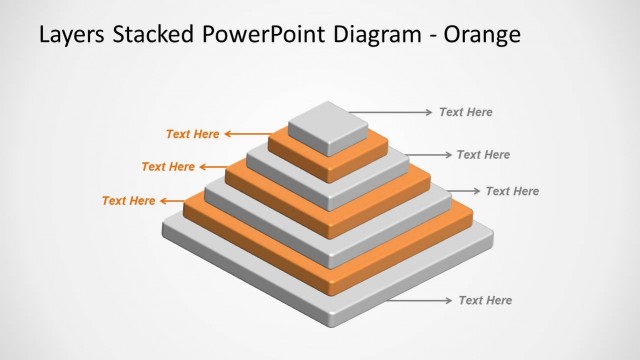
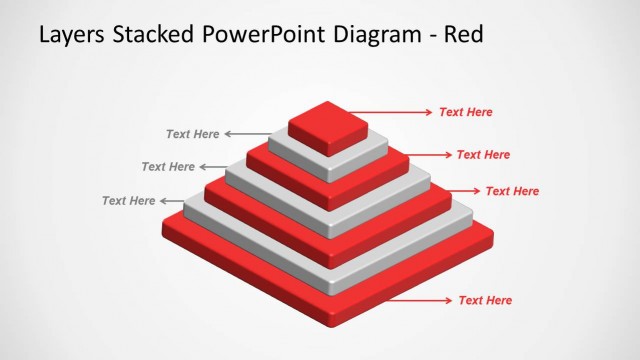
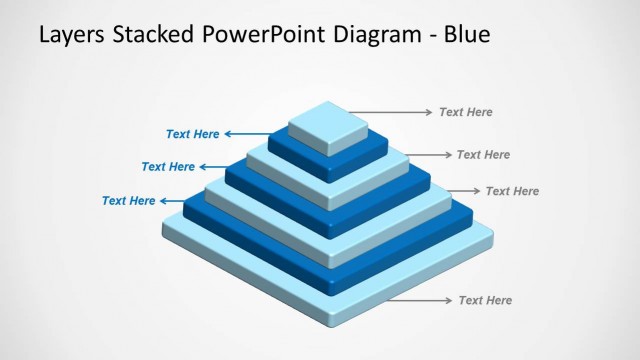
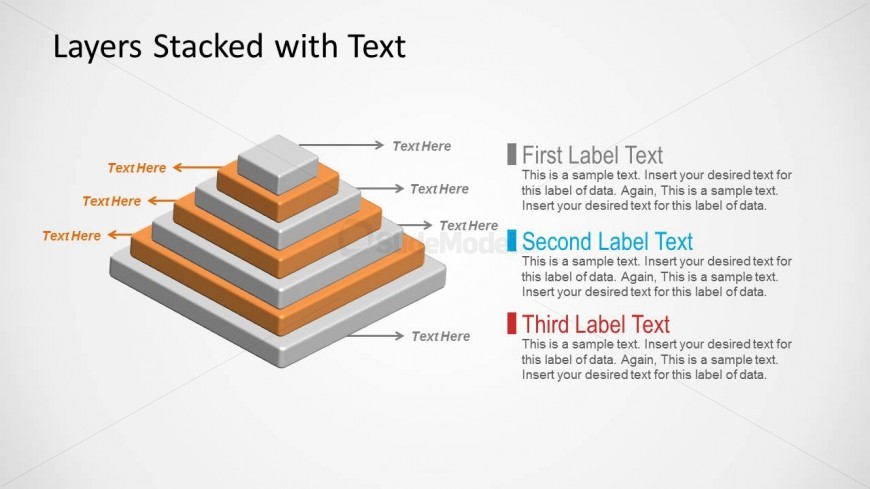
This slide design features a 3D segmented pyramid with 7 layers, resembling those made by the Mayans. This Office template may be used to present a series of steps of increasing scope.
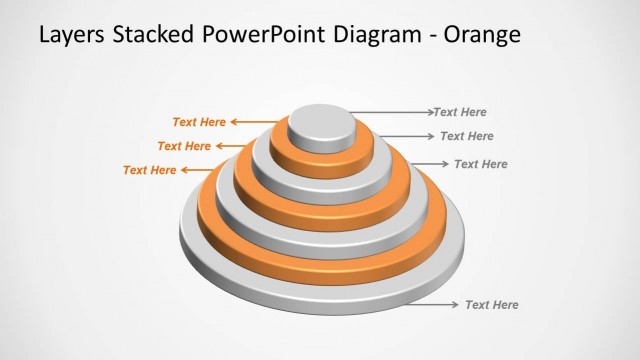
The pyramid consists of seven layers, colored in an alternating pattern with gray and yellow. From each layer, an arrow leads to a text placeholder, both of which are colored in the same manner as the layer to which they correspond. In total, there are seven text placeholders for the pyramid alone, three of which are yellow and are found to the left of the pyramid, while the rest are in gray and found to the right. There is a set of three text placeholders located beside the 3D pyramid. Each of these text placeholders have a differently-colored heading, namely, gray, blue and red. These text placeholders may be inserted with a detailed description of the presentation. The title may be inserted in the text placeholder found above the 3D pyramid. All PowerPoint objects are 100% editable to suit the presenter’s preferences and needs.
What’s on This Slide
The slide features a 3D stacked pyramid diagram centered in the layout. The pyramid consists of four layers, each with a distinct color and size, arranged from largest at the bottom to smallest at the top. Text placeholders are positioned to the left and right of each layer, aligned horizontally. Above the pyramid, there is a title placeholder centered at the top. Below the pyramid, three labeled sections contain sample text placeholders, each with a different color corresponding to the layers. The background is light, enhancing the diagram's visibility.
How to Use It
This layout serves as a multi-layer diagram, ideal for illustrating hierarchical structures or processes. It fits well in presentations discussing organizational frameworks, project phases, or product features. This slide can be used to compare different levels of information, making it suitable for business contexts where layered data representation is needed. It is particularly useful in strategy sessions or educational materials to clarify complex concepts.
Text Placeholders & Capacity
Keep your copy within these limits so it fits without resizing. Node body slots can hold about 15-20 words each.
| Placeholder | Count | Max characters (approx.) |
|---|---|---|
| Slide title | 1 | 30 |
| Item heading | 4 | 20 |
| Item body | 4 | 100 |
Slide Keywords
Download unlimited PowerPoint templates, charts and graphics for your presentations with our annual plan.
DOWNLOAD