Slide 4 of 9 from 3D Stacked & Multi-Layer Diagram for PowerPoint
1164-layers-stacked-wide-4
3D Stacked PowerPoint Diagram - Red
- Diagram
- Layered Stack
- Process Slide
- 16:9
- 100% Editable
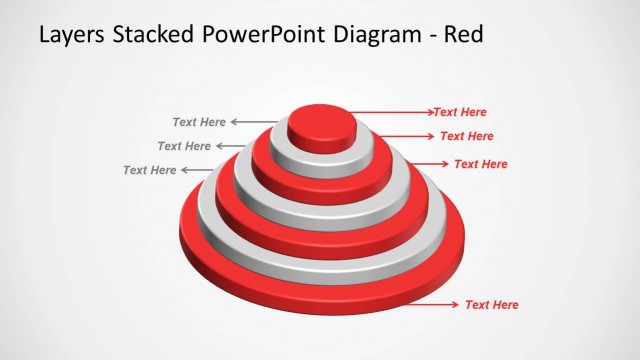
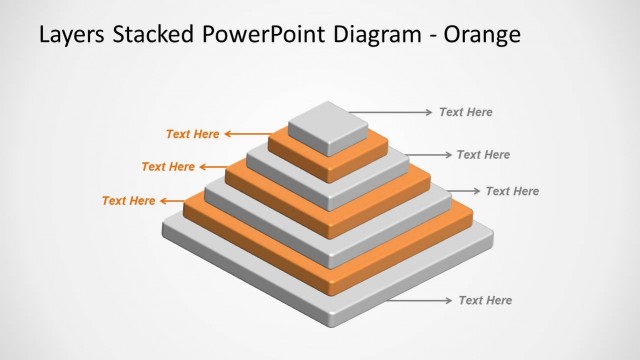
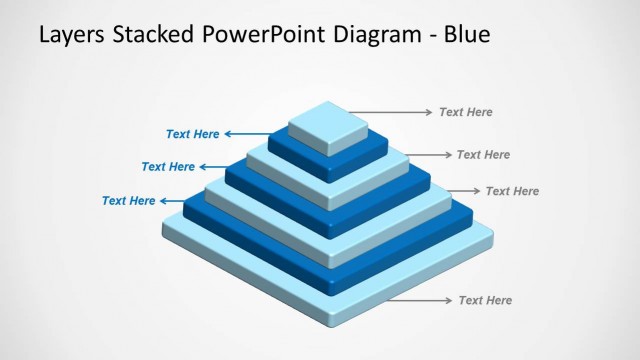
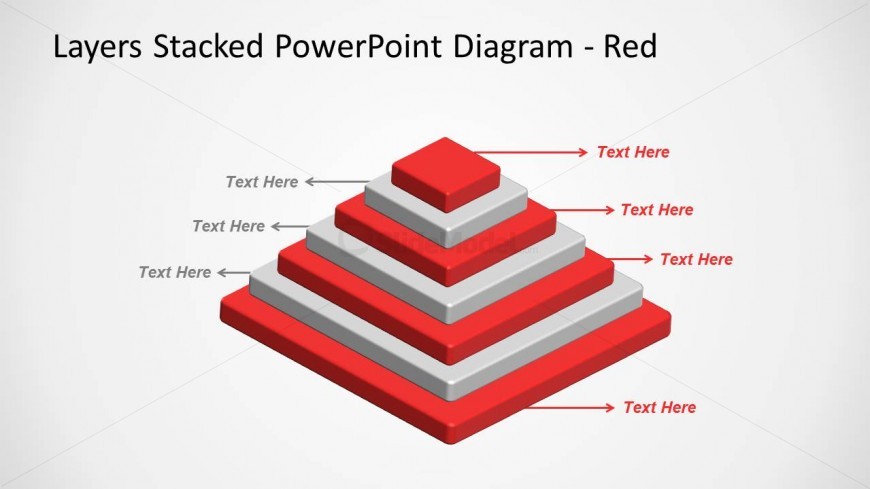
The Layers Stacked Diagram slide from the 3D Stacked & Multi-Layer Diagram for PowerPoint template provides a clear visual hierarchy using a four-layer pyramid design. This slide layout is suitable for business presentations that require illustrating hierarchical processes or project phases. It supports editable shapes and text placeholders, making it adaptable for corporate presentations or pitch deck templates that need structured process visualization.
What’s on This Slide
The slide features a three-dimensional stacked diagram composed of four layers, arranged in a pyramid shape. The layers are colored in red and gray, with the topmost layer being the smallest and the bottommost the largest. Each layer has a corresponding text placeholder positioned to the left and right, indicating where text can be added. The diagram is centered on a light background, enhancing its visibility. The visual hierarchy is clear, with the largest base layer supporting the smaller layers above it, creating a structured appearance.
How to Use It
This layout serves as a multi-layered diagram, ideal for illustrating hierarchical concepts or processes. It fits well in presentations discussing topics like project phases, organizational structures, or product features. This slide can be used to depict a progression or relationship among different components. In a presentation sequence, it can follow introductory content and precede detailed analysis, making it suitable for business contexts such as strategy discussions or performance reviews.
Text Placeholders & Capacity
Keep your copy within these limits so it fits without resizing. Node labels can hold about 10 characters each, while the title can accommodate around 30 characters.
| Placeholder | Count | Max characters (approx.) |
|---|---|---|
| Item heading | 4 | 10 |
| Slide title | 1 | 30 |
Slide Keywords
Download unlimited PowerPoint templates, charts and graphics for your presentations with our annual plan.
DOWNLOAD