Slide 1 of 9 from 3D Stacked & Multi-Layer Diagram for PowerPoint
1164-layers-stacked-wide-1
3D Stacked Diagram for PowerPoint - Orange
- Diagram
- Layered Stack
- Process Slide
- 16:9
- 100% Editable
The Layers Stacked Diagram slide from the 3D Stacked & Multi-Layer Diagram for PowerPoint template offers a clear visual tool for illustrating hierarchical structures and project phases. This slide layout uses editable shapes and vector icons to enhance business presentations, making it suitable for corporate slide decks and pitch deck templates that require a structured depiction of layered concepts.
What’s on This Slide
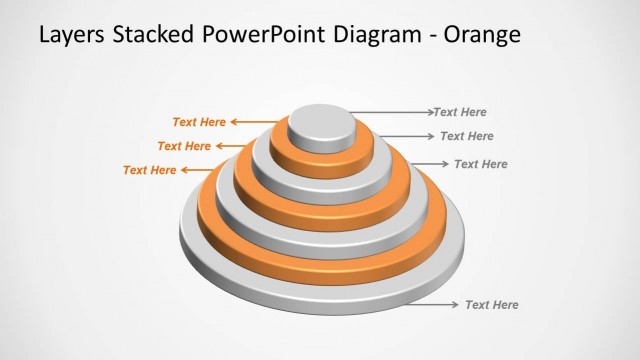
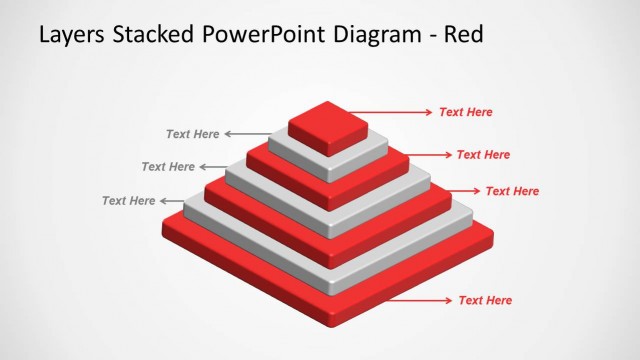
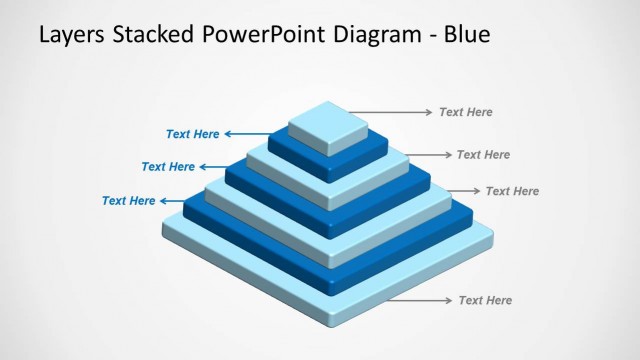
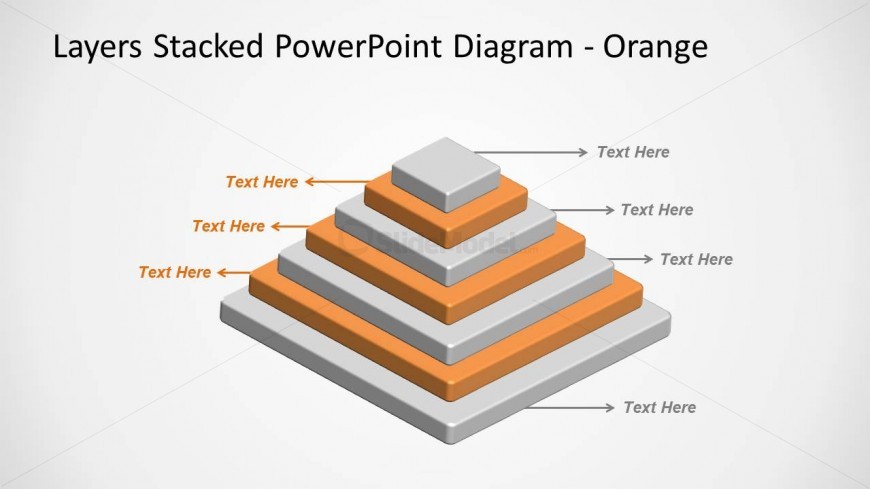
The slide features a 3D stacked diagram composed of four layers, arranged in a pyramid structure. Each layer is a different shade of gray and orange, with the top layer being the smallest and the bottom layer the largest. Text placeholders are positioned to the left and right of each layer, indicating where content can be added. The background is light, enhancing the visibility of the diagram. The visual hierarchy is clear, with the largest layer at the bottom and the smallest at the top, creating a sense of depth.
How to Use It
This layout serves as a multi-layered diagram, ideal for illustrating hierarchical relationships or processes. It fits well in presentations discussing strategies, project phases, or layered concepts. This structure is useful in business scenarios where a clear visual representation of layers or stages is needed, such as in project management or product development discussions. It can also be adapted for educational purposes to explain concepts that build upon each other.
Text Placeholders & Capacity
Keep your copy within these limits so it fits without resizing. Node labels can hold short phrases, roughly 2-3 words each.
| Placeholder | Count | Max characters (approx.) |
|---|---|---|
| Item heading | 4 | 10 |
| Slide title | 1 | 40 |
Slide Keywords
Download unlimited PowerPoint templates, charts and graphics for your presentations with our annual plan.
DOWNLOAD