Slide 6 of 6 from 3D Loop Diagrams for PowerPoint
3D Infinite Loop PowerPoint Diagram
3D Loop Diagram for Presentations
- Diagram
- Circular Cycle
- Process Slide
- 16:9
- 100% Editable
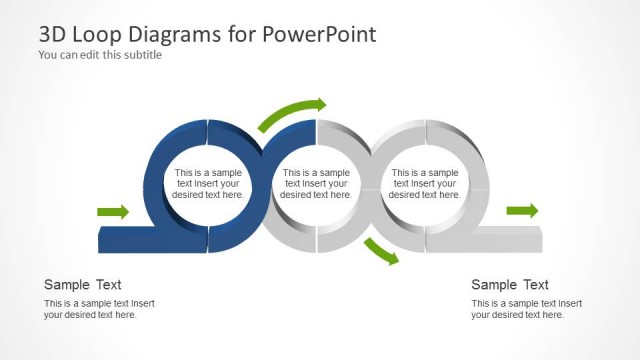
The 3D Loop Diagram slide from the 3D Loop Diagrams for PowerPoint template effectively visualizes iterative processes and feedback loops using interlocking circular shapes. This slide layout is ideal for business presentations and pitch deck templates that require clear depiction of project cycles or operational workflows. Its editable shapes and arrows enhance communication of complex cyclical relationships, making it a valuable asset in corporate presentations and slide decks.
What’s on This Slide
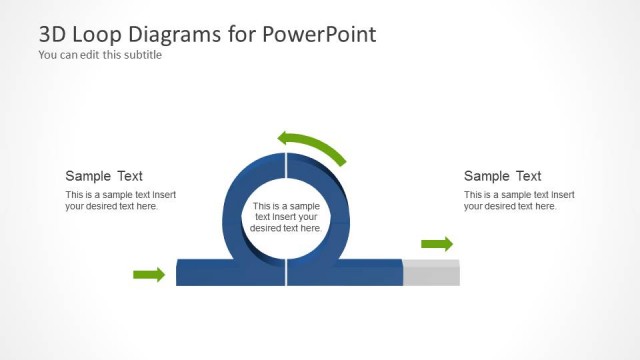
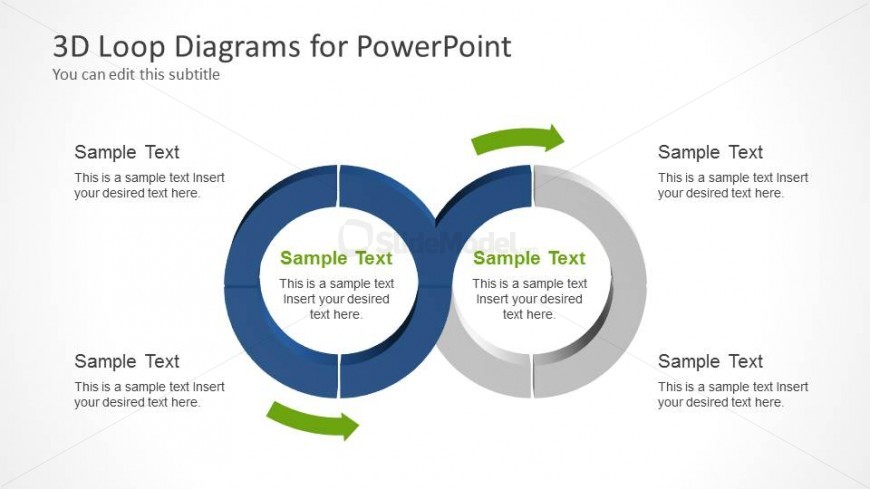
The layout features two interlocking circular shapes positioned centrally, one in blue and the other in gray. Each circle contains text placeholders, aligned to the left and right, with a central gap for additional text. Arrows indicate flow direction, enhancing the visual hierarchy. The background is light, allowing the shapes to stand out. The slide includes a title placeholder at the top, with a subtitle beneath it. Each circular shape has a sample text placeholder that can accommodate multiple lines of text, ensuring clarity and organization.
How to Use It
This layout serves as a process flow diagram, illustrating cyclical relationships or iterative processes. It fits well in presentations discussing workflows, project cycles, or feedback loops. In a business context, it can be used to depict product development stages, marketing strategies, or operational processes. The design allows for clear communication of complex ideas through visual representation, making it suitable for team meetings or strategic planning sessions.
Text Placeholders & Capacity
Keep your copy within these limits so it fits without resizing. Node body slots can hold approximately 15-20 words each.
| Placeholder | Count | Max characters (approx.) |
|---|---|---|
| Slide title | 1 | 30 |
| Subtitle | 1 | 50 |
| Item body | 4 | 100 |
Slide Keywords
Download unlimited PowerPoint templates, charts and graphics for your presentations with our annual plan.
DOWNLOADReturn to 3D Loop Diagrams for PowerPoint.